User Manual
84
3.4 Management
In the main interface, click Management tab to enter the Management menu as
shown in the following figure. The submenus are System Management,
Firmware Update, Access Controls, Diagnosis, Log Configuration and
Logout.
3.4.1 System Management
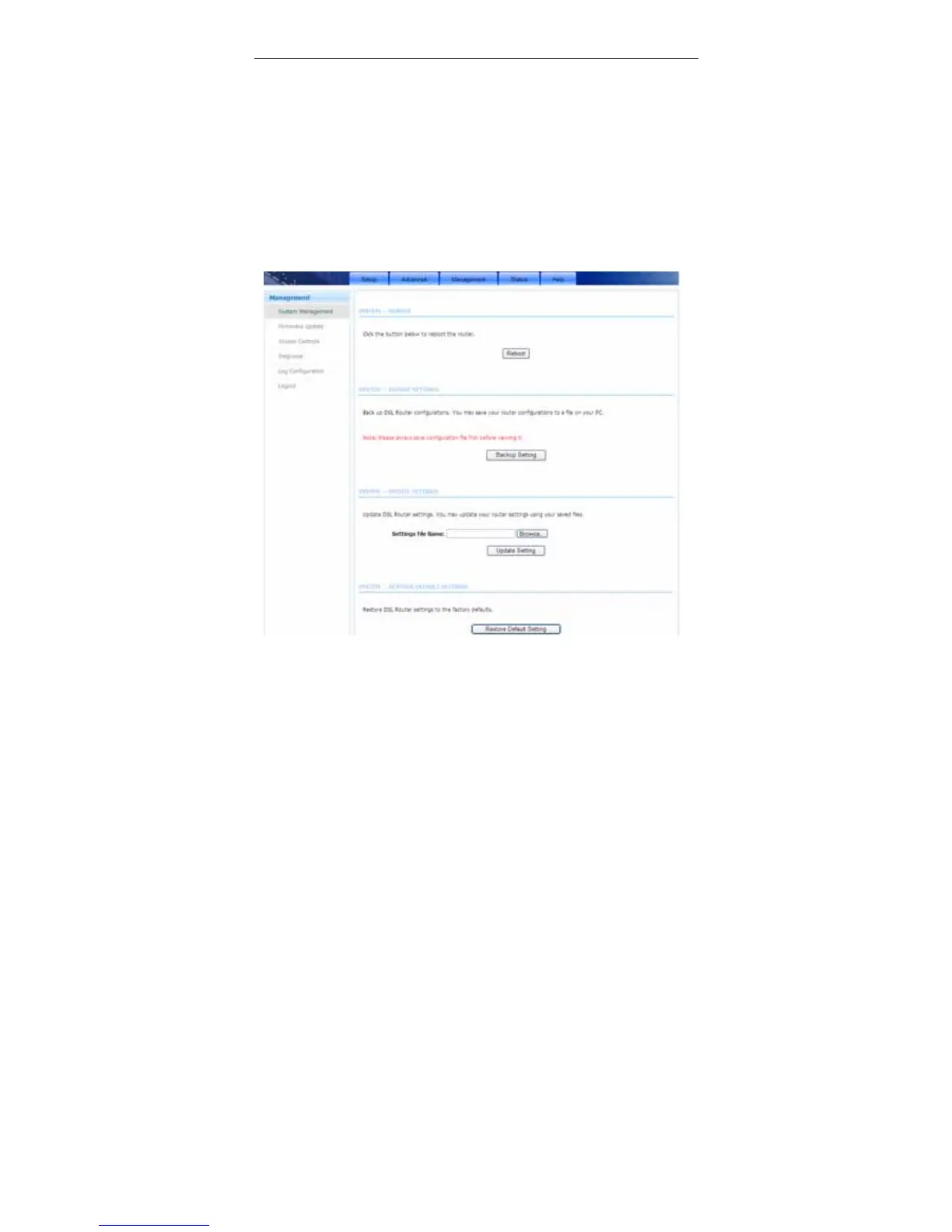
Choose Management > System Management. The page shown in the following
figure appears.
In this page, you can reboot device, back up the current settings to a file, update
settings from the file saved previously and restore the factory defaults.
The buttons in this page are described as follows.



 To Next Page