User Manual
59
Field Description
Address
Frame Direction
Choose the sending direction as WAN to LAN or
LAN to WAN.
Time schedule
Choose the filtering strategy as always or never.
Wan interface
Set an effective interface for the bridge filtering rule.
Click Apply to save the settings.
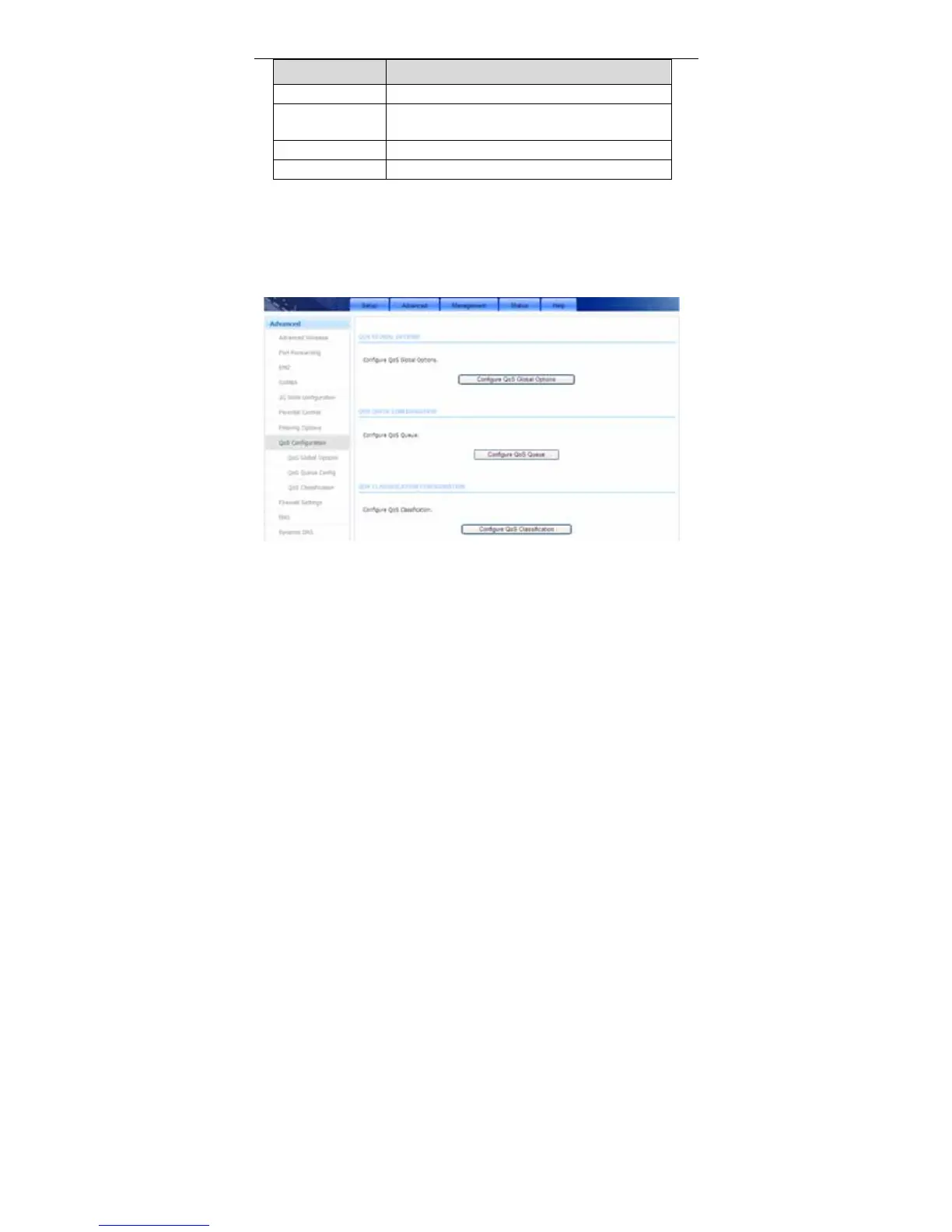
3.3.8 QoS Configuration
Choose Advanced > QoS Configuration. The QoS Configuration page shown
in the following figure appears.
3.3.8.1 QoS Global Options
In the QoS Configuration page, click QoS Global Options. The page shown in
the following figure appears.You can tick in the checkbox and then click Submit
to enable queuing operation.



 To Next Page