User Manual
86
To update the firmware, take the following steps.
Step 1 Click Browse…to find the file.
Step 2 Select Click Config.
Step 3 Click Update Firmware to copy the file.
The device loads the file and reboots automatically.
Note:
Do not turn off your device or press the Reset button while an
operation in this page is in progress.
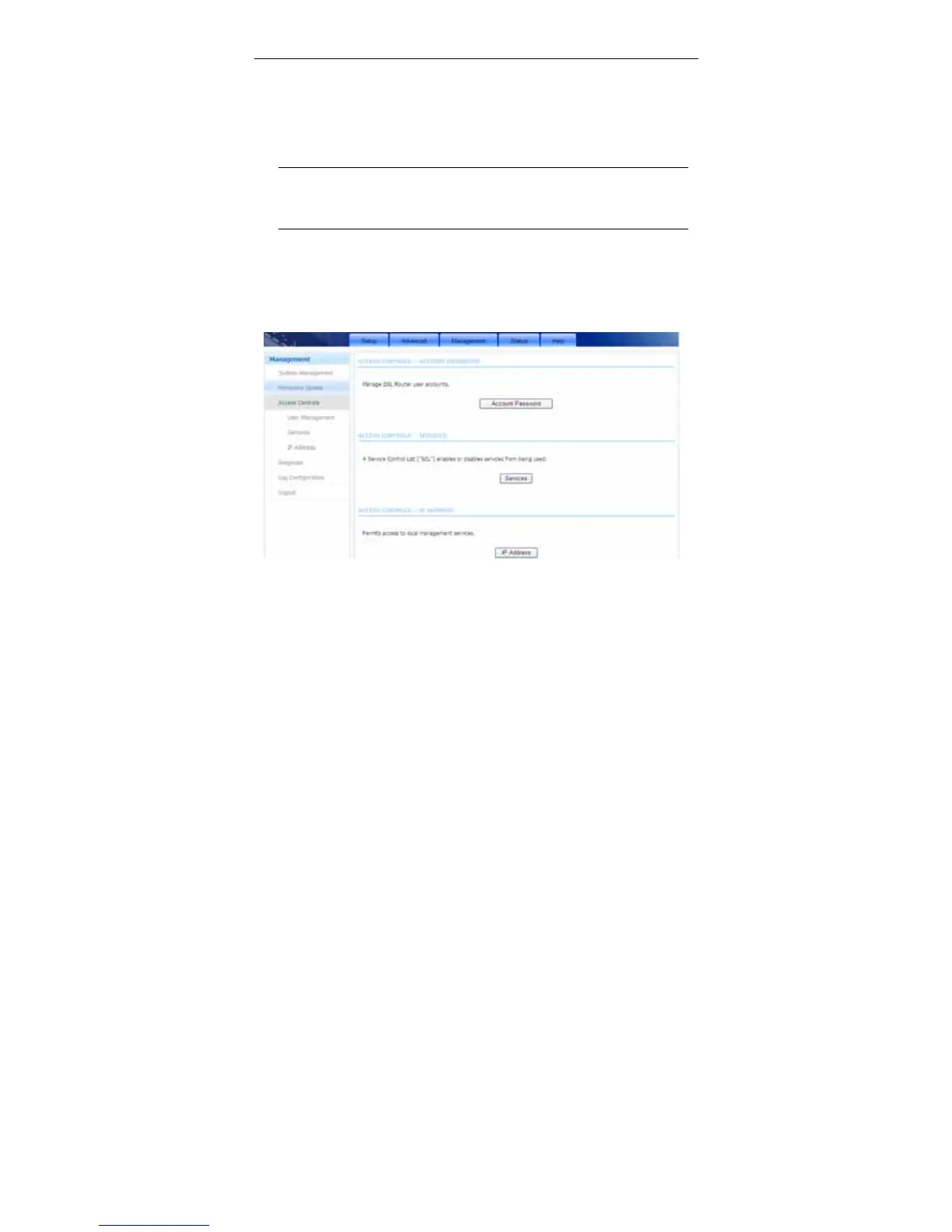
3.4.3 Access Controls
Choose Management > Access Controls. The Access Controls page shown
in the following figure appears. The page contains User Management, Services
and IP Address.
3.4.3.1 Account Password
In the Access Controls page, click Account Password. The page shown in the
following figure appears. In this page, you can change the password of the user
and set time for automatic logout.



 To Next Page