User Manual
96
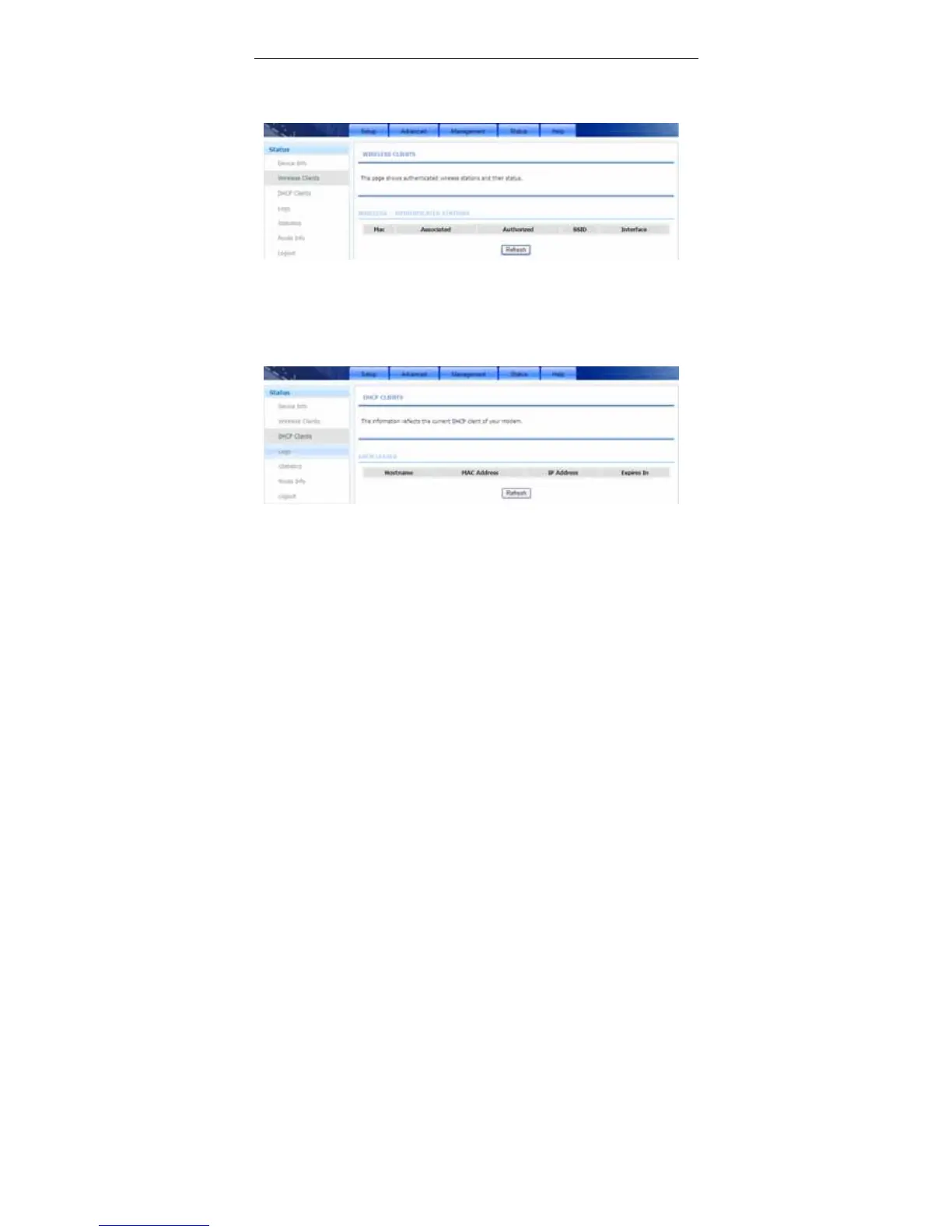
3.5.2 Wireless Clients
Choose Status > Wireless Clients. The page shown in the following figure
appears. The page displays authenticated wireless stations and their statuses.
3.5.3 DHCP Clients
Choose Status > DHCP Clients. The page shown in the following figure appears.
This page displays all client devices that obtain IP addresses from the device.
You can view the host name, IP address, MAC address and time expired(s).
3.5.4 Logs
Choose Status > Logs. The page shown in the following figure appears. This
page lists the system log. Click Refresh to refresh the system log shown in the
table.



 To Next Page