User Manual
32
3.2.5 Time and Date
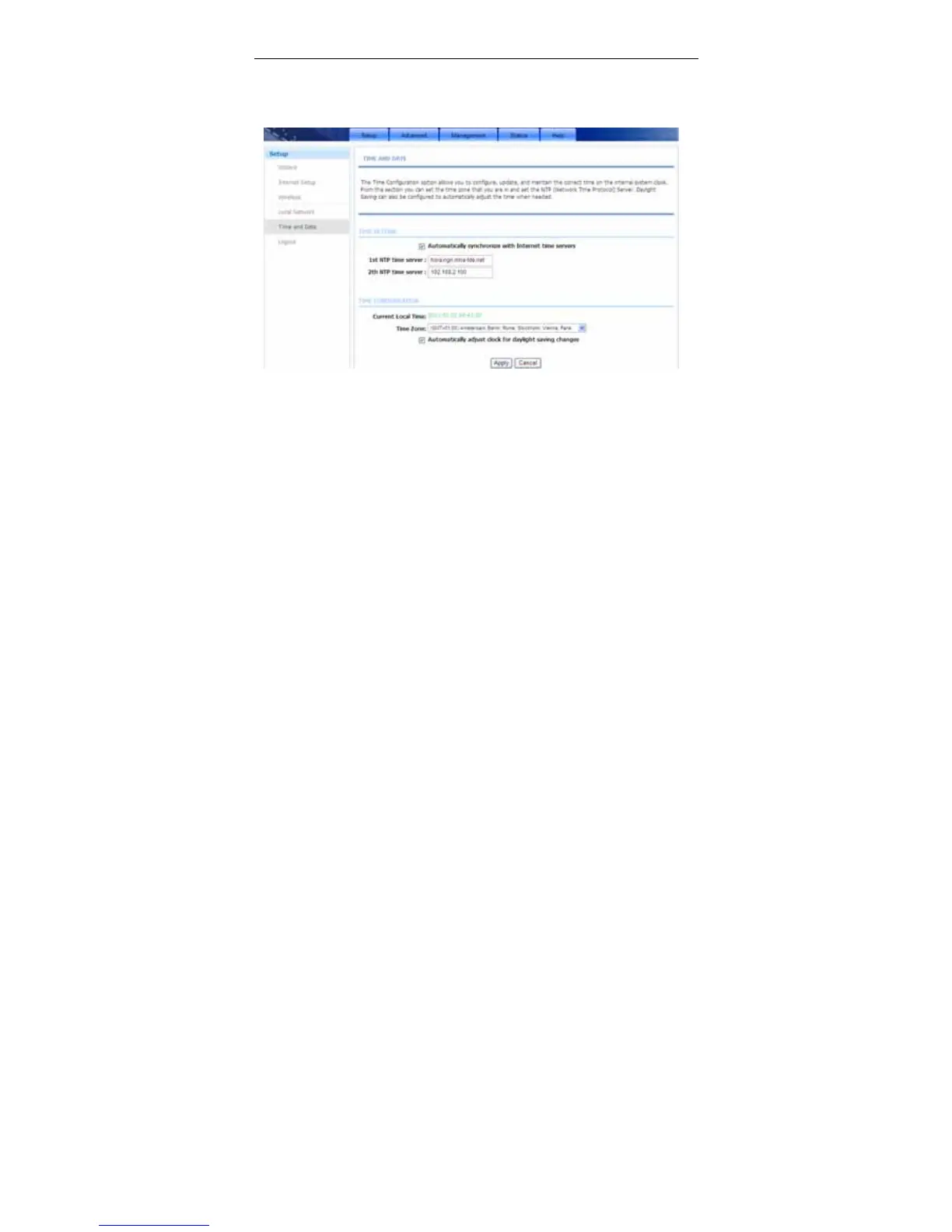
Choose Setup > Time and Date. The page shown in the following figure
appears.
In the Time and Date page, you can configure, update, and maintain the correct
time on the internal system clock. You can set the time zone that you are in and
the network time protocol (NTP) server. You can also configure daylight saving to
automatically adjust the time when needed.
Select Automatically synchronize with Internet time servers.
Select the specific time server and the time zone from the corresponding
drop-down lists.
Select Automatically adjust clock for daylight saving changes if necessary.
Set the daylight as you want.
Click Apply to save the settings.
3.2.6 Logout
Choose Setup > Logout. The page shown in the following figure appears. In this
page, you can log out of the configuration page.



 To Next Page