User Manual
8
3 Web Configuration
This chapter describes how to configure the device by using the Web-based
configuration utility.
3.1 Accessing the Device
The following is the detailed description of accesing the device for the first time.
Step 1 Open the Internet Explorer (IE) browser and enter http://192.168.1.1
.
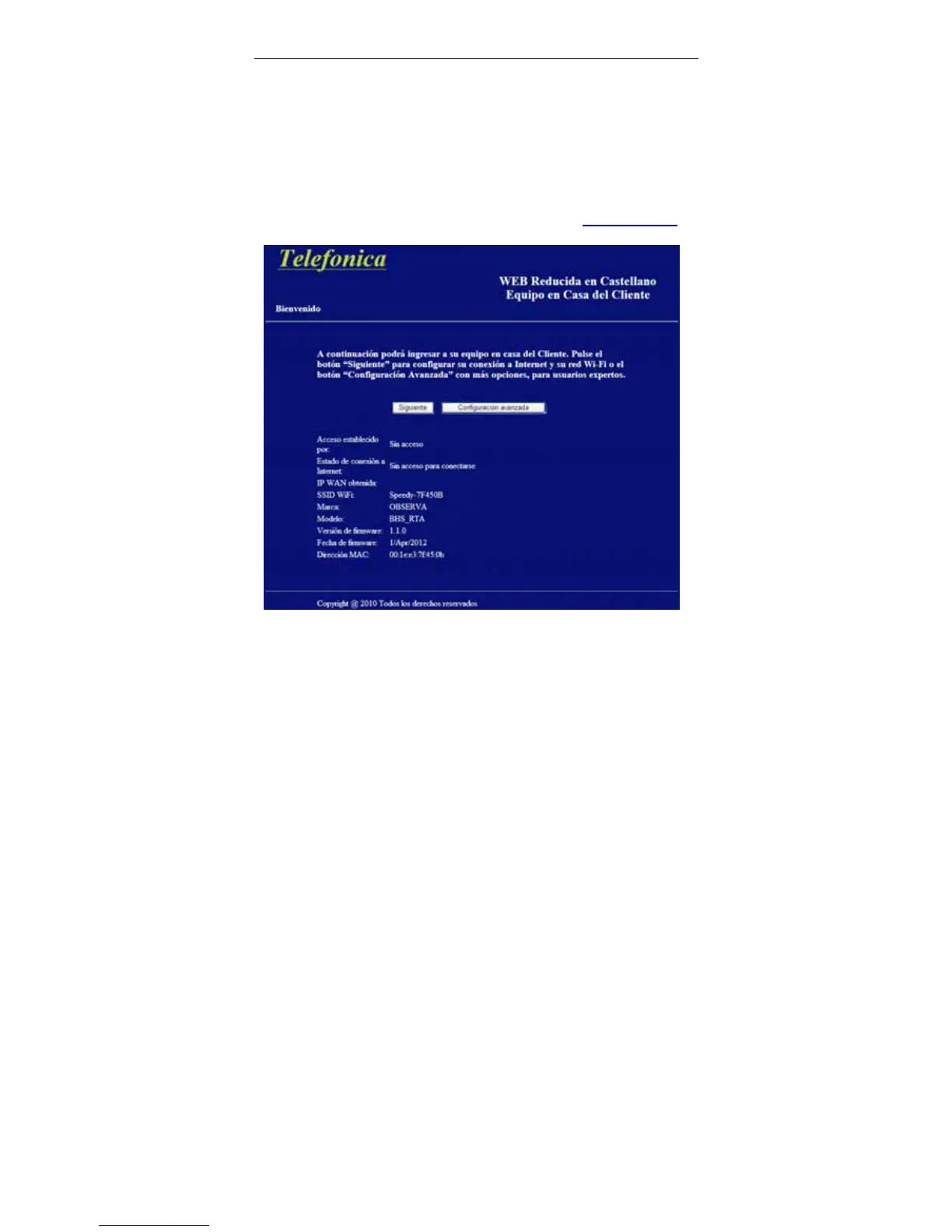
Step 2 The Welcome page shown in the following figure appears.
Step 3 Click Next to configure your user’s account and Wi-Fi network as
shown in the following Connectivity page, or click Advanced
Configuration for more options.



 To Next Page