User Manual
93
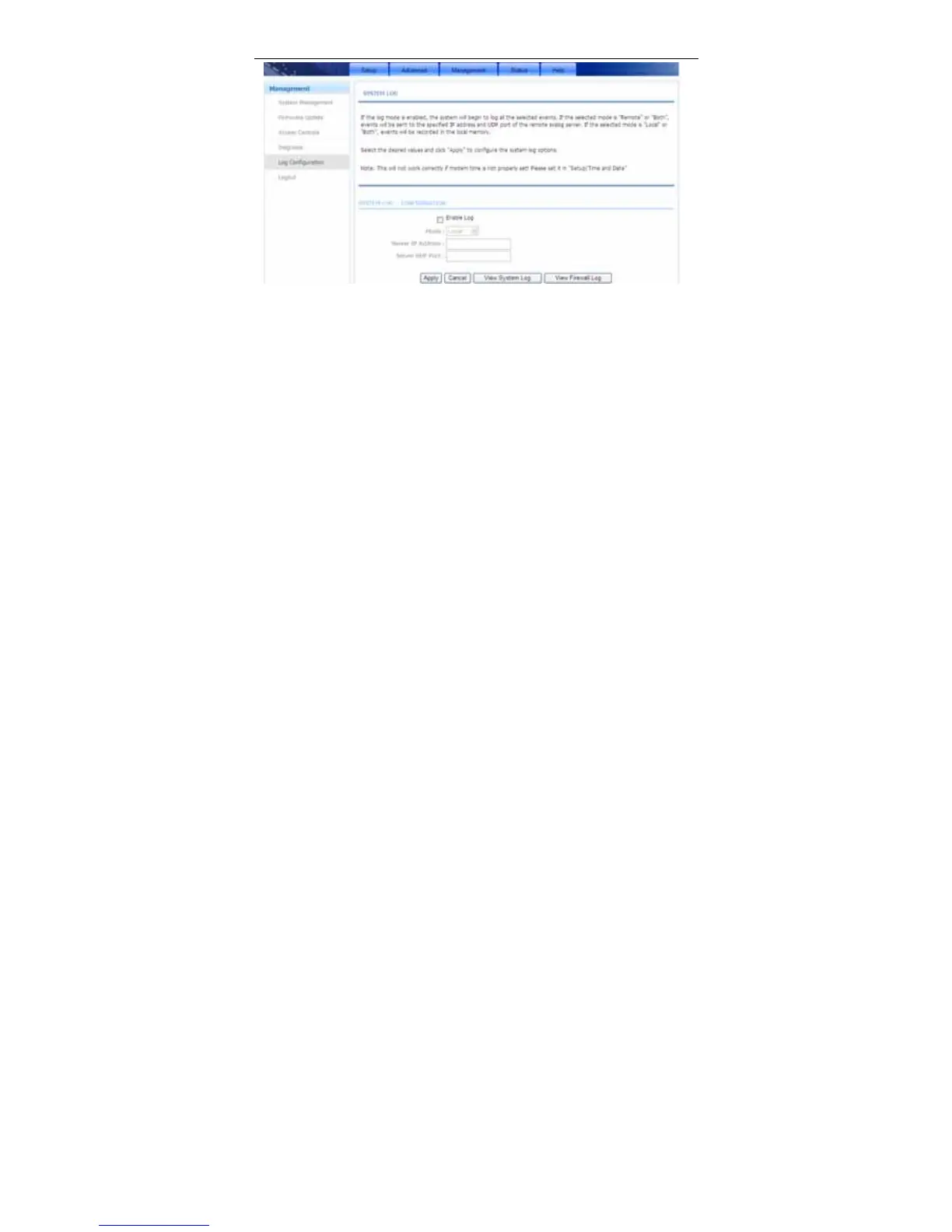
This page displays event log data in the chronological manner. You can read the
event log from the local host or send it to a system log server. Available event
severity levels are as follows: Emergency, Alert, Critical, Error, Warning, Notice,
Informational and Debugging. In this page, you can enable or disable the system
log function.
To log the events, take the following steps.
Step 1 Select Enable Log check box.
Step 2 Select the display mode from the Mode drop-down list.
Step 3 Enter the Server IP Address and Server UDP Port if the Mode is set
to Both or Remote.
Step 4 Click Apply to apply the settings.
Step 5 Click View System Log to view the detail information of system log.
3.4.6 Logout
Choose Management > Logout. The page shown in the following figure appears.
In this page, you can log out of the configuration page.



 To Next Page