User Manual
4
Eth1/2/3/4
Ethernet RJ-45 interfaces connecting to the Ethernet
interfaces of computers or Ethernet devices
USB Connecting to a 3G data card or other USB storage device
WLAN/WPS
Press the button for less than 1 second to enable
WLAN function.
Press the button for more than 10 seconds to enable
WPS function.
Reset
Reset to the factory defaults. To restore factory defaults,
keep the device powered on and push a paper clip into the
hole. Press down the button for more than 5 seconds and
then release.
Power On/Off Push to power on/off the device.
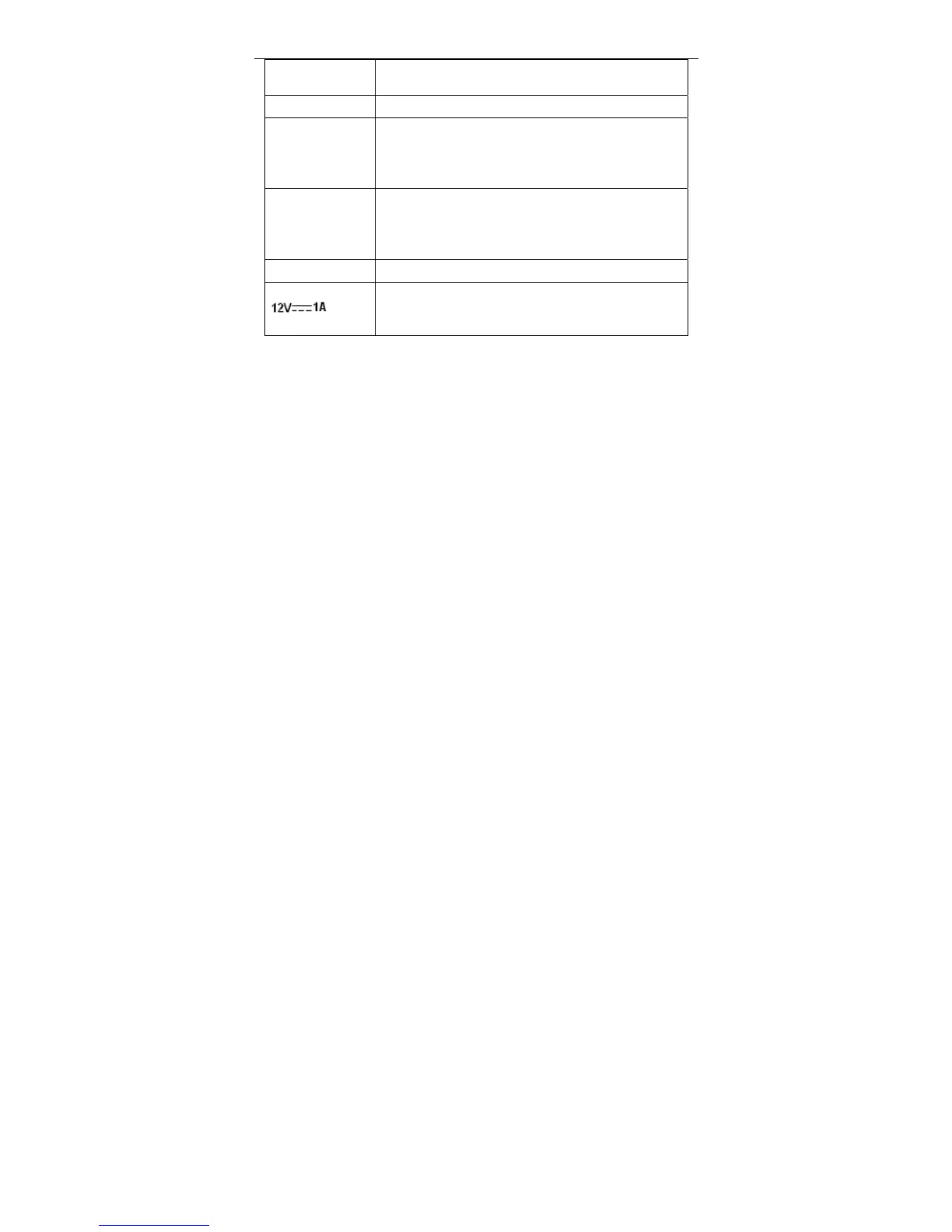
Interface connecting to the power adapter. The power
adapter output is: 12V DC, 800mA
1.4 System Requirements
A 10 baseT/100BaseT Ethernet card is installed on your PC.
A hub or switch (attached to several PCs through one of Ethernet
interfaces on the device)
Operating system: Windows Vista, Windows 7, Windows 98SE, Windows
2000, Windows ME or Windows XP
Internet Explorer V5.0 or higher, Netscape V4.0 or higher, or Firefox 1.5 or
higher
1.5 Features
Various line modes
External PPPoE dial-up access
Internal PPPoE and PPPoA dial-up access
Leased line mode
1483B, 1483R, and MER access
Multiple PVCs (eight at most) and these PVCs can be isolated from each
other



 To Next Page