User Manual
67
Field Description
DynDns.org and dlinkddns.com.
Host Name
Enter the host name that you registered with your
DDNS service provider.
Username Enter the user name for your DDNS account.
Password Enter the password for your DDNS account.
Click Apply to save the settings.
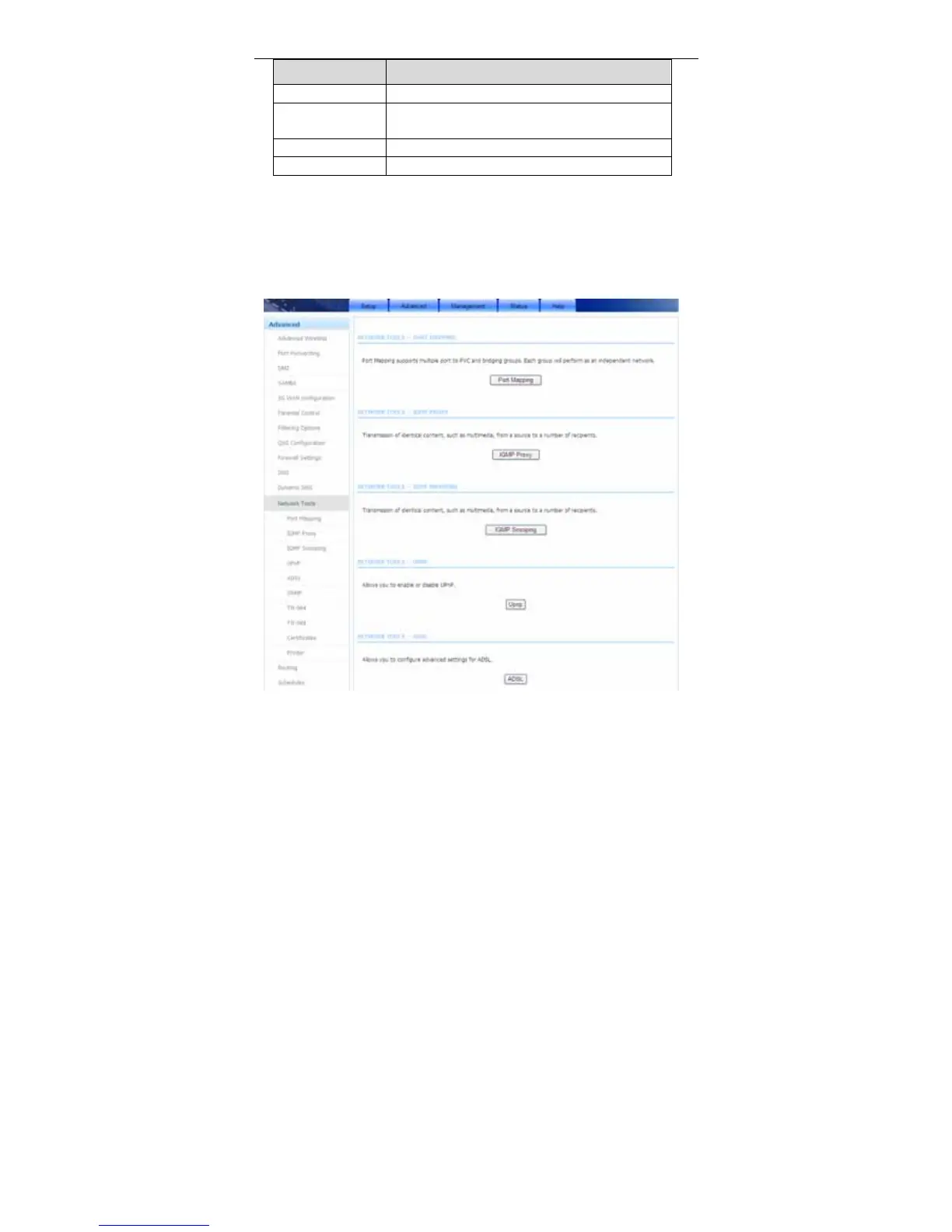
3.3.12 Network Tools
Choose Advanced > Network Tools. The page shown in the following figure
appears.



 To Next Page