User Manual
83
Click Apply to save the settings.
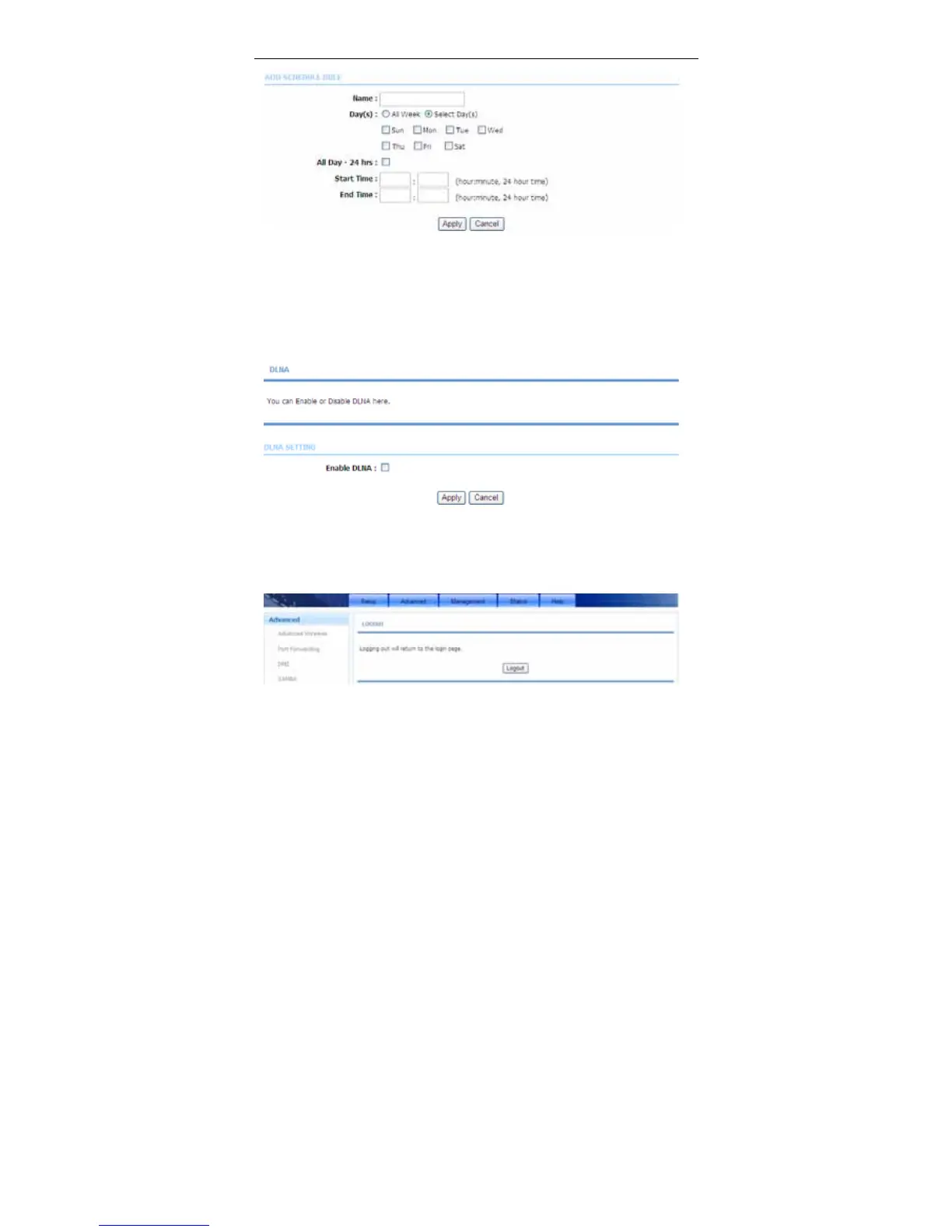
3.3.15 DLNA
Choose Advanced > DLNA. The page shown in the following figure appears. In
this page, you can choose to enable DLNA and click Apply.
3.3.16 Logout
Choose Advanced > Logout. The page shown in the following figure appears. In
this page, you can log out of the configuration page.



 To Next Page