User Manual
19
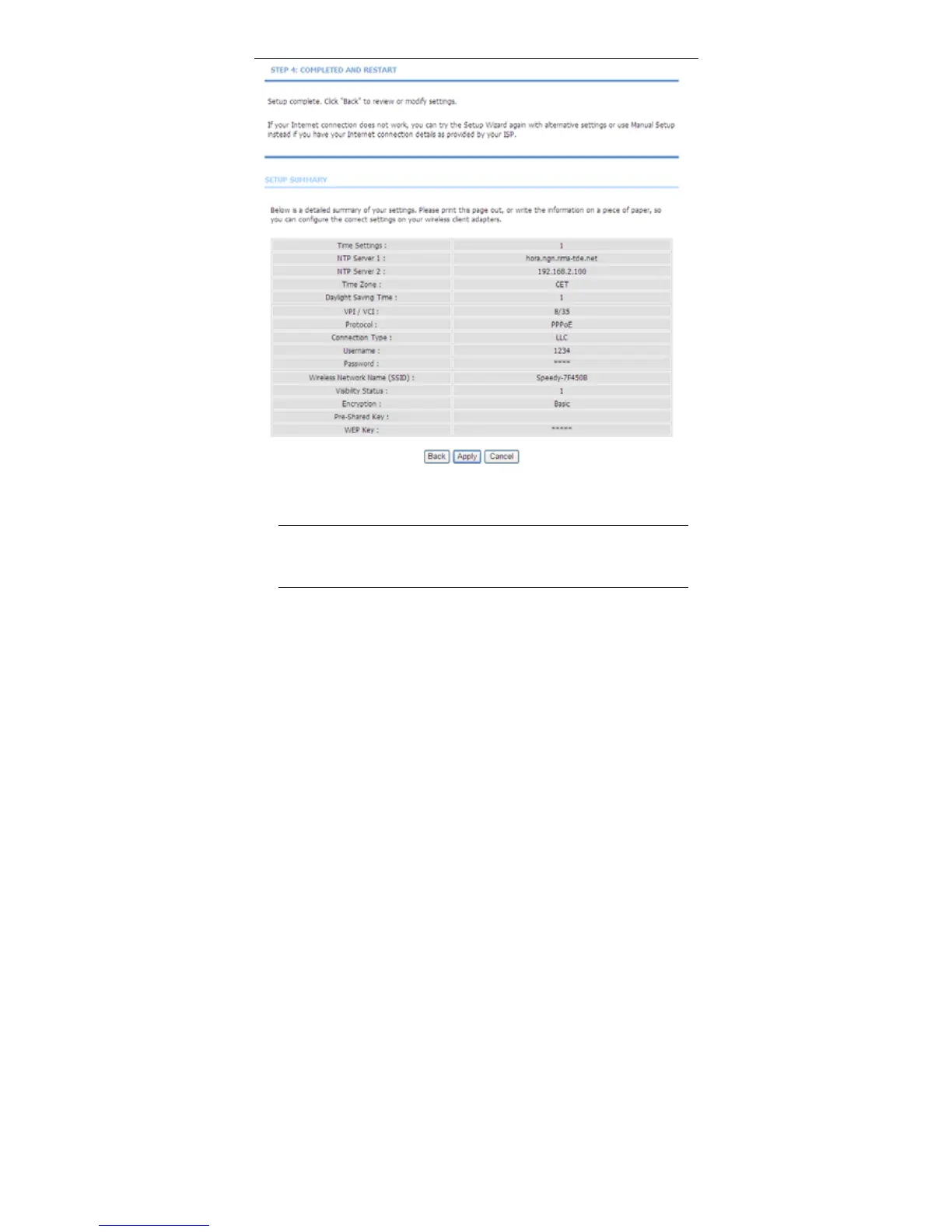
Step 7 Click Apply to save the settings.
Note:
In each step of the Wizard page, you can click Back to review or
modify the previous settings. Click Cancel to exit the wizard page.
3.2.2 Internet Setup
Choose Setup > Internet Setup. The page shown in the following figure appears.
In this page, you can configure the WAN interface of the device.



 To Next Page