User Manual
85
Field Description
Reboot Click this button to reboot the device.
Backup Setting Click this button to save the settings to the local hard
drive. Select a location on your computer to back up
the file. You can name the configuration file.
Update setting
Click Browse to select the configuration file of device
and then click Update Settings to begin updating the
device configuration.
Restore Default
Setting
Click this button to reset the device to default settings.
Note:
Do not turn off your device or press the Reset button while an
operation in this page is in progress.
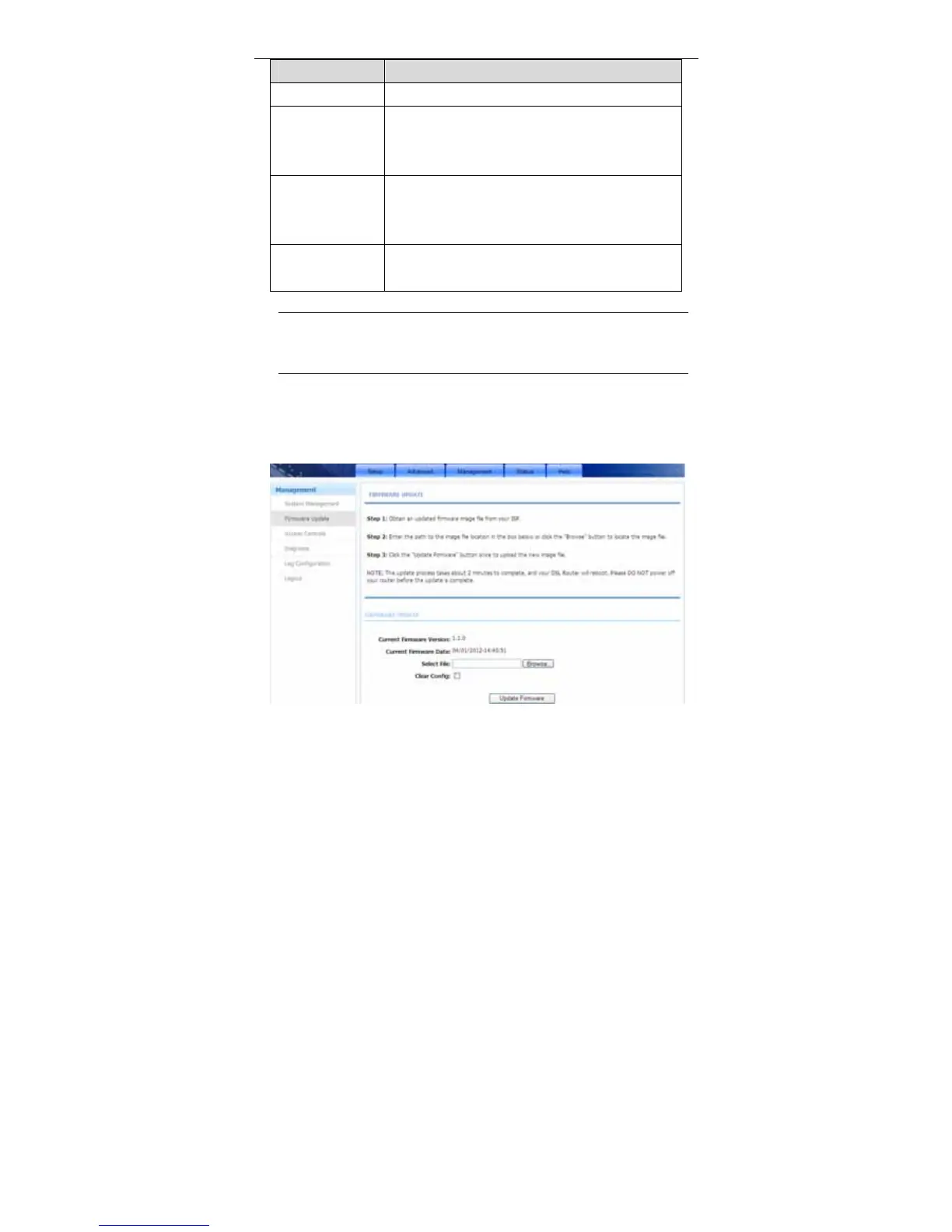
3.4.2 Firmware Update
Choose Management > Firmware Update. The page shown in the following
figure appears. In this page, you can upgrade the firmware of the device.



 To Next Page