User Manual
31
In the Local Network page, you can assign IP addresses on the LAN to specific
individual computers based on their MAC addresses.
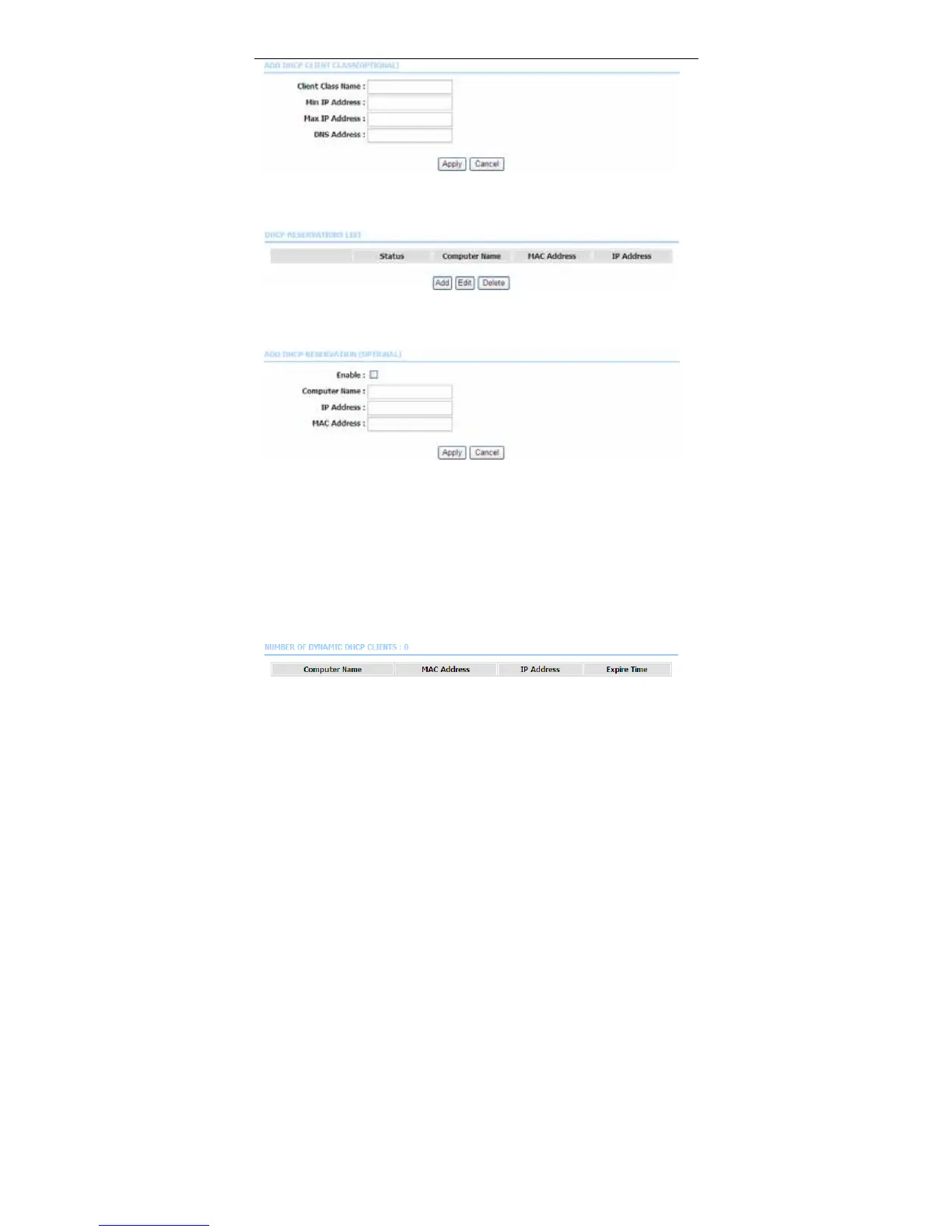
Click Add to add static DHCP (optional). The page shown in the following figure
appears.
Select Enable to reserve the IP address for the designated PC with the
configured MAC address. The Computer Name helps you to recognize the PC
with the MAC address, for example, Father’s Laptop. Click Apply to save the
settings.
After the DHCP reservation is saved, the DHCP reservations list displays the
configuration.
The NUMBER OF DYNAMIC DHCP CLIENTS page shows the current DHCP
clients (PC or Laptop) connected to the device and the detailed information of the
connected computer(s).



 To Next Page