User Manual
60
3.3.8.2 QoS Queue Config
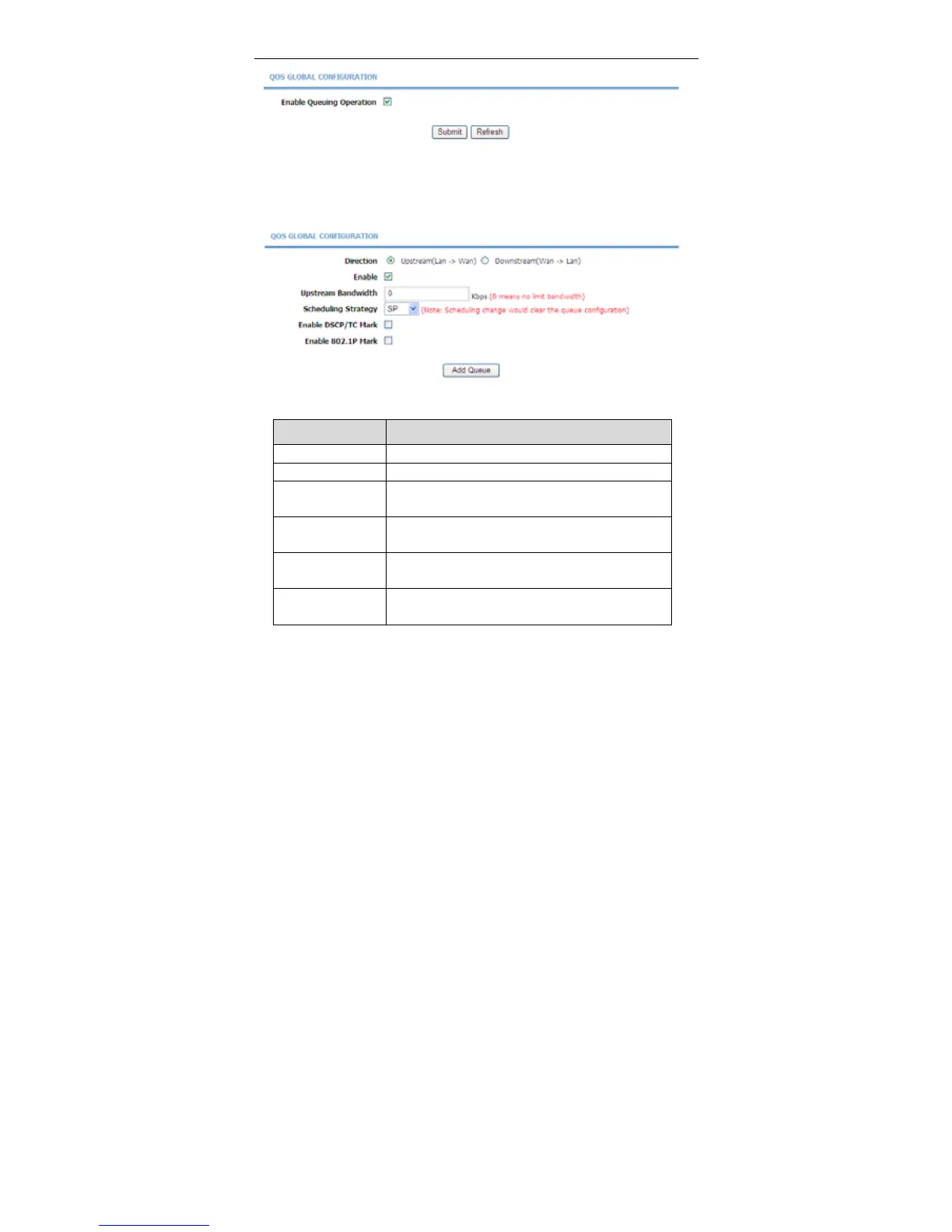
In the QoS Configuration page, click QoS Queue Config. The page shown in
the following figure appears. In this page, you can set QoS flow control.
The following table describes the parameters of this page.
Field Description
Direction Choose Upstream queue or Downstream queue.
Enable Tick in the box to enable queue.
Upstream
Bandwidth
Total bandwith for upstream flow
Scheduling
Strategy
Scheduling algorithm of QoS queue
Enable DSCP/TC
Mark
You may tick in the box to permit DSCP/TC Mark.
Enable 802.1P
Mark
You may tick in the box to permit 802.1P Mark.
After setting the parameters, click Add Queue to add a queue.
In the above page, when Upstream (Lan -> Wan) direction is chosen, you need
to configure the parameters in the following figure.



 To Next Page