User Manual
29
You can also enable the secondary LAN IP address. The two LAN IP addresses
must be in different networks.
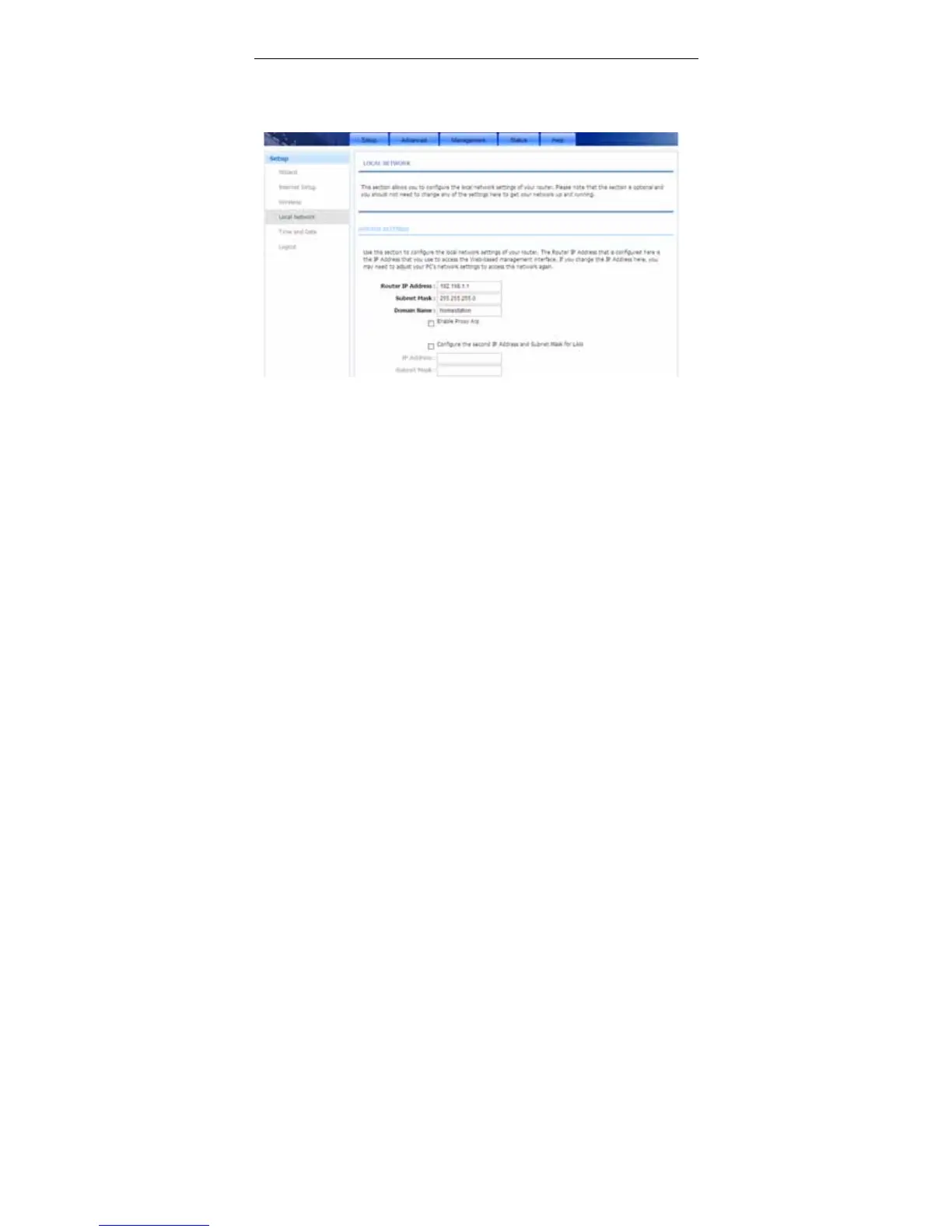
Choose Setup > Local Network. The Local Network page shown in the
following figure appears.
By default, Enable DHCP Server is selected for the Ethernet LAN interface of
the device. DHCP service supplys IP settings to workstations configured to
automatically obtain IP settings that are connected to the device through the
Ethernet port. When the device is used for DHCP, it becomes the default gateway
for DHCP client connected to it. If you change the IP address of the device, you
must also change the range of IP addresses in the pool used for DHCP on the
LAN. The IP address pool can contain up to 253 IP addresses.



 To Next Page