User Manual
43
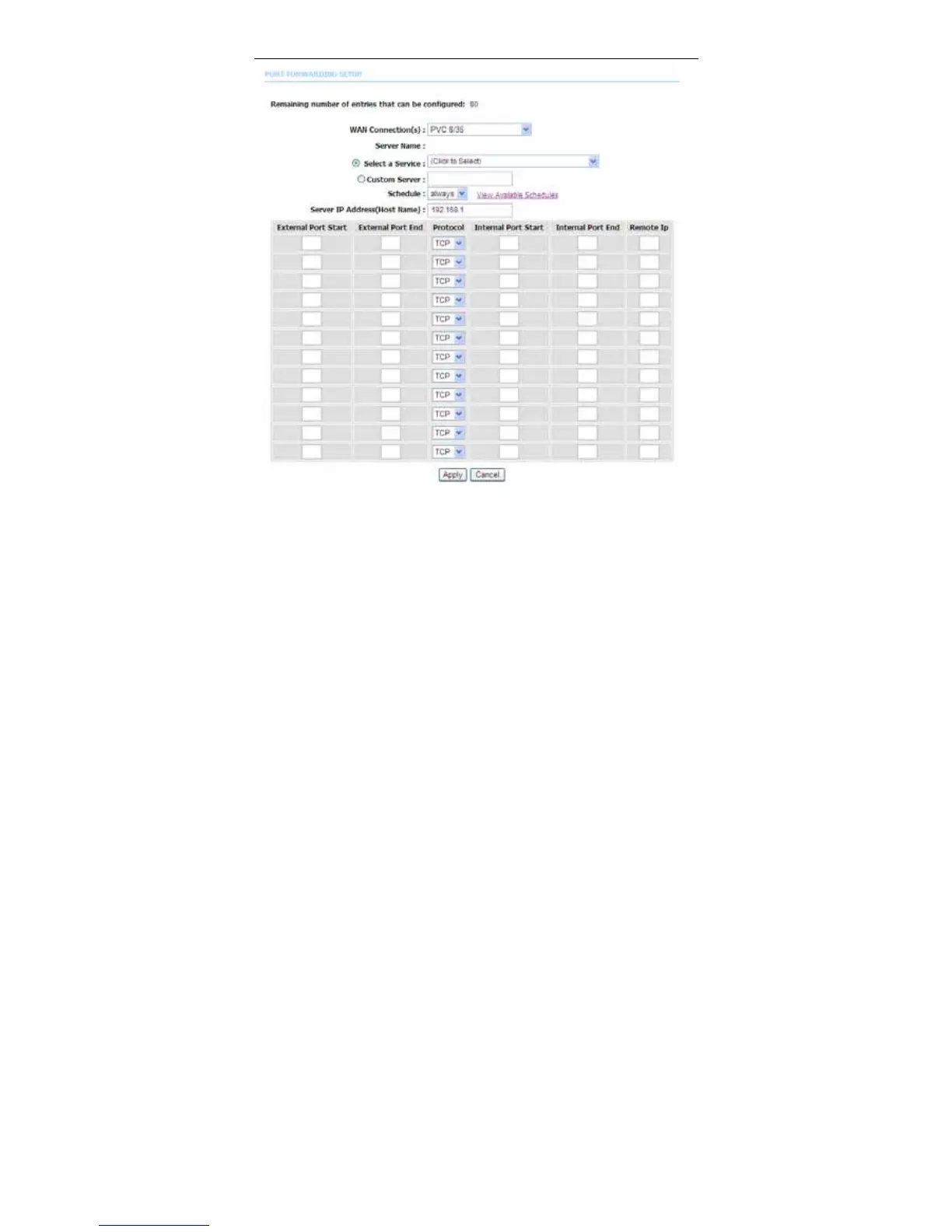
Select a service for a preset application, or enter a name in the Custom Server
field.
Enter an IP address in the Server IP Address field to appoint the corresponding
PC to receive forwarded packets.
The Ports show the ports that you want to open on the device. The TCP/UDP
means the protocol type of the opened ports.
Click Apply to save the settings. The page shown in the following figure appears.
A virtual server is added.



 To Next Page