User Manual
52
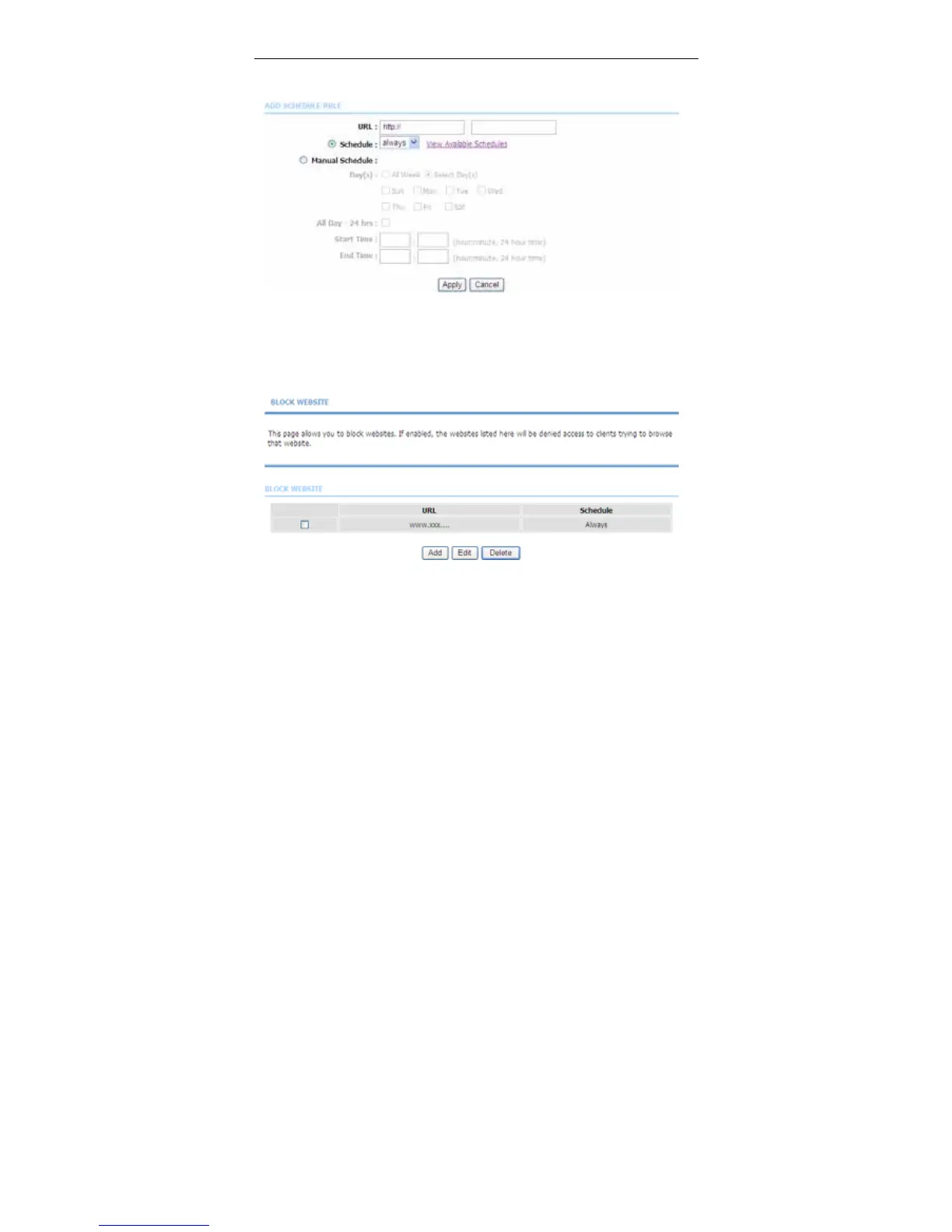
Click Add. The page shown in the following figure appears.
Enter the website in the URL field. Select the Schedule from the drop-down list,
or select Manual Schedule and select the corresponding time and days.
Click Apply to add the website to the BLOCK WEBSITE table. The page shown
in the following figure appears.
3.3.6.2 Block MAC Filter
In the Parent Control page, click Block MAC Address. The page shown in the
following figure appears.



 To Next Page