User Manual
70
Step 2 Select interfaces from the Available Interface list and click the <-
arrow button to add them to the grouped interface list, in order to
create the required mapping of the ports. The group name must be
unique.
Step 3 Click Apply to save the settings.
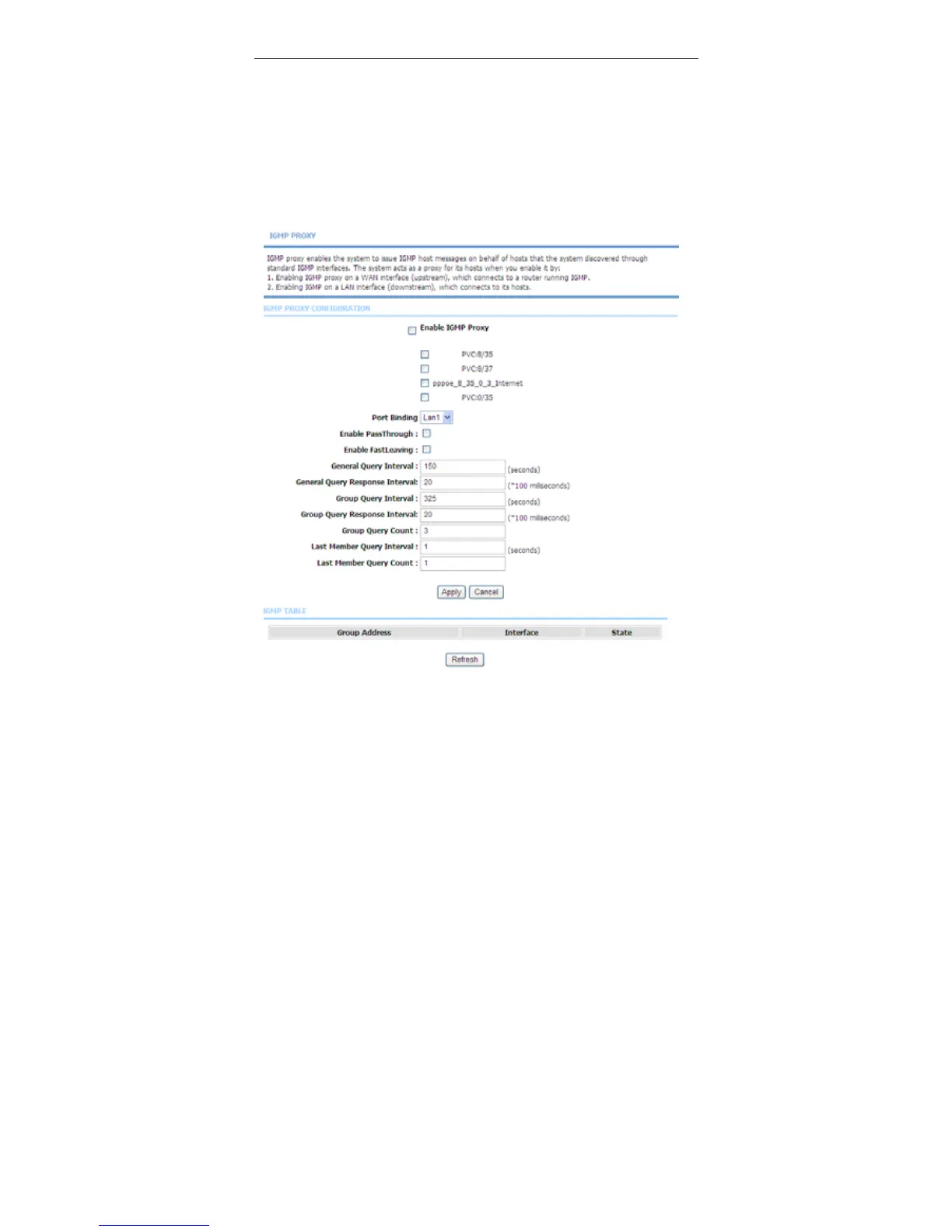
3.3.12.2 IGMP Proxy
Choose Advanced > Network Tools and click IGMP Proxy. The page shown in
the following figure appears.



 To Next Page