User Manual
73
3.3.12.5 ADSL
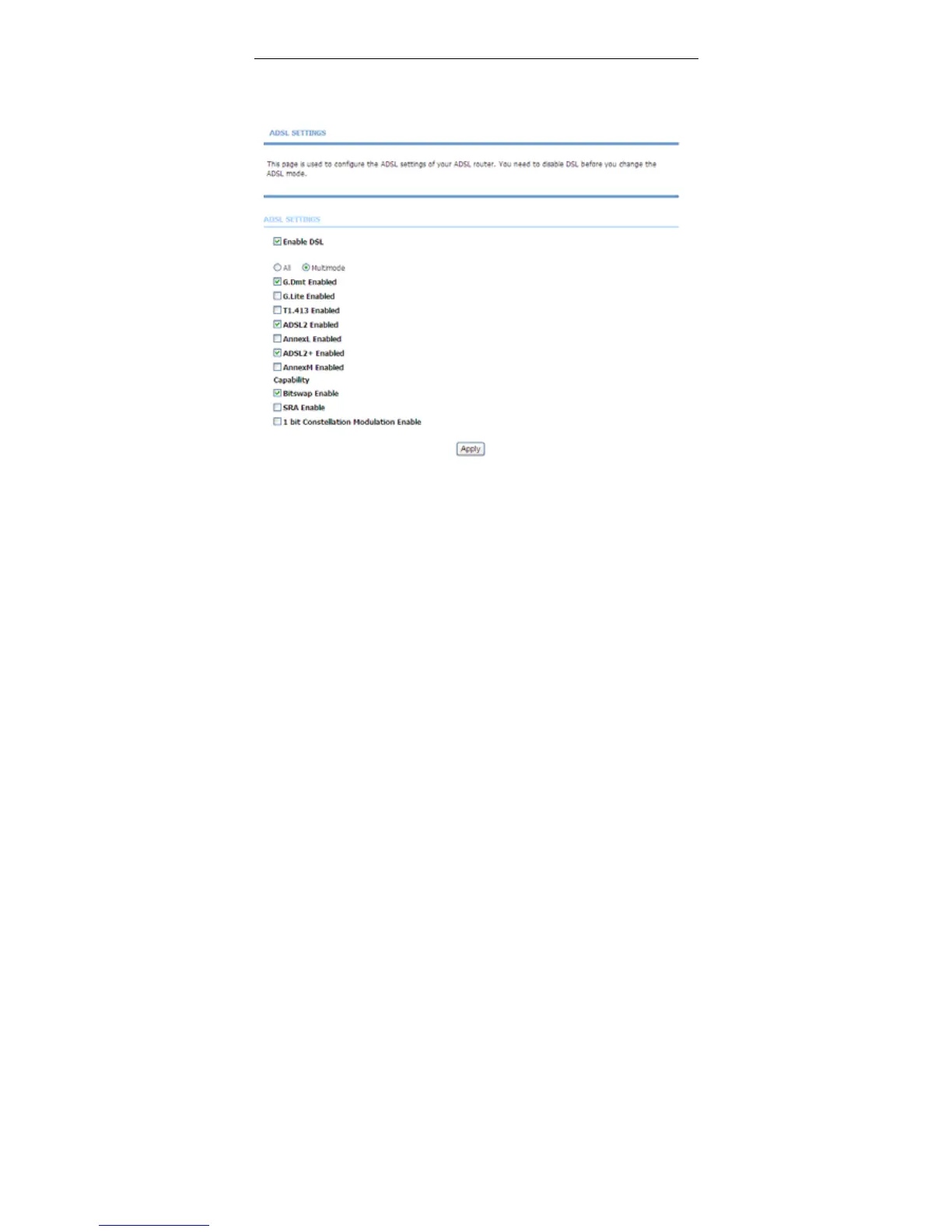
Choose Advanced > Network Tools and click ADSL. The page shown in the
following figure appears.
In this page, you can select the DSL modulation. Normally, you can remain this
factory default setting. The device negotiates the modulation mode with DSLAM.
Click Apply to save the settings.
3.3.12.6 SNMP
Choose Advanced > Network Tools and click SNMP. The page shown in the
following figure appears. In this page, you can set SNMP parameters.



 To Next Page