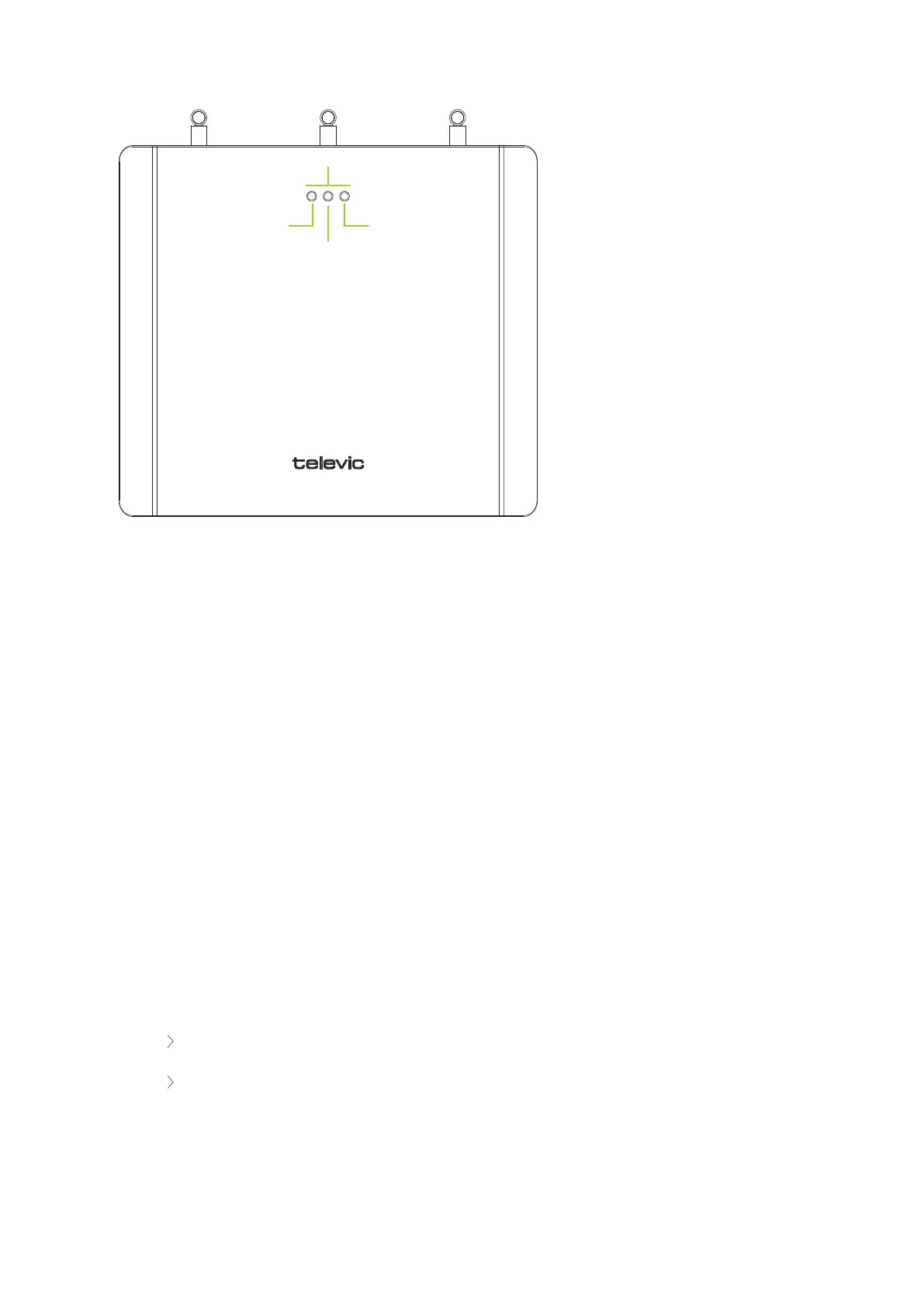
Figure 1-6 Confidea WCAP LEDs
1.
Power Switch: The WCAP can be switched on/off with the power switch at the back of the
WCAP.
2.
Power Supply: The power supply of the WCAP is provided by a 110 - 230VAC/24VDC adaptor
3.
Digital Bus Connection: Connection with the Plixus conference bus is done through RJ45 –
connectors at the back of the WCAP
4.
Cable retention clip: The cable retention clip is used to safeguard the cable of the power adaptor
5.
LAN port: Through the LAN connector at the back of the WCAP, a PC can be connected using a
standard cat 5e FTP network cable.
6.
Status LEDs: See below for detailed info on LED status
7.
Aux input: Auxiliary balanced input connector
8.
Aux output: Auxiliary balanced output connector
SPECIFICATIONS OF THE ACDC ADAPTER:
24V / 0.625A
DC power plug: outer diameter: 5.5mm
WIREL ESS CO NFERENCE ACCESS POINT (WCAP) 24



 To Next Page