4.
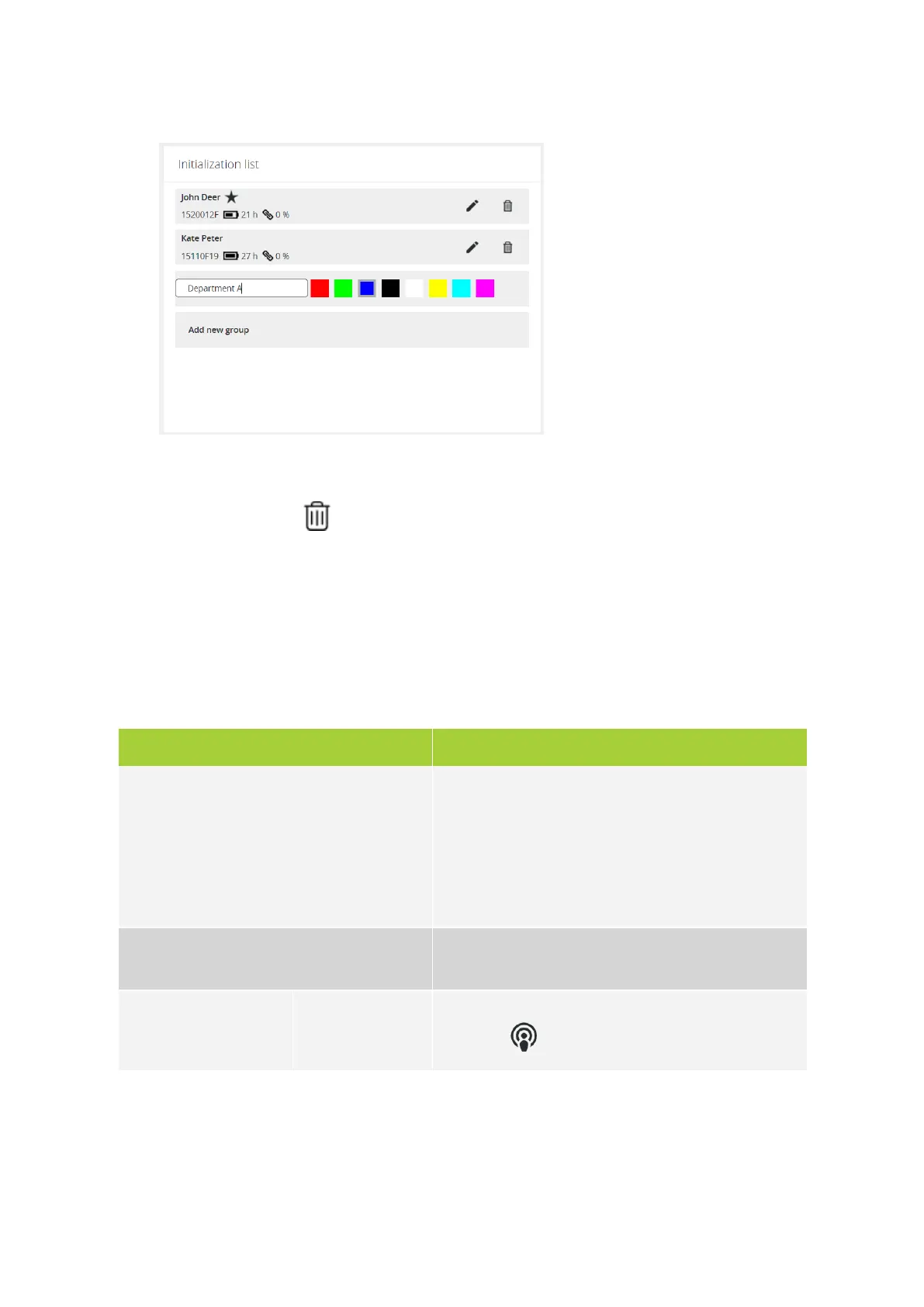
Click Add new group to create a new group. Choose a color, define a name and press ENTER.
5.
Click Stop editing to save and leave the edit page.
6.
Click the remove icon to delete groups or units. When you click Clear initialization, all units
will be removed, but not the groups.
Configure Discussion Options
On the discussion options page you can configure different settings that determine how your conference
will take place. To configure these settings click Discussion options in the menu. You can configure the
following settings:
Parameter Description
Maximum active microphones Is the maximum number of microphones that can be active
at the same time. Chairman units always have priority.
When the maximum is reached , the microphone of the
delegate unit which was switched on first , will be
automatically deactivated. A maximum six microphones can
be active at the same time
Microphone mode Defines when a microphone becomes active and a delegate
can speak. Different options are available
Operator
Only the operator can activate the microphone using the
web server ( ) or CoCon software.
CONF IGURE CONF ERENCE SETTING S 65



 To Next Page