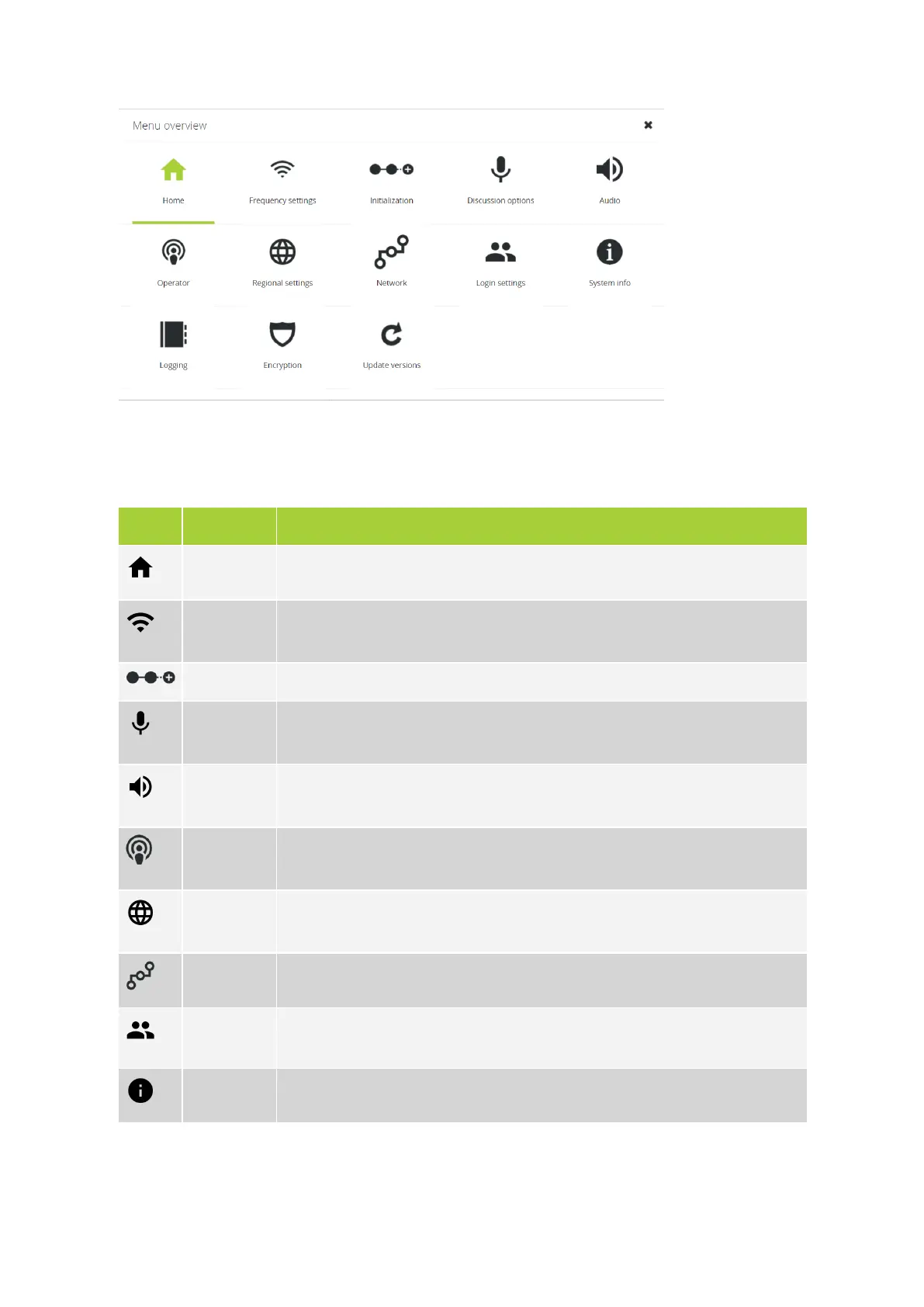
Figure 1-15 Web server menu
The following menu items are available, the table below gives a short description of every item.
Icon Menu item Description
Home Returns to the home screen.
Frequency
settings
On this page you can choose a frequency from an overview of all available
frequencies and their signal strength.
Initialization Place in the web server to define and configure the delegates linked to the WCAP.
Discussion
options
Configuration of discussion options such as microphone mode to define when the
microphone is active.
Audio Configuration of different audio options together with the configuration of the AUX
IN and AUX OUT.
Operator See who is speaking, requests to speak and manually activate or deactivate
microphones of delegates.
Regional
settings
Configuration of language and region.
Network
IP configuration and configuration of the camera protocol.
Login
settings
Change user name and password.
System info
Device and system information. You can upload your CoCon license here.
INTRODUCTIO N TO THE WEB SERV ER 56



 To Next Page