WE310G4-I/P Module Hardware User Guide
1VV0301767 Rev. 5 Page 26 of 48 2022-11-08
Not Subject to NDA
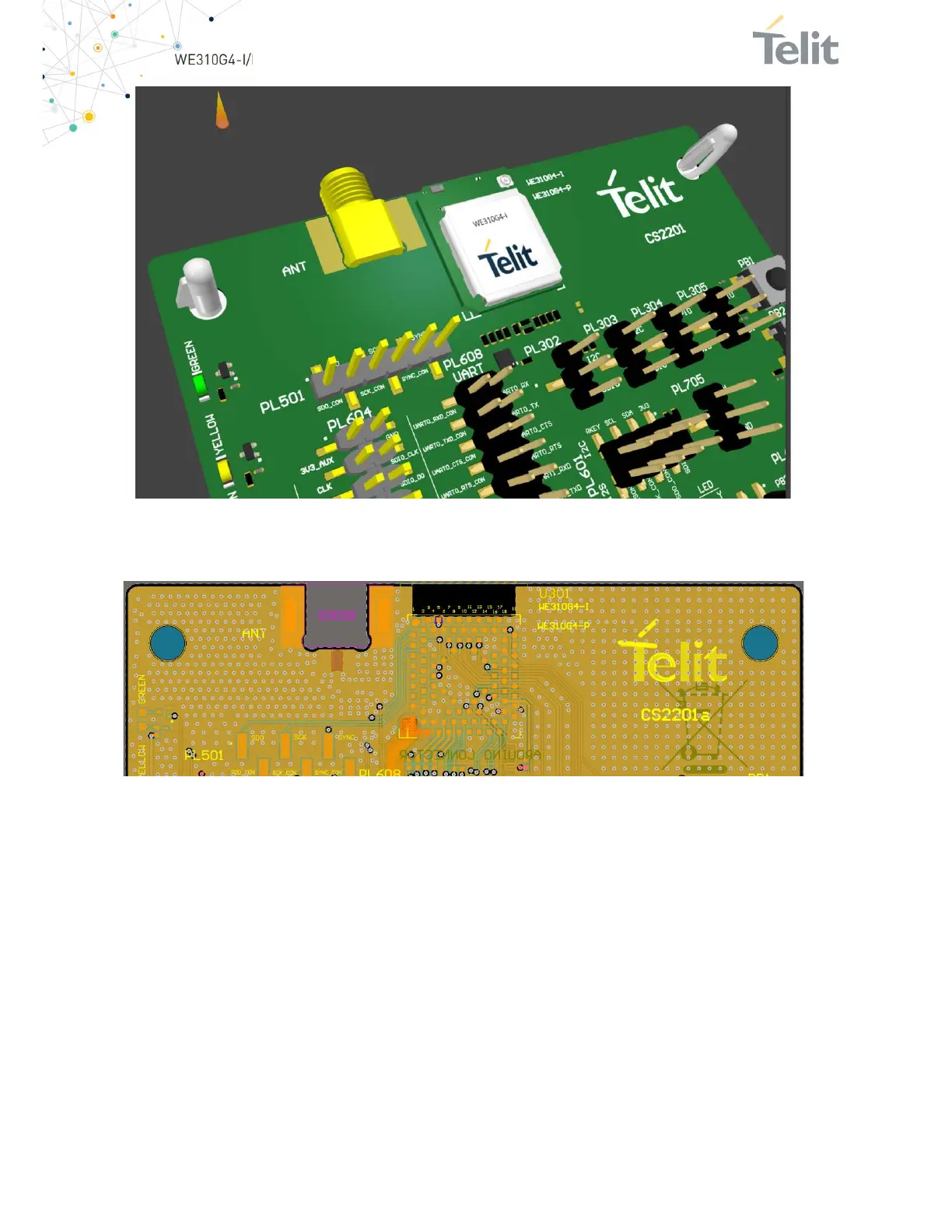
Figure 10: WE310G4-I Placement Example
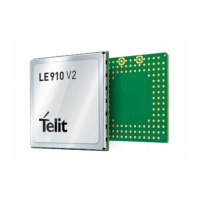
For the WE310G4-I version the antenna is placed directly on the board, so you will
need to leave a copper keep-out area as shown below:
Figure 11: WE310G4-I Placement Example Showing No Copper In Any Layer Of The Board
To avoid Antenna detuning, remove the copper shielding in this area on any layer.
FR4 must not be removed.


 To Next Page