Installation Options
13-280135 Rev. K Page 23
O
O
t
t
h
h
e
e
r
r
I
I
P
P
A
A
d
d
d
d
r
r
e
e
s
s
s
s
e
e
s
s
After navigating to the server submenu (DOMAIN → DNS, UPDATE →
SERVER, SNTP, or SYSLOG), select IP CONFIG, and then select one of the
available options.
DHCPv4 – IP address is supplied by DHCP (IPv4)
STATIC – manually entered static (fixed) IP address
V
V
i
i
e
e
w
w
i
i
n
n
g
g
o
o
r
r
E
E
d
d
i
i
t
t
i
i
n
n
g
g
I
I
P
P
A
A
d
d
d
d
r
r
e
e
s
s
s
s
e
e
s
s
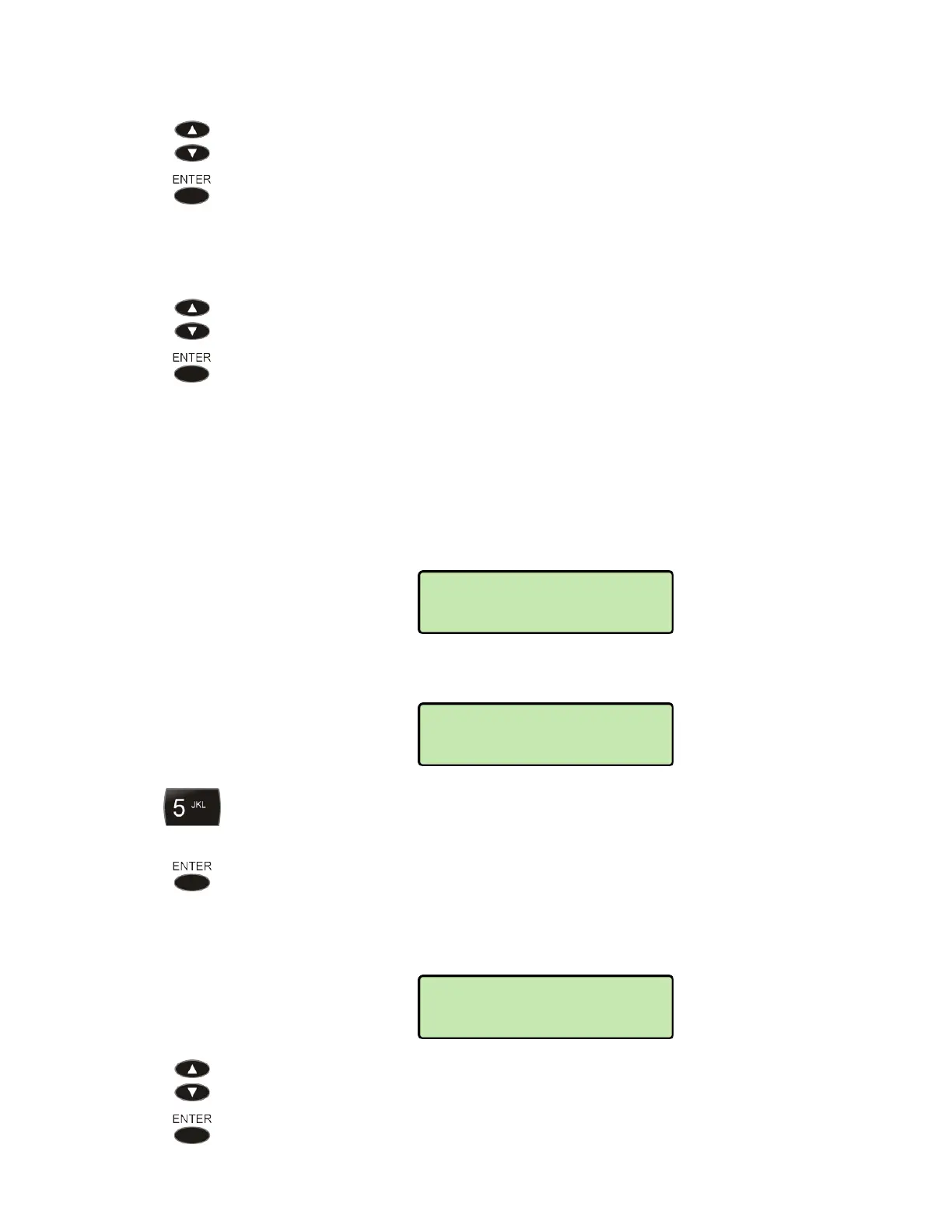
Select VIEW if you want to view the IP address without making any changes.
Select EDIT to change the IP address.
DHCPv4 must be disabled before editing the Phone IP Address, Subnet Mask,
or Default Gateway.
For other addresses, disabling DHCP is not required, but recommended, since
any manually entered addresses may be overwritten by the DHCP server the
next time the phone is restarted.
DHCPv4 can be disabled manually by selecting IP CONFIG for the address,
and then selecting STATIC. The phone address, subnet, and gateway IP
CONFIG settings are under the IPv4 menu. Refer to the menu tree on page 59.
Select YES to disable DHCP and edit the address, or NO to leave DHCP
enabled.
Enter or edit the IP address with the dial pad. The address can be an IP
address or fully qualified domain name (FQDN).
Character entry is explained on page 14.
Press the
ENTER key when finished.
P
P
i
i
n
n
g
g
T
T
e
e
s
s
t
t
To test a server address, select PING (PING 4 or PING 6 for the phone or
gateway). If you have entered a new phone IP address, the phone must be
restarted before ping will work properly.
(
MENU → ADMIN
→ RESTART)
IPv4>GATEWAY
PING
IPV4>IP ADDRESS=
192.154.030.123
DISABLE DHCPV4?
YES



 To Next Page