Teo IP Phone 4101 Installation Instructions
Page 54 13-280135 Rev. K
R
R
e
e
s
s
t
t
a
a
r
r
t
t
i
i
n
n
g
g
t
t
h
h
e
e
P
P
h
h
o
o
n
n
e
e
Select Restart to reset the phone. If you are on an active call you will be disconnected. The
call log will be cleared. No configuration parameters will be altered.
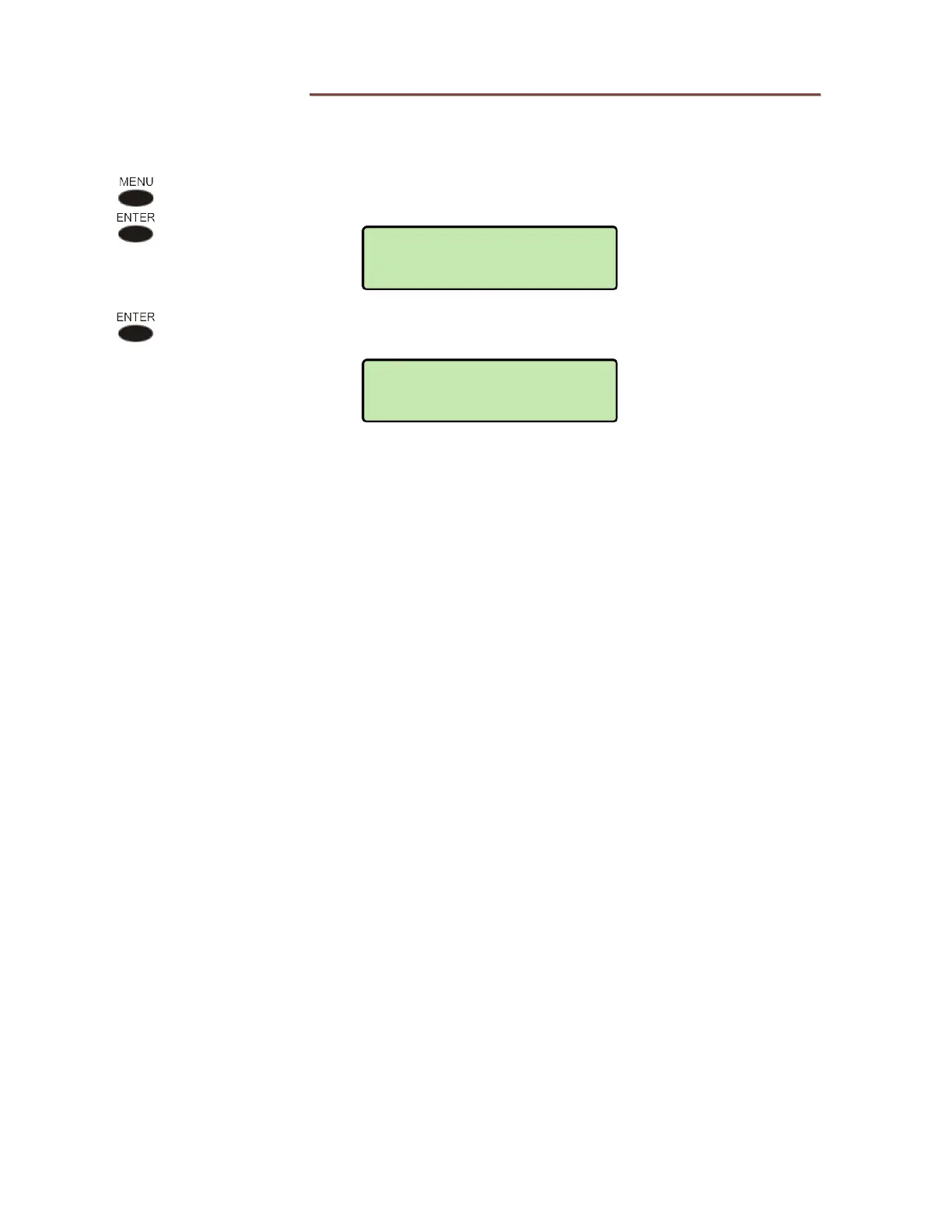
From the Administration Options menu, select RESTART.
(
MENU → ADMIN
→ RESTART)
Press the
ENTER key to restart the phone immediately, or press the MENU key
to abort and return to the Administration Options menu.
RESTARTING
PLEASE WAIT...
RESTART REQUIRED
PROCEED?



 To Next Page