Installation Options
13-280135 Rev. K Page 43
C
C
l
l
e
e
a
a
r
r
i
i
n
n
g
g
t
t
h
h
e
e
E
E
r
r
r
r
o
o
r
r
L
L
o
o
g
g
At the prompt, select YES to remove all entries from the error log, or select
NO to return to the Debug menu.
I
I
n
n
s
s
t
t
a
a
l
l
l
l
a
a
t
t
i
i
o
o
n
n
P
P
I
I
N
N
You can set a PIN to prohibit unauthorized entry into the Installation Options menu.
If a PIN is currently set, the display will prompt you to enter your PIN prior to making
changes.
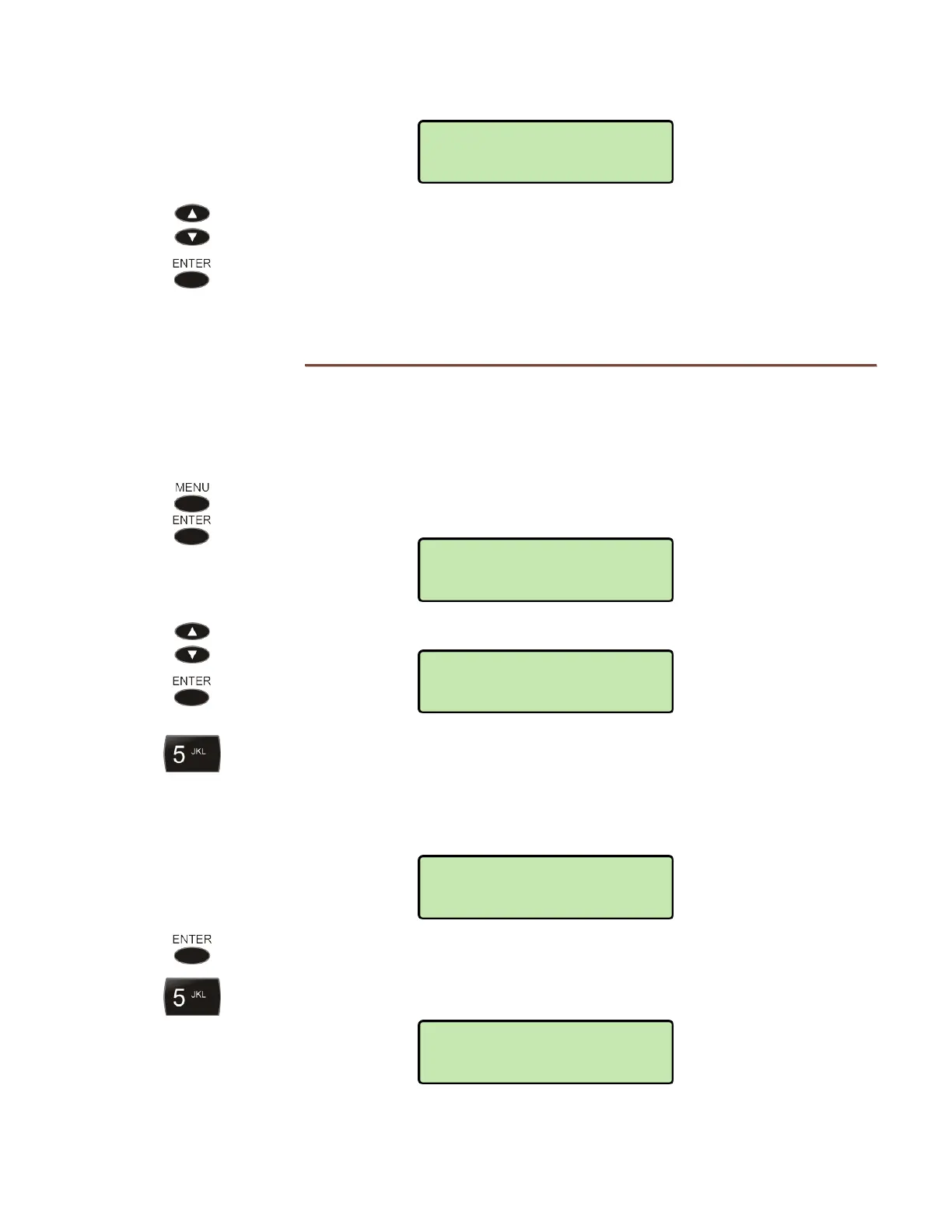
From the Installation Options menu, select PIN.
(
MENU → INSTALL → PIN)
Select SET.
Enter a new 4 to 20 digit PIN with the dial pad.
If you need to make corrections, select
◄
BKSP (backspace) to delete the previous
digit, or select CLEAR to remove all digits.
Each entered digit will be briefly shown in the display.
Press the
ENTER key.
Repeat the PIN when prompted to verify the new entry.
VERIFY PIN:
***********
NEW PIN:
***********
NEW PIN:
SET
CLEAR ERROR LOG?
YES



 To Next Page