Installation Options
13-280135 Rev. K Page 33
C
C
o
o
n
n
f
f
i
i
g
g
u
u
r
r
i
i
n
n
g
g
K
K
e
e
y
y
s
s
You can assign Speed Dial numbers or feature activators to multifunction keys, and set up
the
FWD, VOICE MAIL, and SPEAKER keys by using this option.
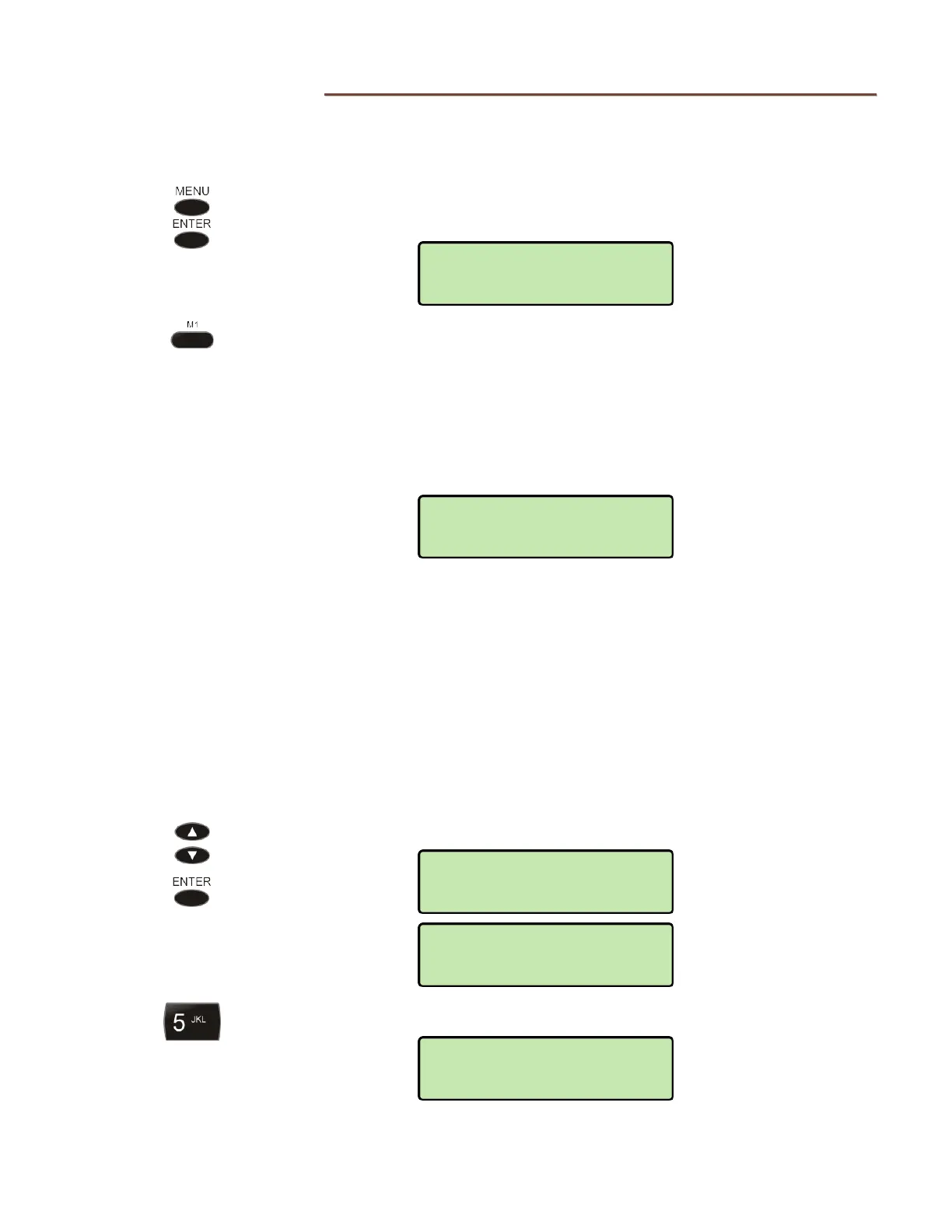
From the Installation Options menu, select KEYS.
(
MENU → INSTALL → KEYS)
Press the key to be programmed.
M1 - M7 – Speed Dial (one touch dialing of frequently-called
numbers) or feature activator, such as Directed Call
Pickup
FWD – Call Forward (forwards incoming calls to another
phone) or Presence (sets user presence status)
VOICE MAIL – accesses voice mail services
Programming procedures for each key type are described below.
M
M
u
u
l
l
t
t
i
i
f
f
u
u
n
n
c
c
t
t
i
i
o
o
n
n
K
K
e
e
y
y
s
s
(
(
M
M
1
1
–
–
M
M
7
7
)
)
Multifunction keys may by assigned as feature activators or used for speed dialing
frequently-called numbers. Speed Dial keys may also be programmed from the User
Options menu.
S
S
p
p
e
e
e
e
d
d
D
D
i
i
a
a
l
l
K
K
e
e
y
y
s
s
Select SPEED DIAL from the list of available options.
Enter speed dial digits with the dial pad.
M1>SPEED DIAL
5553491000
KEYS>SPEED DIAL
§
KEYS>M1
SPEED DIAL
KEYS>M1
*UNUSED
INSTALL>KEYS
SELECT A KEY



 To Next Page