Teo IP Phone 4101 Installation Instructions
Page 32 13-280135 Rev. K
A
A
u
u
t
t
o
o
A
A
n
n
s
s
w
w
e
e
r
r
The phone can be configured to automatically answer a call when the phone is idle, if the
call’s SIP alert-info header matches a predefined string (up to 10 strings can be defined; refer
to the IP Telephone Network Administration Guide
). Calls can be answered in 2-way
speakerphone mode or with the microphone muted. Applications for the Auto Answer
feature include paging, intercom calls, ACD calls, and dialing or answering from computer-
based applications.
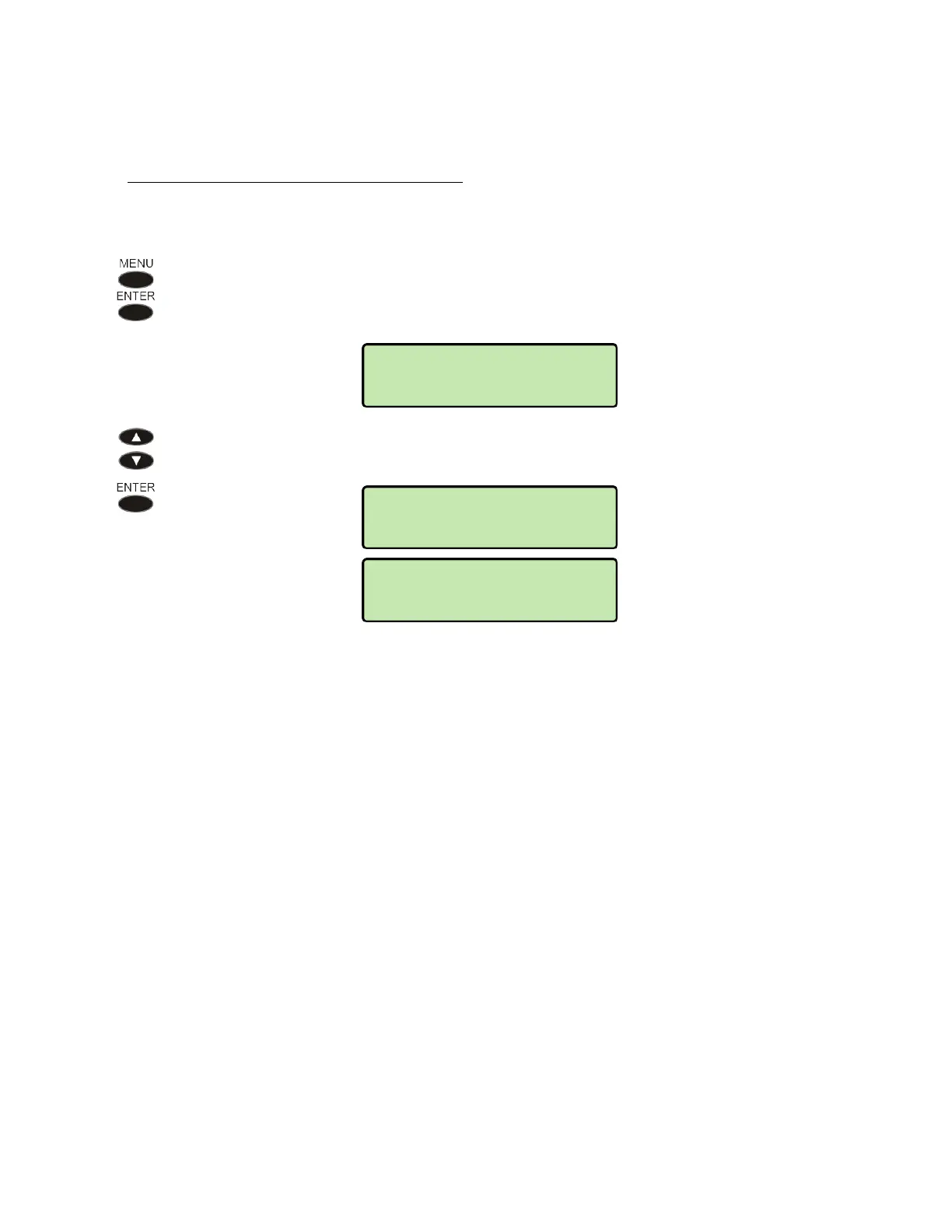
From the User Options menu, select KEYS.
(
MENU → USER → AUTO ANSWER)
The current Auto Answer state is shown in the bottom line of the display.
To change the Auto Answer state, select ENABLED 2-WAY, ENABLED
w/MUTE, or DISABLED.
When disabled, auto answer calls will ring normally with a distinctive ring pattern.
The phone user can change the Auto Answer state at any time.
USER>AUTO ANSWER
*ENABLED w/MUTE
USER>AUTO ANSWER
*ENABLED 2-WAY
USER>AUTO ANSWER
*DISABLED



 To Next Page