Teo IP Phone 4101 Installation Instructions
Page 52 13-280135 Rev. K
D
D
i
i
a
a
g
g
n
n
o
o
s
s
t
t
i
i
c
c
D
D
i
i
s
s
p
p
l
l
a
a
y
y
s
s
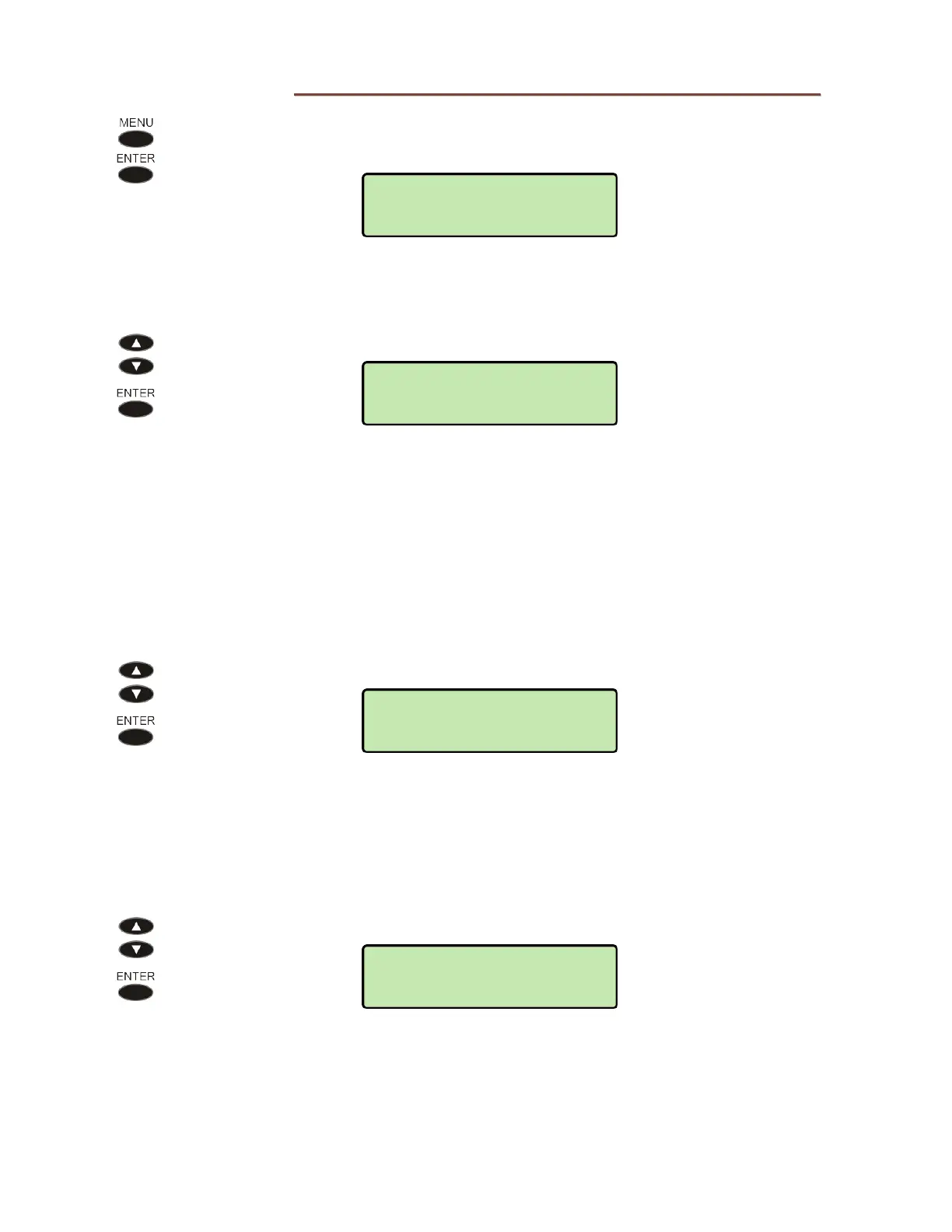
From the Administration Options menu, select DIAGNOSTIC.
(
MENU → ADMIN
→ DIAGNOSTIC)
L
L
i
i
n
n
k
k
Select LINK to determine test the Ethernet link.
The connection speed, 10 MBPS or 100 MBPS, is shown in the upper line.
The lower line shows the DHCP state.
AUTO OK – DHCP enabled and successfully completed
NO AUTO – DHCP enabled and not successfully completed
STATIC – DHCP not enabled
P
P
i
i
n
n
g
g
Select PING to verify the path to an IP address.
The following choices are available:
PHONE SNTP
GATEWAY DHCP
UPDATE REGISTRAR
PROXY OTHER
Select a device to ping, or select OTHER, and then enter an IP address.
OTHER=
192.154.030.135
DIAGNOSTIC>PING
PHONE
PHY:100MBPS
IP:AUTO OK
ADMIN>DIAGNOSTIC
LINK



 To Next Page