Teo IP Phone 4101 Installation Instructions
Page 42 13-280135 Rev. K
D
D
e
e
b
b
u
u
g
g
g
g
i
i
n
n
g
g
O
O
p
p
t
t
i
i
o
o
n
n
s
s
Error log options are accessed from the Debug menu.
From the Installation Options menu, select DEBUG.
(
MENU → INSTALL → DEBUG)
Select one of the following options:.
ERROR LOG – view the error log
CLEAR LOG – clear the error log
V
V
i
i
e
e
w
w
i
i
n
n
g
g
t
t
h
h
e
e
E
E
r
r
r
r
o
o
r
r
L
L
o
o
g
g
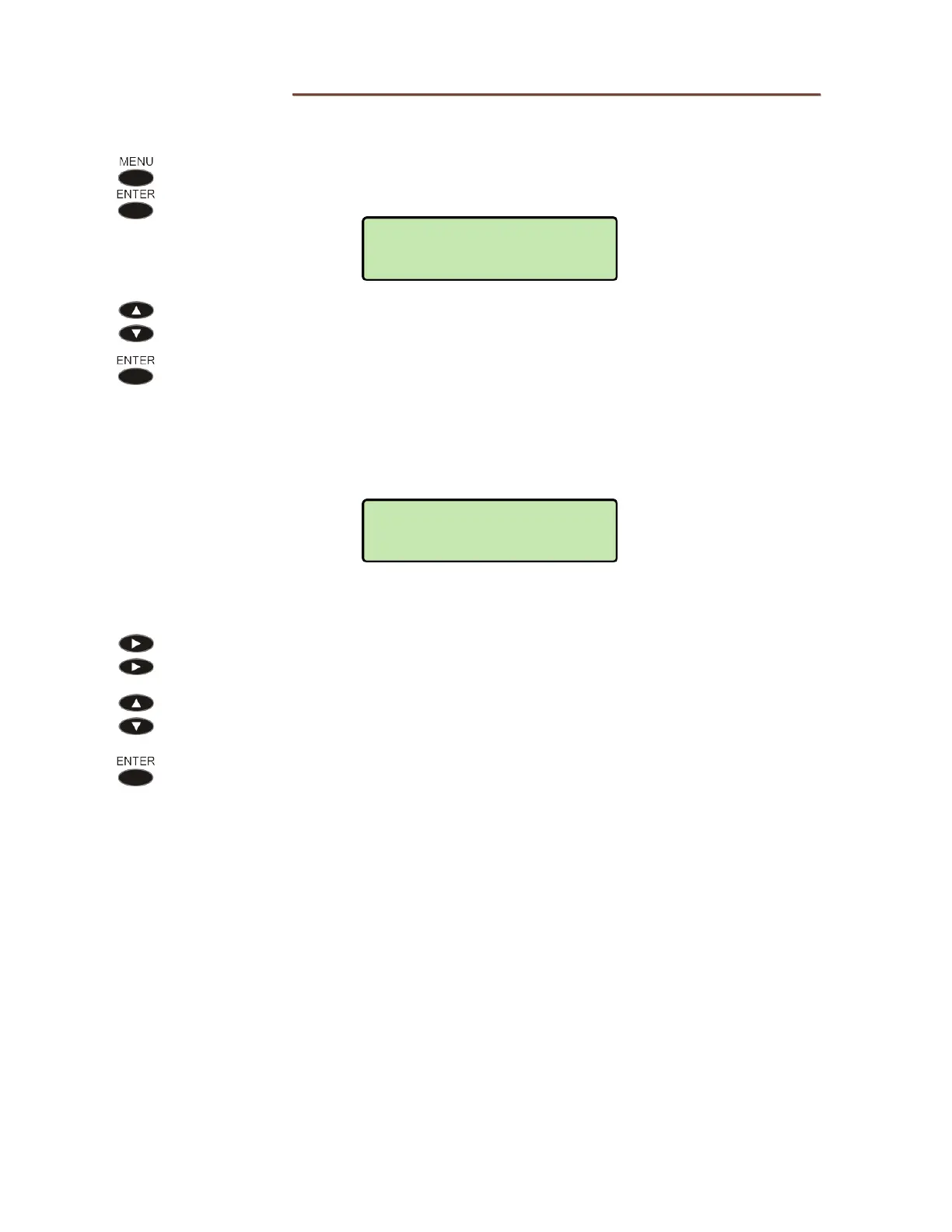
After selecting ERROR LOG, the most recent log entry will be shown.
The time and date is shown in the upper line, and the error description is
shown in the lower line.
The entire error description may not be shown; scroll with the Left or Right
Arrow key to view additional text.
Press the Down Arrow key to view previous entries, or press the Up Arrow
key to return to newer entries.
Press the
ENTER or MENU key to return to the Debug menu.
02:04:25P 03/22
TIME SERVER SET
INSTALL>DEBUG
ERROR LOG



 To Next Page