Teo IP Phone 4101 Installation Instructions
Page 44 13-280135 Rev. K
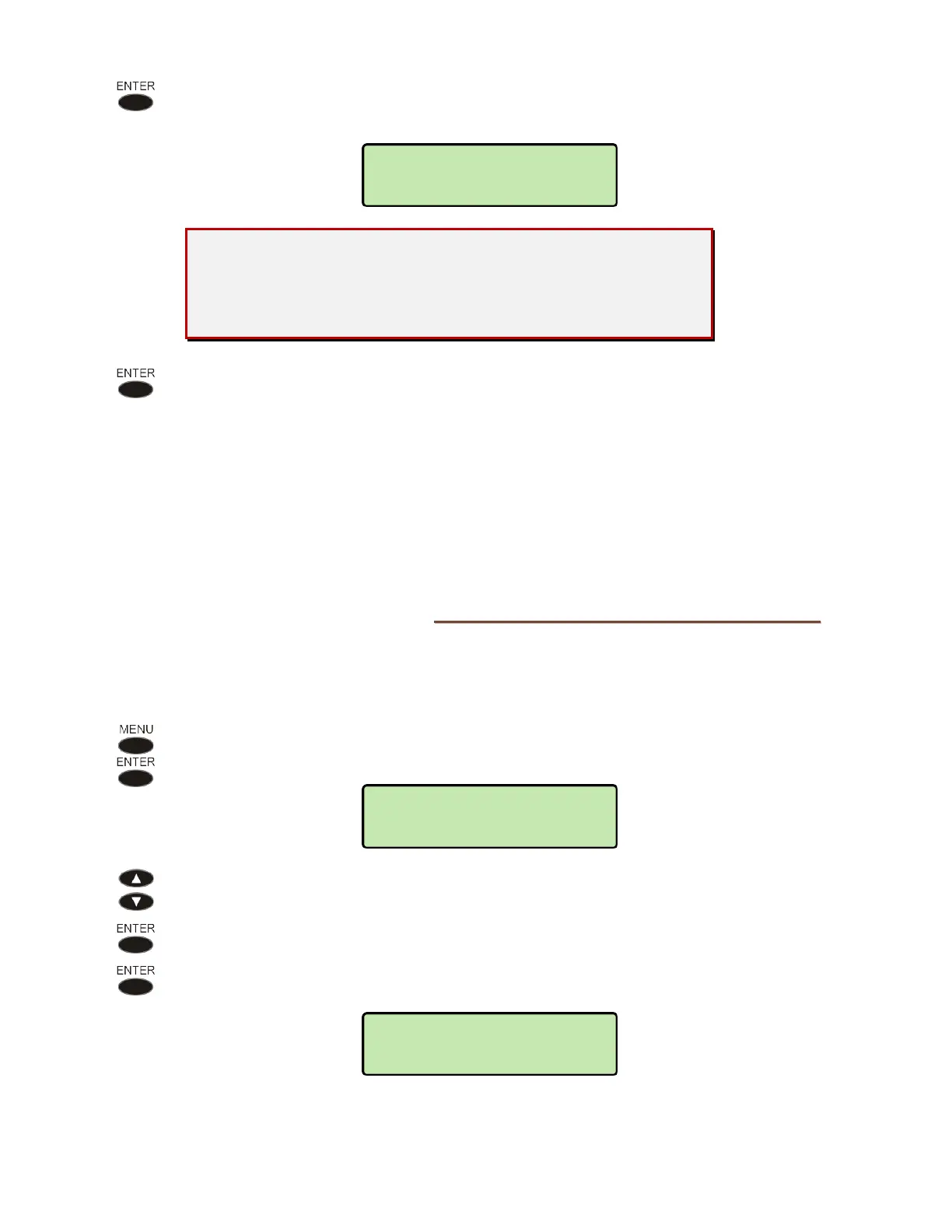
Press the ENTER key.
“PIN SET” will be displayed to confirm the new PIN.
Record your PIN for future reference.
If you lose your PIN, you will no longer be able to access the
Installation Options menu – contact Teo Technical Support for
assistance.
Press the ENTER key return to the Installation Options menu or press the
MENU
key to exit Setup Mode.
R
R
e
e
m
m
o
o
v
v
i
i
n
n
g
g
t
t
h
h
e
e
P
P
I
I
N
N
To remove the Installation Options PIN, the phone must be reset. Refer to Reset to Factory
Default Settings below.
R
R
e
e
s
s
e
e
t
t
t
t
o
o
F
F
a
a
c
c
t
t
o
o
r
r
y
y
D
D
e
e
f
f
a
a
u
u
l
l
t
t
S
S
e
e
t
t
t
t
i
i
n
n
g
g
s
s
Reset returns all settings to the factory defaults, and clears all line IDs, speed dial numbers,
call directory entries, logs, and PINs. This option is useful when moving the telephone to a
new user or location.
From the Installation Options menu, select RESET.
(
MENU → INSTALL → RESET)
Select CLEAR.
Press the
ENTER key to comfirm the reset operation, or press the MENU key to
abort without resetting.
SETTINGS CLEARED
RESTARTING...
RESET OPTIONS
PROCEED?
PIN SET



 To Next Page