Teo IP Phone 4101 Installation Instructions
Page 30 13-280135 Rev. K
Q
Q
u
u
a
a
l
l
i
i
t
t
y
y
o
o
f
f
S
S
e
e
r
r
v
v
i
i
c
c
e
e
Quality of Service (QoS) settings can improve voice performance over a network by
prioritizing voice packets, and must be coordinated with other network devices.
These settings must be coordinated with other network devices, and should not be
changed unless required to correct audio problems. Consult with your network
administrator before changing these settings.
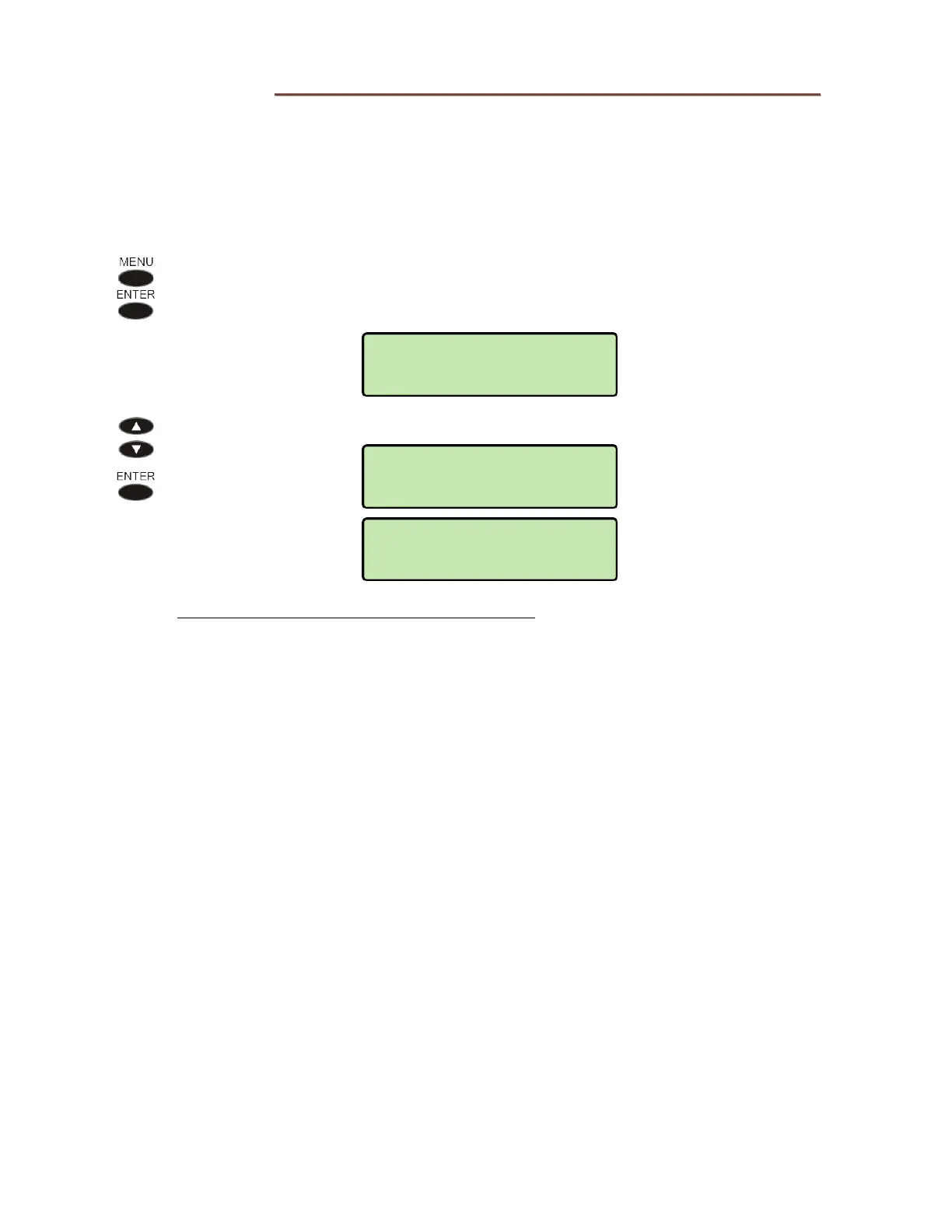
To view or change Quality of Service settings, select QoS from the Installation
Options menu.
(
MENU → INSTALL → QoS)
Select L2 802.1Q for Layer 2, or L3 DIFFSERV for Layer 3.
Refer to the IP Telephone Network Administration Guide for help with setting QoS options.
QOS>L3 DIFFSERV
VOICE DSCP
QOS>L2 802.1Q
ON/OFF
INSTALL>QOS
L2 802.1Q



 To Next Page