Teo IP Phone 4101 Installation Instructions
Page 38 13-280135 Rev. K
U
U
p
p
d
d
a
a
t
t
e
e
s
s
The telephone can be remotely configured, and its operating software updated, by several
methods. Configuration and program updates can be stored on a Teo UC Server, or on a
TFTP, HTTP, or HTTPS server. Updates can be scheduled to occur automatically at a fixed
time each day or disabled. The update may be initiated manually using the START menu
option.
The Installation Options menu can be protected by a PIN to prevent unauthorized updates
(page 43).
Please refer to the IP Telephone Network Administration Guide for more information.
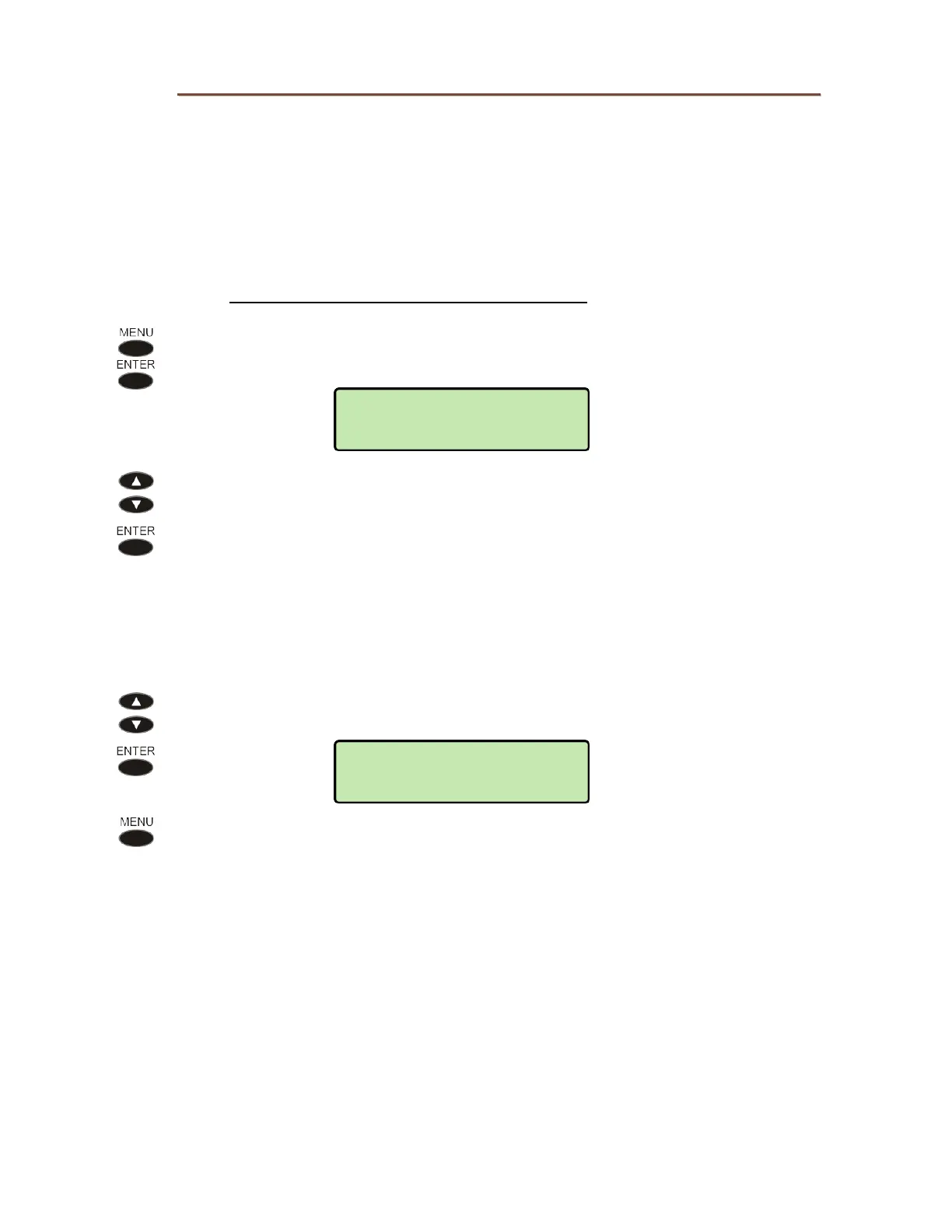
From the Installation Options – Network menu, select UPDATE.
(
MENU → INSTALL → NETWORK → UPDATE)
Select one of the following options:
SERVER – update server IP address settings (page 21)
PROTOCOL – update server protocol
CONFIG – configuration update options
PROGRAM – phone operating software update options
U
U
p
p
d
d
a
a
t
t
e
e
S
S
e
e
r
r
v
v
e
e
r
r
P
P
r
r
o
o
t
t
o
o
c
c
o
o
l
l
Select the update server type: TEO (for use with Teo UC System), TFTP, HTTP,
HTTPS, or NONE.
Press the
MENU key to return to the Update menu.
UPDATE>PROTOCOL
TEO
NETWORK>UPDATE
SERVER



 To Next Page