Installation Options
13-280135 Rev. K Page 39
C
C
o
o
n
n
f
f
i
i
g
g
u
u
r
r
a
a
t
t
i
i
o
o
n
n
U
U
p
p
d
d
a
a
t
t
e
e
s
s
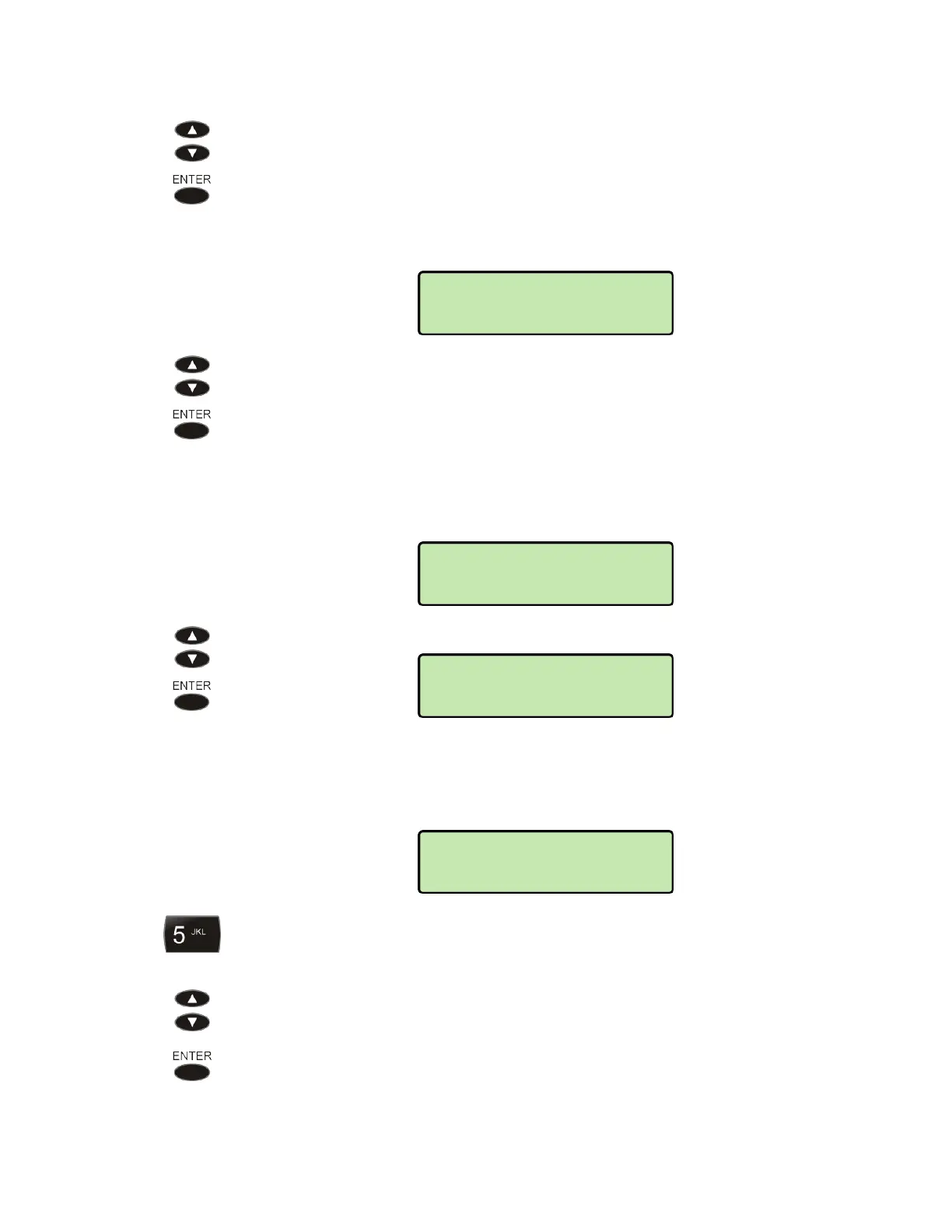
Select DOWNLOAD for immediate or automatic configuration update.
M
M
a
a
n
n
u
u
a
a
l
l
C
C
o
o
n
n
f
f
i
i
g
g
u
u
r
r
a
a
t
t
i
i
o
o
n
n
U
U
p
p
d
d
a
a
t
t
e
e
Select NOW to immediately update the phone configuration. The phone will
restart after a successful update.
A
A
u
u
t
t
o
o
m
m
a
a
t
t
i
i
c
c
C
C
o
o
n
n
f
f
i
i
g
g
u
u
r
r
a
a
t
t
i
i
o
o
n
n
U
U
p
p
d
d
a
a
t
t
e
e
The phone configuration can be automatically updated from the server at a preset time.
Select AUTO to change automatic update settings.
Select ENABLE or DISABLE as needed.
If this option is enabled, select UPDATE TIME to change the time of day for
automatic configuration updates.
Enter the update time, in 12-hour format, with the dial pad. A leading "0" is
required for hours 0-9.
Press the Up Arrow or Down Arrow key to select AM or PM.
Press the
ENTER key when finished.
AUTO>UPDATE TIME
12:00AM
DOWNLOAD>AUTO
ENABLED
CONFIG>DOWNLOAD
AUTO
CONFIG>DOWNLOAD
NOW



 To Next Page