Teo IP Phone 4101 Installation Instructions
Page 36 13-280135 Rev. K
C
C
o
o
n
n
f
f
i
i
g
g
u
u
r
r
i
i
n
n
g
g
t
t
h
h
e
e
S
S
p
p
e
e
a
a
k
k
e
e
r
r
p
p
h
h
o
o
n
n
e
e
The speakerphone can be configured with full speaker and microphone functionality, or
with the microphone always muted (Call Monitoring). You can also completely disable the
speakerphone.
On-hook dialing is available with the both speakerphone and Call Monitoring. Call
Monitoring provides a listen-only call monitor function that is activated by the
SPEAKER
key.
When Call Monitoring is active, call progress tones, dialed digits, and the remote party can
be heard through the built-in speaker, but you can only talk to the remote party with the
handset or headset.
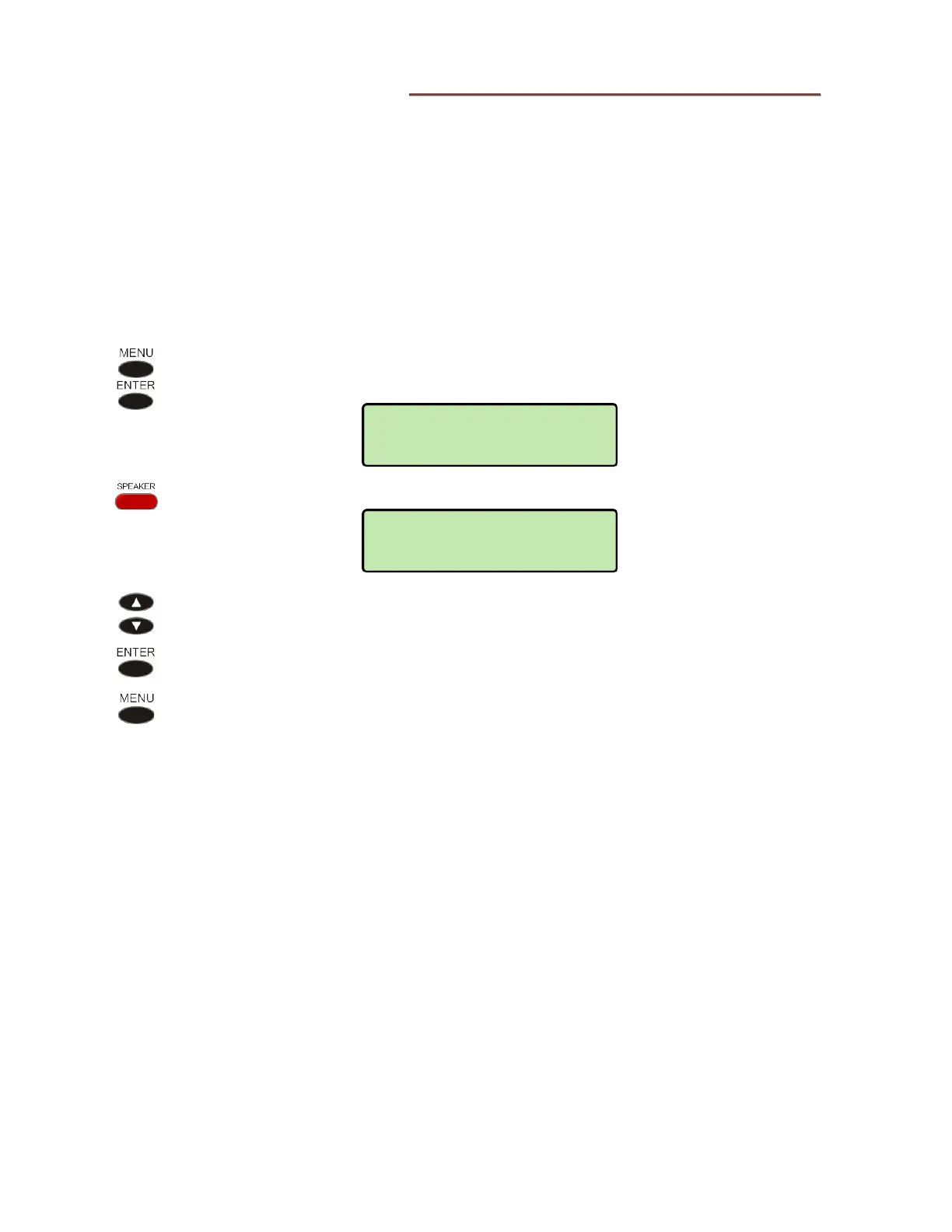
From the Installation Options menu, select KEYS.
(
MENU → INSTALL → KEYS)
Press the SPEAKER key.
Select SPEAKERPHONE to enable the speakerphone, MONITOR ONLY to
enable Call Monitoring, or DISABLE to disable the speakerphone and Call
Monitoring.
When finished, press the
MENU key repeatedly to return to the Installations
Options menu or to exit Setup Mode.
KEYS>SPEAKER KEY
SPEAKERPHONE
INSTALL>KEYS
SELECT A KEY



 To Next Page