Installation Options
13-280135 Rev. K Page 27
S
S
I
I
P
P
C
C
o
o
n
n
f
f
i
i
g
g
u
u
r
r
a
a
t
t
i
i
o
o
n
n
The SIP options configure the phone to allow registration with and signaling of SIP Server
applications. Please refer to the IP Telephone Network Administration Guide
and the SIP
server documentation.
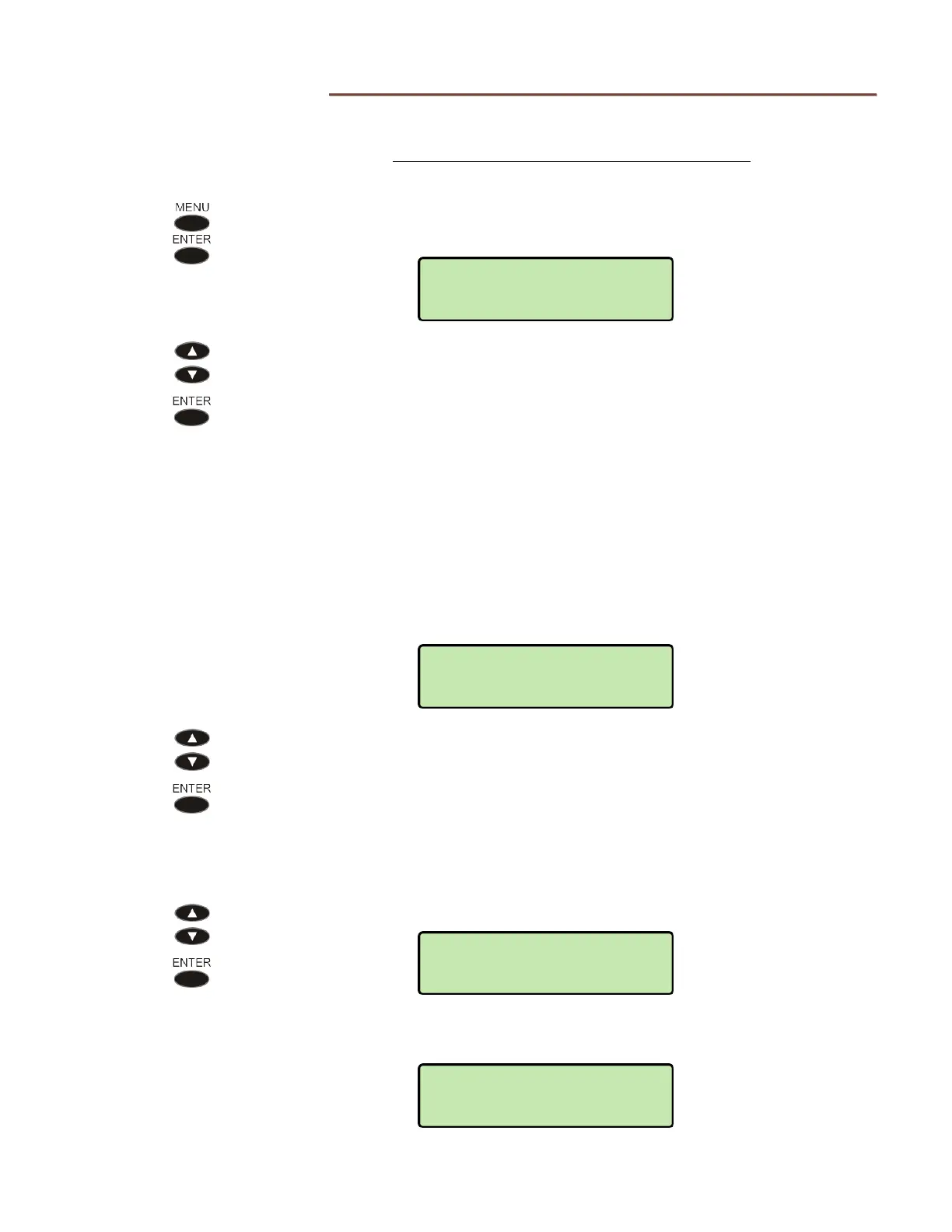
From the Installation Options menu, select SIP.
(
MENU → INSTALL → SIP)
Select one of the SIP options:
IP CONFIG
–
–
IP address automatic configuration
settings
PROXY
–
–
SIP Proxy server IP address and port
REGISTRATION – enable/disable SIP registration
REGISTRAR – SIP Registrar server IP address and
port, if registration is enabled
MWI
–
–
message summary event subscription
for Message Waiting Indication
I
I
n
n
t
t
e
e
r
r
n
n
e
e
t
t
P
P
r
r
o
o
t
t
o
o
c
c
o
o
l
l
C
C
o
o
n
n
f
f
i
i
g
g
u
u
r
r
a
a
t
t
i
i
o
o
n
n
Select one of the available options for assigning the SIP address
DHCPv4 – address is supplied by DHCP (IPv4)
STATIC – manually entered static (fixed) address
S
S
I
I
P
P
P
P
r
r
o
o
x
x
y
y
S
S
e
e
r
r
v
v
e
e
r
r
a
a
n
n
d
d
R
R
e
e
g
g
i
i
s
s
t
t
r
r
a
a
r
r
Select PROXY or REGISTRAR.
Select ID to view or change the proxy/registrar server IP address, or select
PORT to view or change the server port number.
VIEW
SIP>PROXY
ID
SIP>IP CONFIG
DHCPV4
INSTALL>SIP
IP CONFIG



 To Next Page