Installation Options
13-280135 Rev. K Page 37
C
C
a
a
l
l
l
l
T
T
i
i
m
m
e
e
o
o
u
u
t
t
O
O
p
p
t
t
i
i
o
o
n
n
s
s
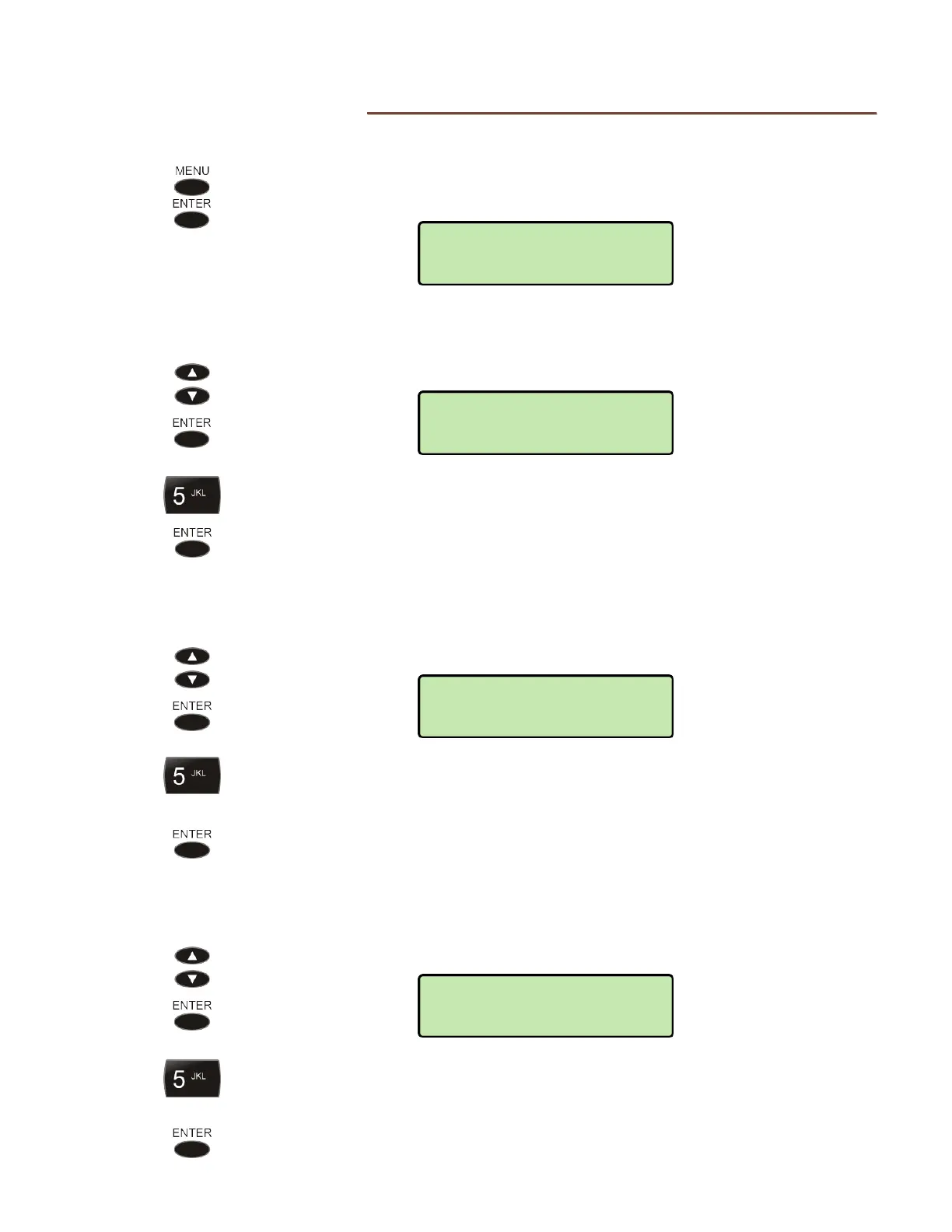
These options set dialing, ringing, and reorder timeouts.
From the Installation Options menu, select TIMEOUT.
(
MENU → INSTALL → TIMEOUT)
D
D
i
i
a
a
l
l
i
i
n
n
g
g
T
T
i
i
m
m
e
e
o
o
u
u
t
t
Select DIALING.
Enter the number of seconds (1-24) to wait after entering digits, before a call
is automatically dialed without pressing the
SEND or ENTER key.
Press the
ENTER key when finished.
R
R
i
i
n
n
g
g
i
i
n
n
g
g
T
T
i
i
m
m
e
e
o
o
u
u
t
t
Select RING.
Enter the number of seconds (0-300) that an incoming call will ring, before
ringing is turned off and the call is abandoned. Enter 0 for no ringing timeout
(call continues to ring).
Press the
ENTER key when finished.
R
R
e
e
o
o
r
r
d
d
e
e
r
r
T
T
i
i
m
m
e
e
o
o
u
u
t
t
Select REORDER.
Enter the number of seconds (0-300) that the phone will remain in a
disconnected or error state before the call is cleared. Enter 0 for no reorder
timeout (call remains in a disconnected or error state).
Press the
ENTER key when finished.
TIMEOUT>REORDER=
180
TIMEOUT>RINGING=
180
TIMEOUT>DIALING=
10
INSTALL>TIMEOUT
DIALING



 To Next Page