EasyManua.ls Logo

Teo 4101 - Version

Teo 4101
72 pages
Print Icon
To Next Page IconTo Next Page
To Previous Page IconTo Previous Page
Loading...
Administration Options
13-280135 Rev. K Page 49
V
V
e
e
r
r
s
s
i
i
o
o
n
n
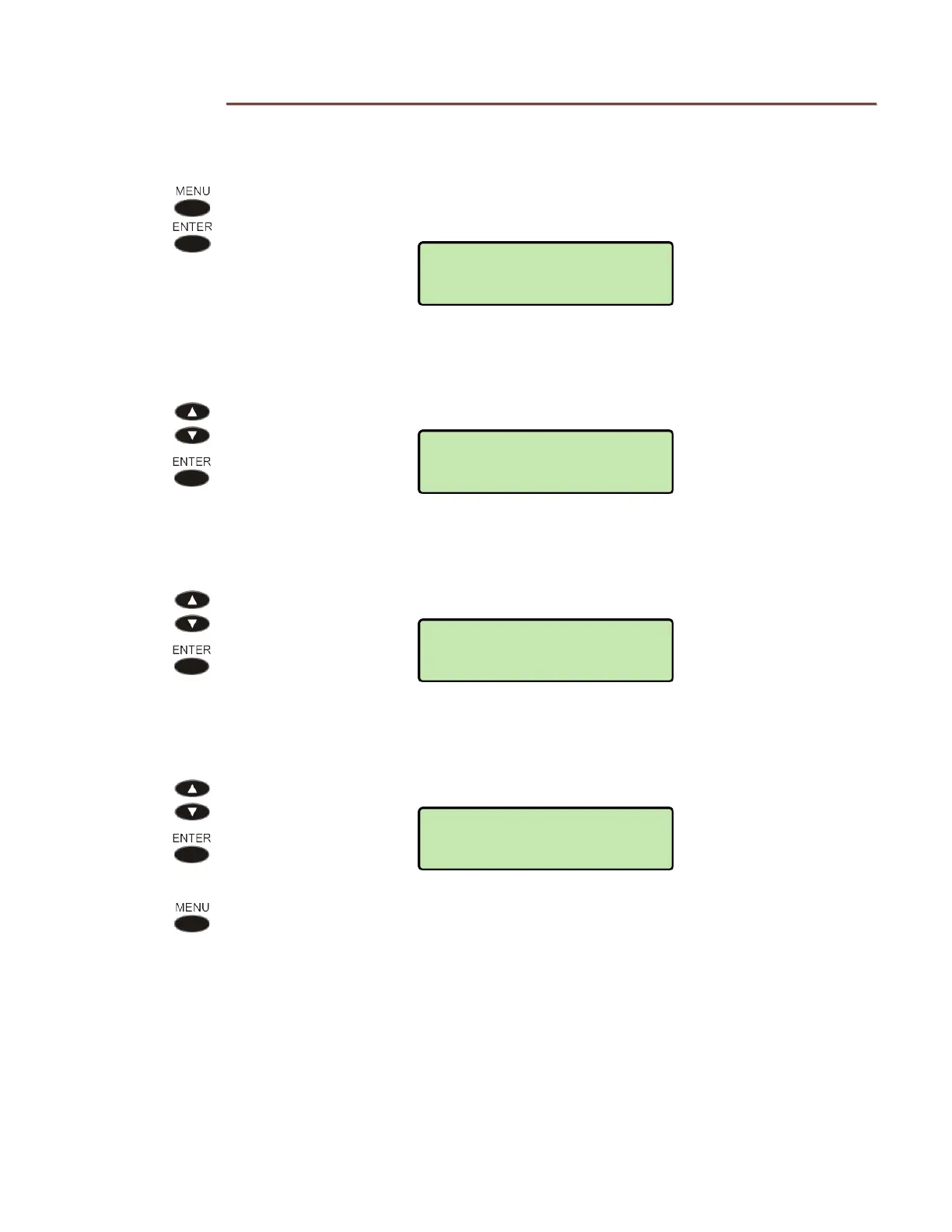
Use this option to view the telephone’s hardware version, application software version,
and serial number.
From the Administration Options menu, select VERSION.
(
MENU ADMIN
VERSION)
H
H
a
a
r
r
d
d
w
w
a
a
r
r
e
e
V
V
e
e
r
r
s
s
i
i
o
o
n
n
Select HARDWARE.
A
A
p
p
p
p
l
l
i
i
c
c
a
a
t
t
i
i
o
o
n
n
S
S
o
o
f
f
t
t
w
w
a
a
r
r
e
e
V
V
e
e
r
r
s
s
i
i
o
o
n
n
Select SOFTWARE.
S
S
e
e
r
r
i
i
a
a
l
l
N
N
u
u
m
m
b
b
e
e
r
r
Select SERIAL NUMBER.
Press the
MENU key repeatedly to return to the Administration Options menu
or to exit Setup Mode.
VERSION>SERIAL#
10040000000
VERSION>SOFTWARE
07.04.16
HW MODEL: 4101
TOP:A PCB:A
ADMIN>VERSION
HARDWARE

Other manuals for Teo 4101

Related product manuals