Functions of the operating and display elements
10
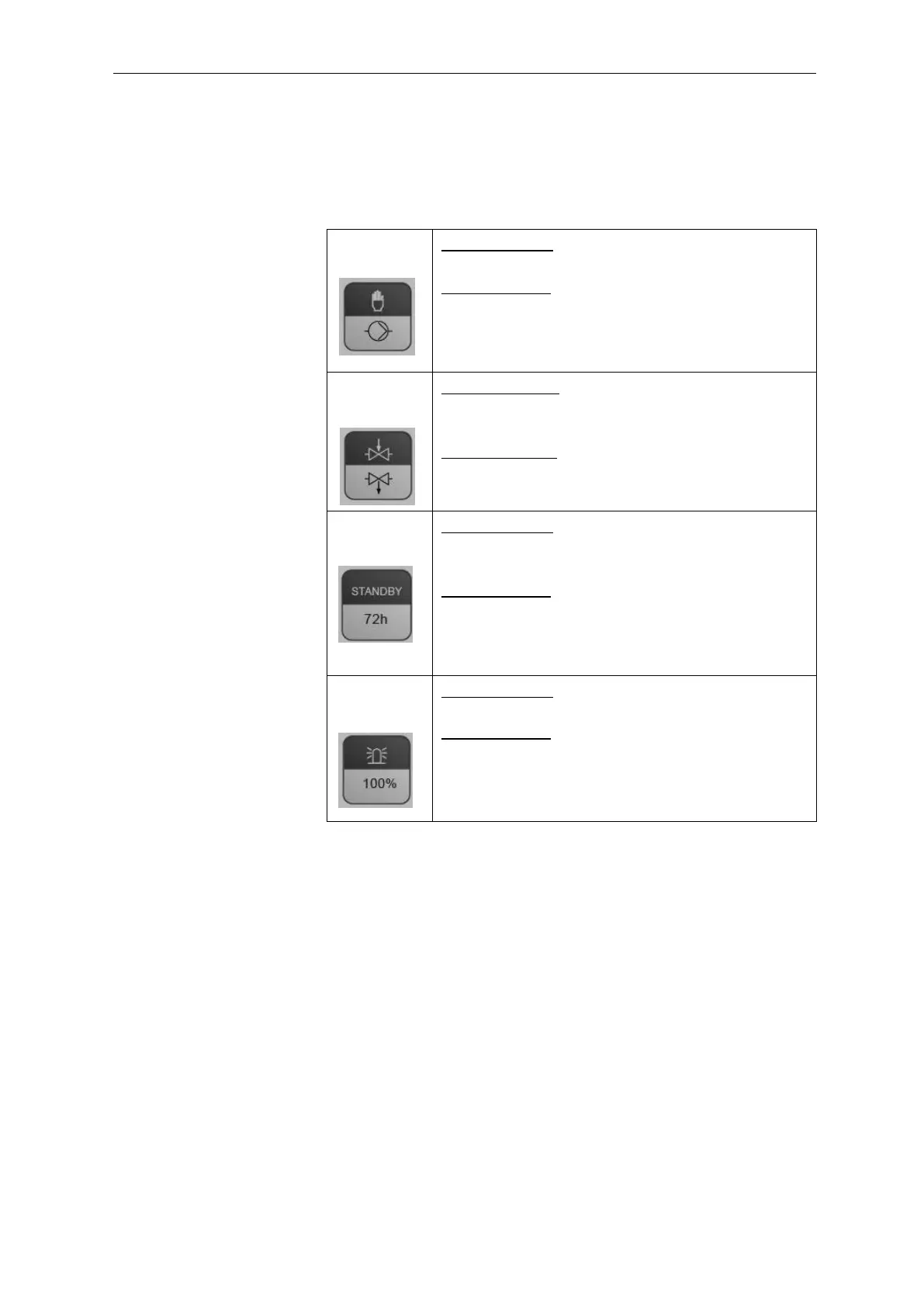
Operating elements/Function keys
All operating elements/function keys are assigned twice. The respec-
tive function is triggered by a short or long (min. 2 seconds) key
press.
Short key press: Starts an analysis (manual start),
the respective LED flashes.
Long key press: Switches the dosing pump for bleed-
ing the pipes on/off. The LED illuminates while the
pump is running.
Short key press*: Switches the internal flush valve
on/off, the respective LED flashes as long as the
valve is open.
Long key press*: Activates an external flush valve via
relay K1 (on/off). The LED above key 2 and LED K1
illuminate as long as the external valve is activated.
Short key press: Switches the standby function
on/off. The respective LED flashes if standby is ac-
tive.
Long key press: The respective LED displays wheth-
er operation is possible for longer than 72 h (opera-
tion without supervision).
Short key press: Acknowledges current er-
rors/alarms.
Long key press: Sets the indicator display from 0% to
100% (the LEDs 10% to 90% illuminate).
Note: It is not possible to enter any indicator level.
* only in standby mode


 To Next Page