EasyManua.ls Logo

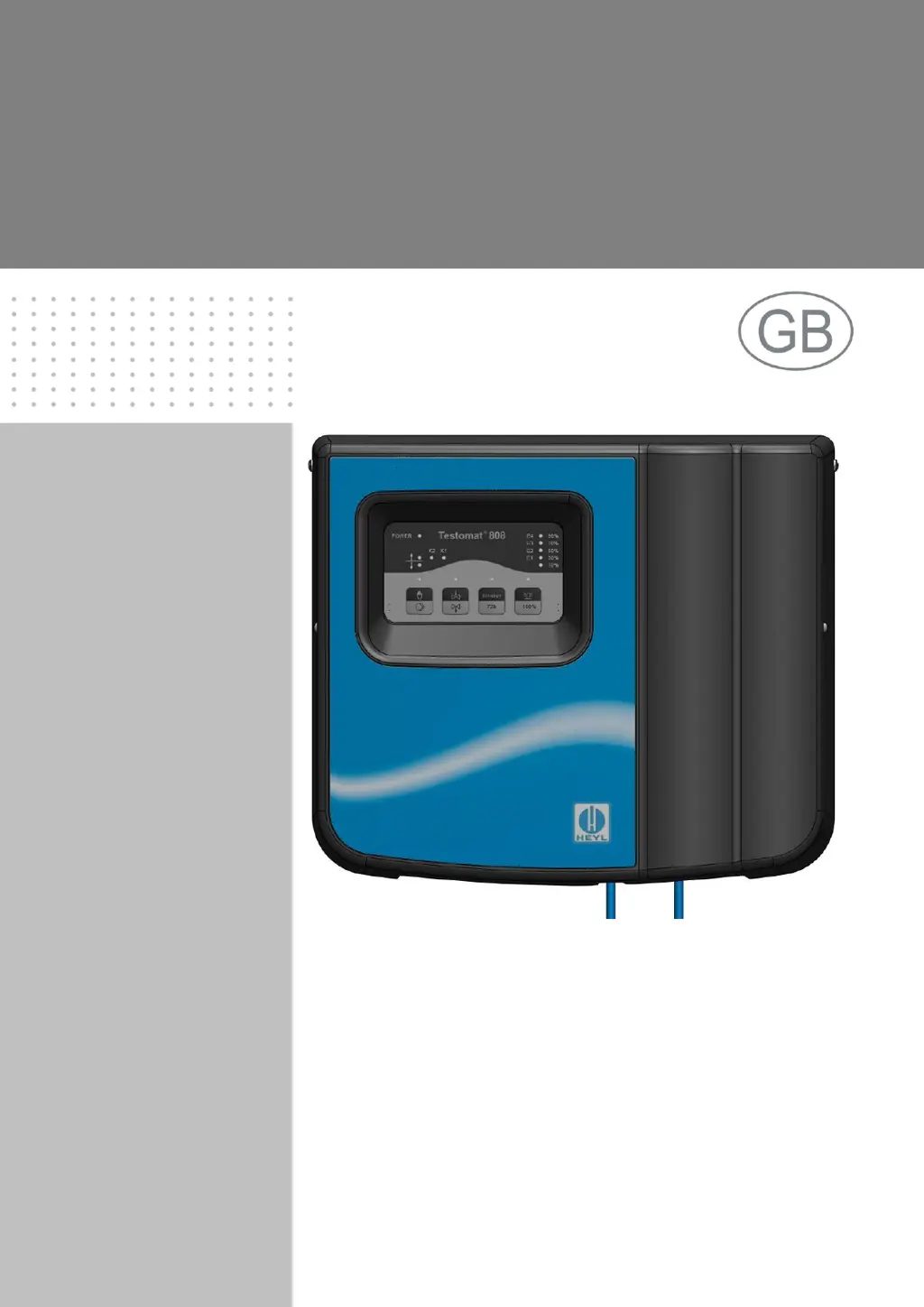
Testomat 808 - User Manual

Testomat 808
46 pages
Print Icon
To Next Page IconTo Next Page
Loading...
1
Testomat
®
808
Online Analysis Instrument
for Water Hardness
Operating Instructions

Table of Contents

Questions and Answers

  • J
    Jessica LewisAug 3, 2025
    What to do if my Testomat 808 Analytical Instruments show error E2?
    • J
      Jesse LyonsAug 3, 2025
      If the Testomat Analytical Instruments show error E2, indicating a measuring fault, begin by checking if the indicator bottle is empty and ensure the indicator matches the quantity in the bottle. Only use approved indicators for the Testomat 808, as others can cause errors. Also, verify the stirring bar is present and turns, the pump supplies indicator, and the dosing needle isn't blocked or has a damaged O-ring. Make sure suction and pressure hoses aren't drawing secondary air, and check the suction lance for air bubbles escaping from the dosing needle.
  • P
    plucasAug 10, 2025
    How to fix error E4 on Testomat 808 Analytical Instruments?
    • A
      Amanda OliverAug 10, 2025
      If your Testomat Analytical Instruments display error E4, it indicates insufficient LED power or light. Here's what you should check: * First, see if the water is turbid, as turbidity affects measurements. * Inspect the measuring chamber/sight glass for soiling. * Consider the possibility of a damaged sensor or LED. * Ensure the water level isn't too low. * Confirm the measuring chamber and LED fitting are correctly installed, as transport can loosen them. Also, you may need to perform a visual adjustment according to the Testomat 808 maintenance instructions.
  • P
    pgarciaAug 18, 2025
    What to do if Testomat Analytical Instruments show error E1?
    • B
      Brad TaylorAug 18, 2025
      If your Testomat Analytical Instruments are showing error E1, it means there's a low water level. To solve this: * Check the water lines to ensure they are not leaky. * Verify that the water lines are properly connected. * Confirm that all stop valves in the inlet are open. * Make sure that no foreign particles caused blocking.
  • A
    Antonio CarterAug 25, 2025
    Why does my Testomat 808 show error E3?
    • A
      Amanda CampbellAug 25, 2025
      If your Testomat Analytical Instruments display error E3, it indicates excessive LED power or light. Make sure that the housing cover is closed, as sunlight can negatively influence the measurement. Also, the sensor or LED might be damaged. If needed, perform a visual adjustment as described in the maintenance instructions for the Testomat® 808.

Summary

Important safety information

Intended use

Specifies the proper application and limitations of the Testomat® 808 instrument.

Qualification of the staff

Defines the necessary knowledge and skills for personnel operating the instrument.

Notes and instructions to be observed

Warning notices in these instructions

Explains the structure and types of warning messages used in the manual.

General instructions

Provides general guidelines and critical instructions for safe operation and maintenance.

Installation and General Procedures

Installation Precautions

Covers essential precautions for installing the instrument safely.

Performance specifications

Indicators for Testomat 808 instruments

Details the indicators used for measuring water hardness and their corresponding ranges.

Functions of the operating and display elements

Operating elements;Function keys

Display elements;LEDs

Installation Site Selection

Installing Testomat 808

Guides on selecting an installation site and mounting the instrument.

Water Connections

Connecting the water inlet and outlet

Details how to connect the water supply and drainage lines to the instrument.

Power and Device Connections

Connecting the power supply and devices

Explains how to safely connect the instrument to the mains power supply.

Internal design Testomat 808

Connecting the mains voltage

Connecting the inputs and outputs

Description of the signal inputs

Interfaces

Description of the relay outputs

Commissioning

Inserting the indicator bottle

Provides step-by-step instructions for correctly inserting the indicator bottle.

Instrument settings and analysis

Instrument settings

Covers setting parameters like interval pause, bottle size, and relay behavior.

Selecting the indicator type and bottle size

Carrying out an analysis

Analysis process

Interval pause

Alarm;Error message;Relay K3

Error message activation and Current Interface Output

Error Display and Remedies

Low water level and Measuring fault analysis

Further possible instrument errors

Maintenance

Required maintenance measures

Emphasizes regular maintenance checks for trouble-free operation.

Description of maintenance work

Replacing the indicator bottle

Cleaning the measuring chamber and the sight-glass windows

Cleaning Procedures and Reassembly

Pump head maintenance message

Replacing the pump head

Accessories - indicators

Technical data

Testomat 808 Specifications

General IconGeneral
BrandTestomat
Model808
CategoryAnalytical Instruments
LanguageEnglish