Error messages/Troubleshooting
32
72 h operation
(operation without permanent supervision)
If the instrument should run for a longer period of time without super-
vision (e.g. at the weekend), use this function to check whether suffi-
cient indicator is available for a continuous measurement.
On the basis of the still available indicator, the set indicator pause
and indicator quantity consumed per measurement, the instrument
calculates whether the residual indicator quantity is sufficient for the
next 72 operating hours.
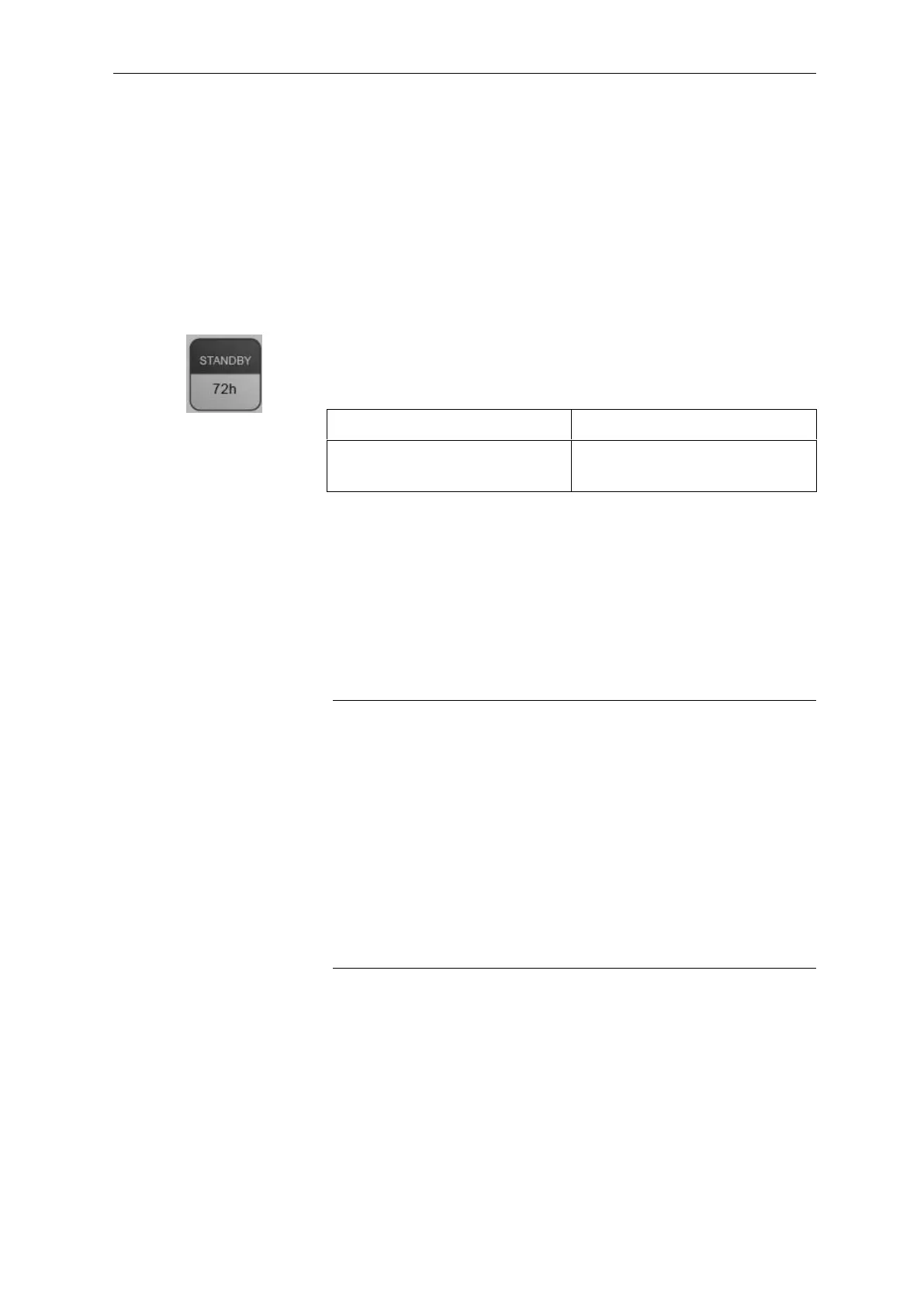
Press key 3 (standby) for approx. 2 seconds to check whether 72 h
operation is possible.
72 h operation not possible
The LED above key 3 (standby)
illuminates for 4 seconds.
The LED above key 3 (standby)
flashes quickly for 4 seconds.
Error messages/Troubleshooting
Alarm/Error message/Relay K3
Testomat
®
808 uses LEDs which either illuminate continuously or
flash to display alarm/error messages.
Error messages
All status/error messages are lost after a power failure!
Current error messages can be confirmed by pressing key 4 (horn)
briefly or via input DELETE EXT. (page 22).
We recommend you to carry out a manual analysis after an error
message to determine whether the error has been eliminated or
not. Further steps as described below.
If several consecutive faulty measurements have occurred, the
LED “POWER” lights and the LED above key 4 (horn) is blinking.
In this case press the reset key S1 or switch off/on the instrument
to acknowledge the alarm.


 To Next Page