Helpline No. UK/ North Ireland 0871 37 61 020 Rep. Ireland 1-800-992 508
Web Support www.medion.co.uk
Model Number: 82663
14
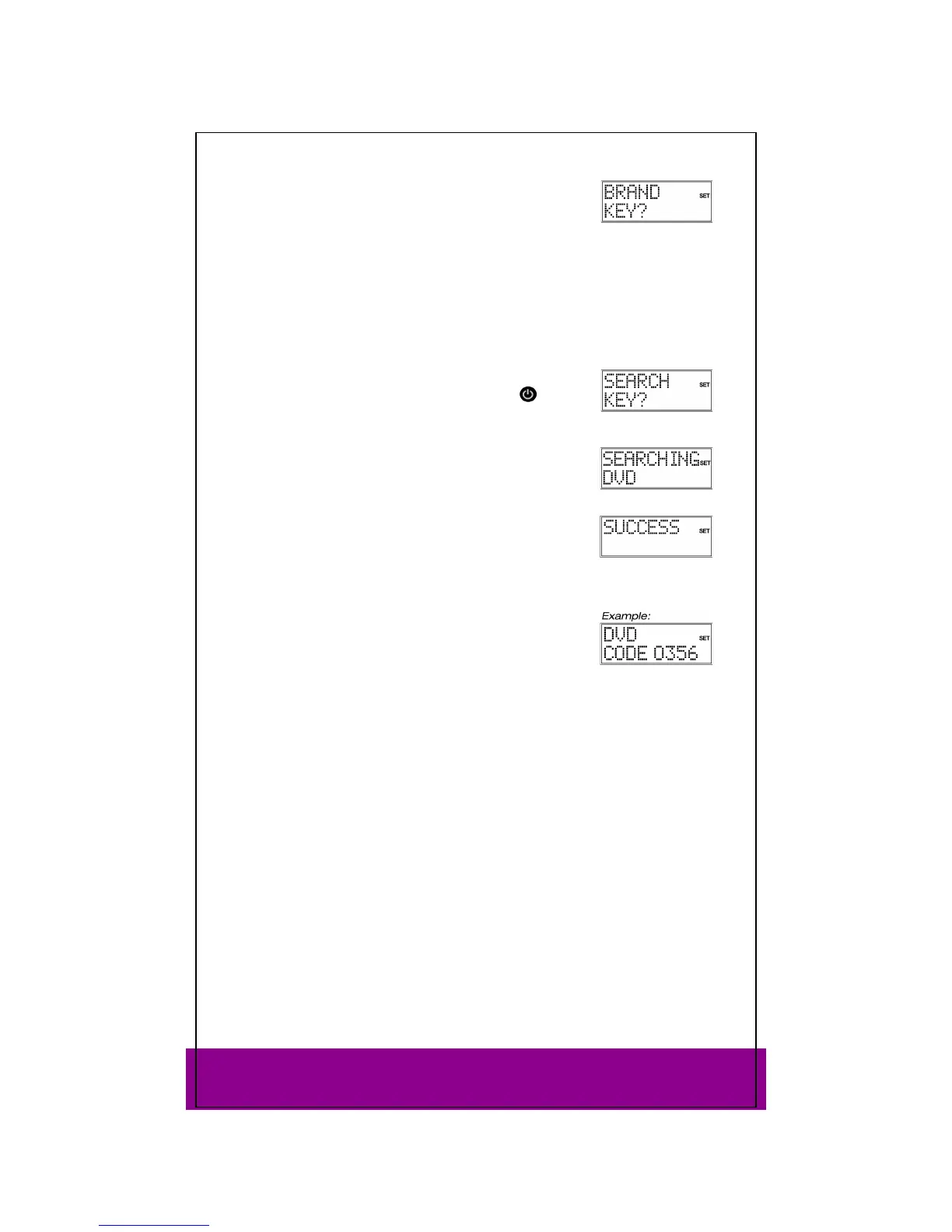
Press OK. The BRAND KEY? query appears.
Press a number key for a required manufacturer according to
the following overview:
Key 1 = Medion, Tevion, Lifetec, Micromaxx, Microstar, Viden, TCM, General Technic,
Innovation, Magnum
Key 2 = Philips, Erres, Pye, Philco, Radiola
Key 3 = Sony, Akai, Panasonic, Sharp, Toshiba, JVC, Daewoo
Key 4 = Thomson, Brandt
Key 5 = Telefunken, Saba, Nordmende, Ferguson, Baird
Key 6 = Grundig, Blaupunkt
Key 7 = Nokia, Finlux, Itt
Key 0 = all brands.
Press OK. The
SEARCH KEY? display appears.
Perform the function test now by pressing the P+,
or
PLAY keys (VCR only) until the device changes channel,
switches off or responds accordingly. The code search begins
with the code that is currently stored.
While the search is running, the word
SEARCHING (along with
the selected device type) is displayed.
If you miss the code, you can go back step by step with the P–
key.
When the device responds accordingly each time a key is
pressed, press OK to save the code. The
SUCCESS confirmation
message appears.
The remote control returns to normal operation.
Code identification
If you want to know which code is saved on a particular mode
key, simply press this key. The selected device type and device
code appear.



 To Next Page