Helpline No. UK/ North Ireland 0871 37 61 020 Rep. Ireland 1-800-992 508
Web Support www.medion.co.uk
Model Number: 82663
25
Additional functions 17
Sky Box keys
There are some keys especially configured for Sky Box services.You can directly use
the following features with your universal remote control:
box office: shows the Box Office screen
interactive:shows the Interactive Services screen
tv guide: shows the TV Guide screen
back up: shows the previous screen
sky: sets your remote control to control your Sky Box
services: shows the customer services screen
All other keys like the colour keys or number keys work with the corresponding
function of your Sky receiver.
Factory settings
Use Reset to restore all device settings to the factory settings. Codes that have been
programmed in, learn functions and macros are therefore
deleted.
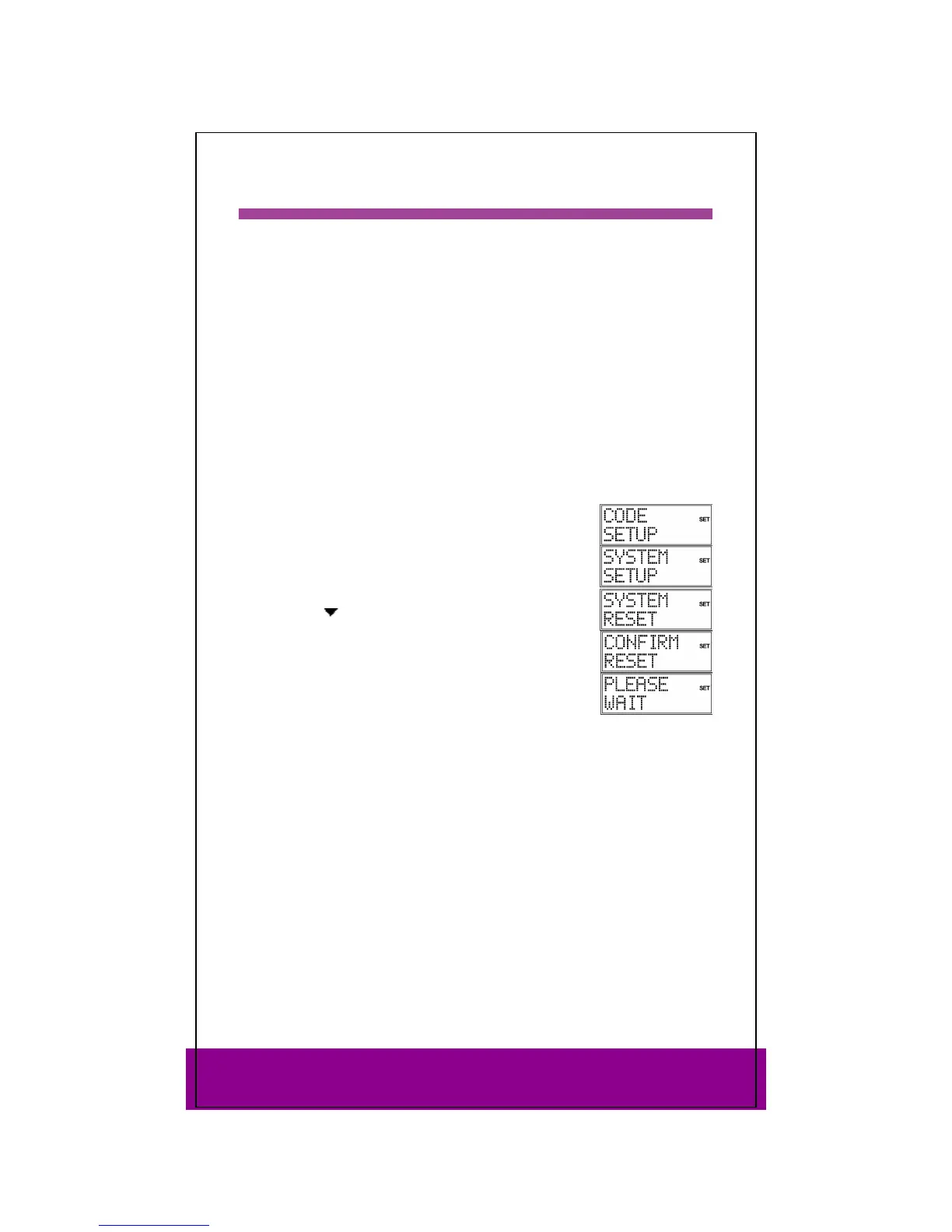
Keep the SETUP key pressed down for approx. 3 seconds,
until
CODE SETUP appears.
Press SETUP again briefly to open SYSTEM SETUP.
Confirm with OK. The VOL/MUTE SETUP is displayed.
Use the arrows
(press four times) to select SYSTEM RESET
and confirm with OK.
The message
CONFIRM RESET is displayed. Confirm with OK to
reset the settings.
While the factory settings are being restored, PLEASE WAIT
appears in the display.



 To Next Page