Helpline No. UK/ North Ireland 0871 37 61 020 Rep. Ireland 1-800-992 508
Web Support www.medion.co.uk
Model Number: 82663
16
Operating combined devices
Combined devices are for example a TV set with an integrated video recorder, a TV set
with a DVD player or a DVD recorder with a video recorder. Several controlling options
are available to combined devices.
Combined devices with two device codes
Some combined devices (e.g. TV set with video recorder) require two device codes -
one for each device part. Program the correct TV code on the TV mode key and the
video recorder code on the other mode key. The combined device is then controlled
like two separate devices.
Combined devices with one device code
Other combined devices only require one code. In this case, you must first select the
device part you would like to operate.
Example: The device is a combined DVD recorder/video recorder. The device code was
stored on the DVD mode key.
Now activate the DVD part in the combined device by holding down the DVD mode
key for longer than one second.
To activate the video recorder in the combined device, first briefly press the SETUP
key for the SHIFT function, then the DVD mode key.
If your combined unit only requires one code but you would like to operate it with two
mode keys, then proceed as follows:
Programme the device code to two mode keys.
Operate one of the unit parts with one of the two mode keys.
Use the learn function (see “Learn function” on page 19) to transfer the desired
functions of the other unit part to the other mode key.
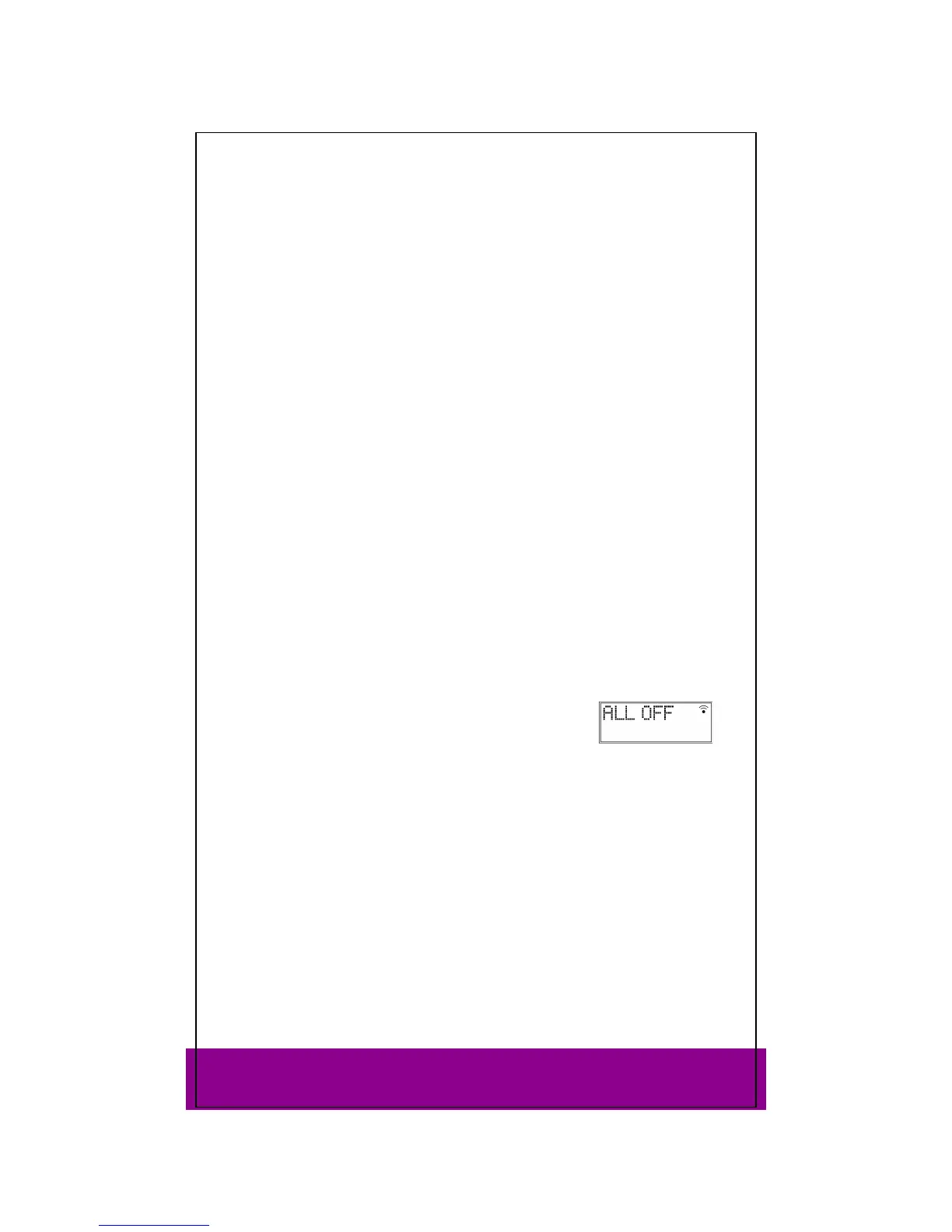
ALL OFF function
You can switch off all pre-programmed devices at the same time. This is done as
follows:
Press the ALL OFF key twice in rapid succession and keep it
pressed down after the second time for approx. 3 seconds.
When you release the key,
ALL OFF appears and the devices
are switched off.
Some devices can be switched on and off with the ALL OFF key Devices switched off
in such a way will, if they were switched off, be switched back on when you perform
the ALL OFF function.



 To Next Page