Helpline No. UK/ North Ireland 0871 37 61 020 Rep. Ireland 1-800-992 508
Web Support www.medion.co.uk
Model Number: 82663
22
Incorporating delays
It can be useful to incorporate a time delay before a command step in order to take
the warm-up phase of the TV set into consideration, for example. The standard delay
between the infrared signals is equal to half a second.
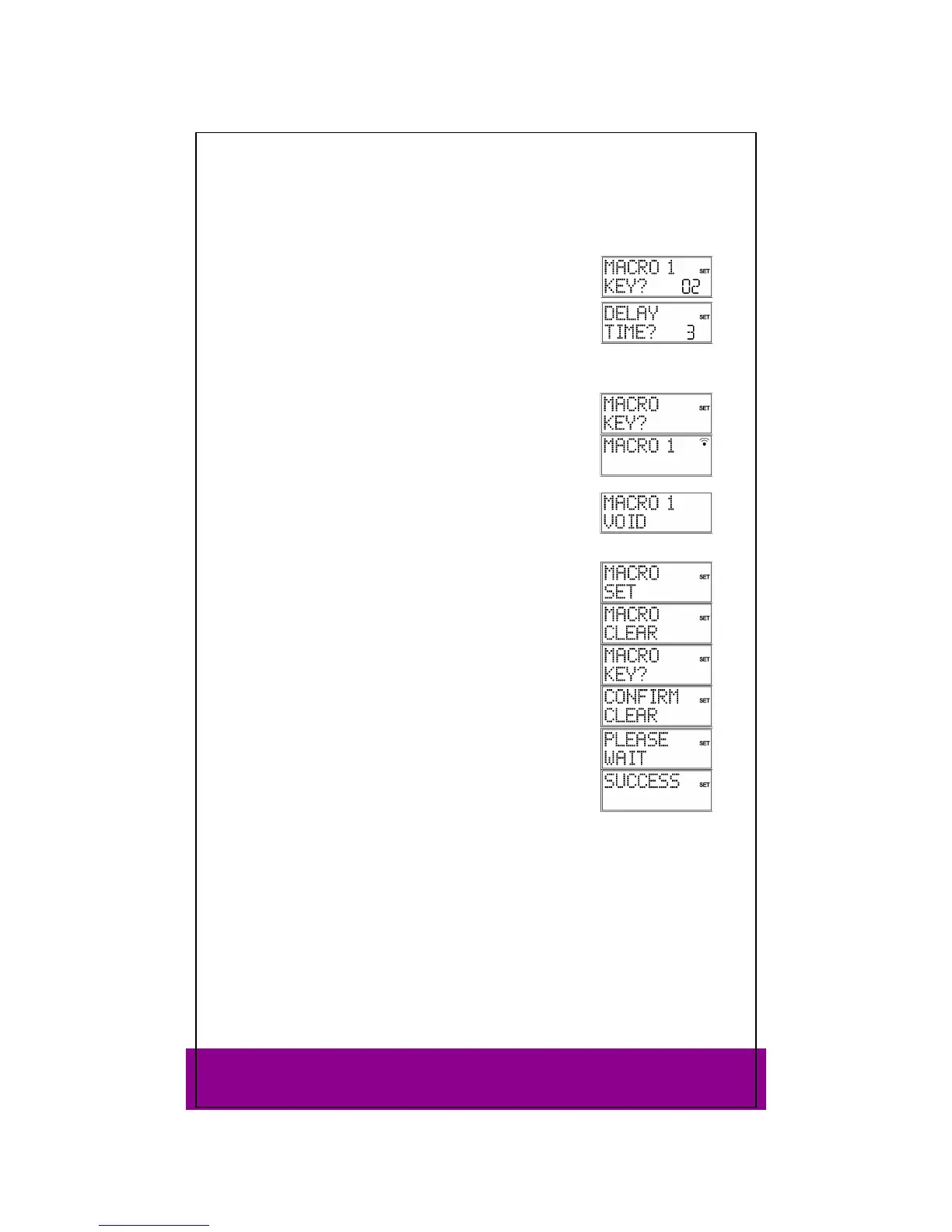
While entering the steps (see above) press the PAUSE key at
the point where the time delay should be incorporated.The
DELAY TIME? query appears.
Press a number key corresponding to the seconds by which
you would like to delay (e.g. 3 for a 3-second delay). The
maximum delay is 9 seconds.
Executing macros
To execute a macro, briefly press the MACRO key once in
normal mode. The following message appears: MACRO KEY?.
Then press the number key where the macro was saved within
20 seconds (1, 2 or 3).
While the macro is running,
MACRO 1 (or 2 or 3) appears along
with the transmission symbol.
If no macro is saved under the selected numberkey, the
message
MACRO 1 VOID appears.
Deleting macros
Perform steps 1 to 3 as described in section “Programming
macros“ on page 21. The MACRO SET display appears.
Use the arrows to select the
MACRO CLEAR mode.
Press OK" The following message appears: MACRO KEY?.
Press the number key where the macro is stored for the macro
that you would like to delete.
The
CONFIRM CLEAR prompt appears.
Confirm once again with OK.
PLEASE WAIT appears again in the
display, followed by the confirmation message SUCCESS.
The remote control returns to normal operation.



 To Next Page