Helpline No. UK/ North Ireland 0871 37 61 020 Rep. Ireland 1-800-992 508
Web Support www.medion.co.uk
Model Number: 82663
19
Delete command timer
If a command timer is set (the bell symbol appears in the
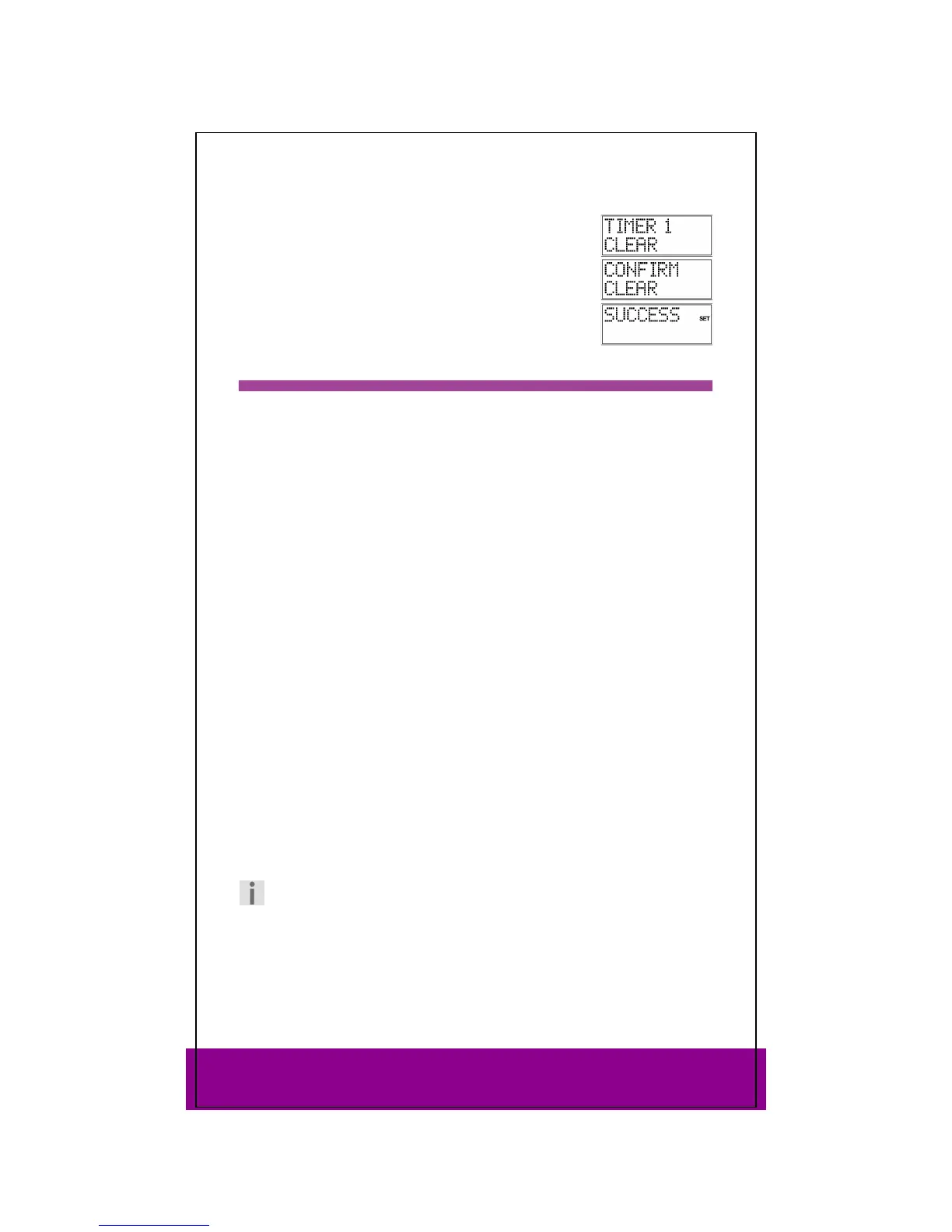
display), TIMER 1 CLEAR appears in the display instead of TIMER 1
SET
in the steps described above.
Perform steps 1 to 5 as described above. The TIMER 1 CLEAR
display appears.
Press OK. The message
CONFIRM CLEAR is displayed.
Press OK The
SUCCESS confirmation message appears.
Learn function 14
You can manually save the functions of an original remote control to your universal
remote control. Commands are saved to the mode key on which the device of the
original remote control was programmed.
The universal remote control can “learn” up to 150 commands.
Notes on learn function
Use new batteries for both remote controls.
If you start programming from the start – especially after the first operation – delete all
saved commands first of all (see “Deleting commands for all mode keys” on page 21).
Only one original remote control can be programmed on each mode key.
If you would like to program an original remote control to a mode key, first delete the
commands on this mode key (see Deleting commands for only one mode key on page
20).
The
LEARN ERROR message is displayed if the memory is full. If this happens, delete
saved commands.
Programming each key can take approx. 3 seconds. Do not release the key to be
learned before the SUCCESS or LEARN ERROR message appears.
The following keys cannot be assigned to functions: SETUP, MACRO and all mode
keys.
Some original remote controls (for DVD, video recorder, SAT) can themselves be
programmed with the device codes of some TV brands to carry out basic TV set
functions (volume, mute, channel search).
Do not attempt to transfer the functions of an original remote control that has been
programmed with the code of a different TV set to your universal remote control. This
could cause programming errors.
First try to program two or three commands and then test them.
Before programming in your commands, first delete all existing commands (see page
21).
Note
Do not execute the learn function under a low-energy lamp. Such lamps (e.g.
fluorescent lamps) can contain infrared light components that could
influence the learn function.



 To Next Page