Helpline No. UK/ North Ireland 0871 37 61 020 Rep. Ireland 1-800-992 508
Web Support www.medion.co.uk
Model Number: 82663
5
Product description 4
This universal remote control has eight mode keys and therefore can replace up to
eight normal remote controls ("8 in 1 function“). These may be remote controls for
practically every type of remote-controlled consumer electronics (see the supplied
code list).
The labels "TV" "VCR" "DVD" "CD" "ASAT" "CBL" "AUX" "DSAT" on the mode keys
are for overview purposes. With the exception of the TV key, you can assign any key
to any device (“Flex Mode”). To program in codes see “Programming device codes” on
page 10.
Preparations 5
Inserting batteries
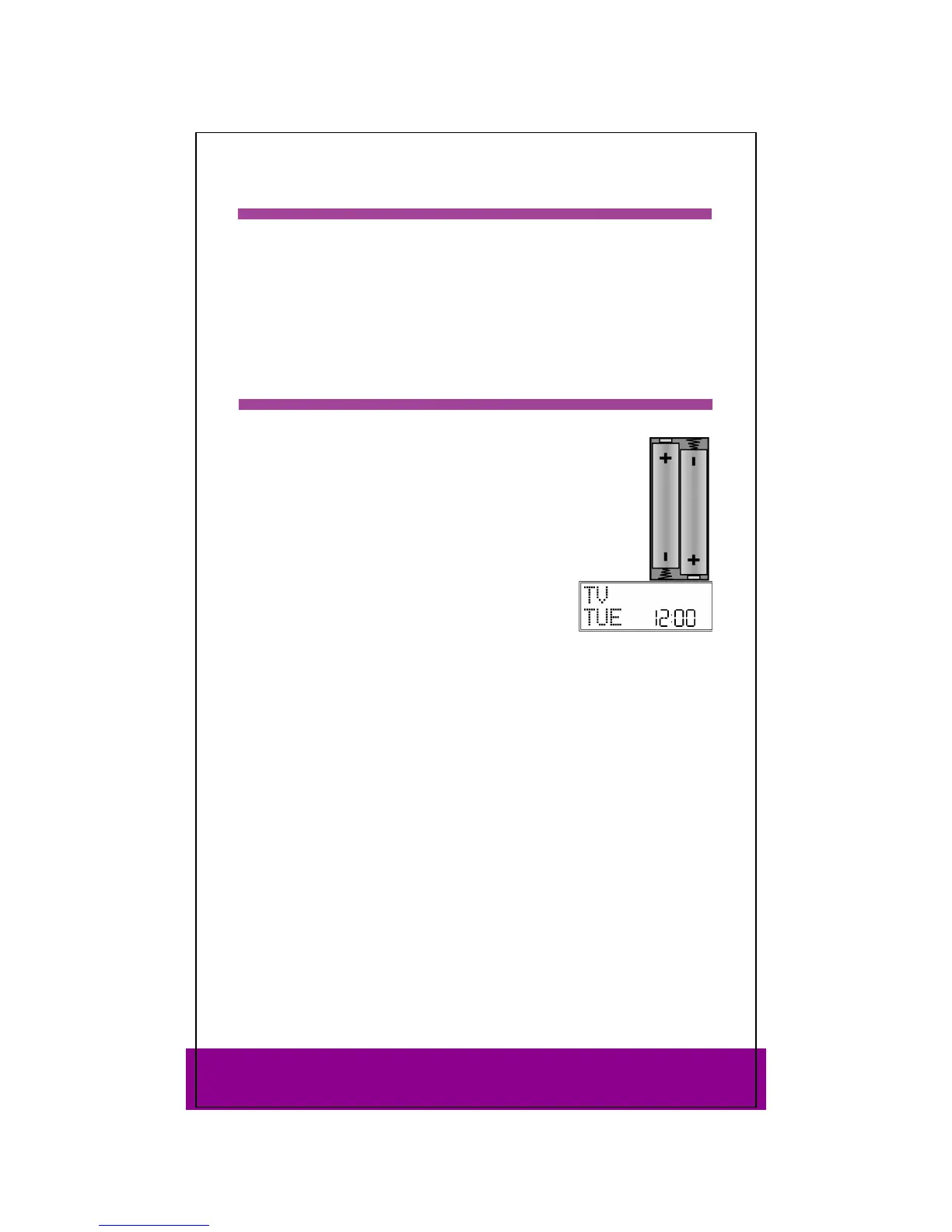
2x LR03 AAA micro batteries are supplied.
Remove the battery compartment cover by pushing it downwards.
Insert both batteries into the compartment while observing the +/-
polarity.
Replace the cover.
Settings after battery replacement
If the batteries have been inserted correctly, the factory
setting is displayed. It shows the active mode ("
TV"), the
day of the week and the time.
Please read “Setting time and date” on page 8 for more
information on setting the time and date.
After new batteries have been inserted, the mode, time, date and backlight time are
reset to the factory settings.
However, codes that have already been programmed in as well as programmed learn
functions and macros are retained when batteries are changed.
Protection against unexpected battery discharging
If a key remains pressed down by accident (because something is lying on the remote
control for example), the remote control sends 255 infrared signals (for approximately
30 seconds) and this ends the transmission. This prevents the batteries from
discharging accidentally.
Remote control stand
You can use the stand for your remote control to place it visibly and easy accessible on
a table top.



 To Next Page