Helpline No. UK/ North Ireland 0871 37 61 020 Rep. Ireland 1-800-992 508
Web Support www.medion.co.uk
Model Number: 82663
9
Backlight 9
The display's backlight comes on each time the button is pressed. The backlight's
factory setting is for 10 seconds. You can switch off the backlight or extend it to 60
seconds.
Please note that the backlight uses up additional battery life.
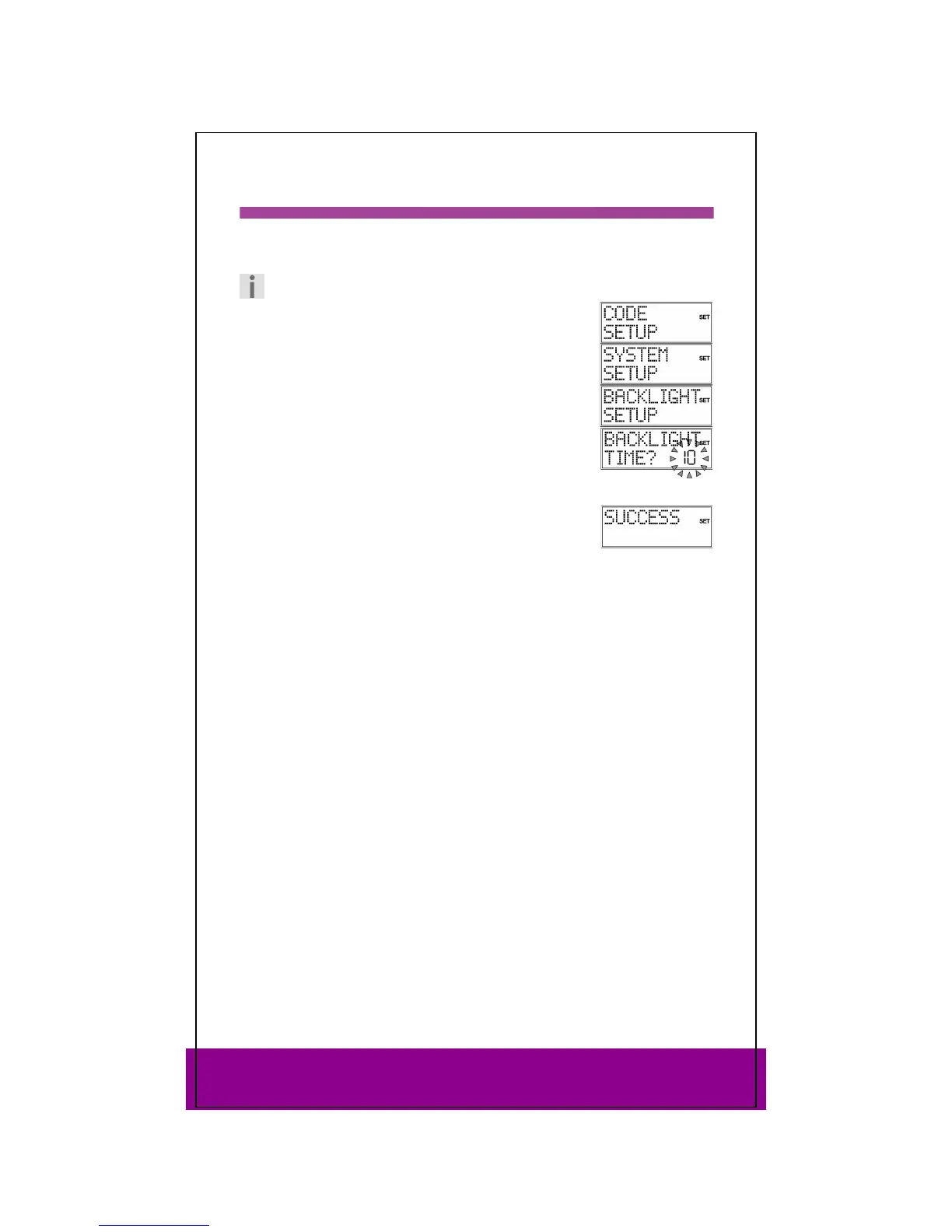
Keep the SETUP key pressed down for approx. 3 seconds,
until
CODE SETUP appears.
Press SETUP again briefly to open
SYSTEM SETUP.
Confirm with OK. The
VOL/MUTE SETUP is displayed.
Use the arrows (press three times) to select the
BACKLIGHT
SETUP
and confirm with OK.
The current set time flashes (factory setting is for 10 seconds).
Use the arrows to select the required time span in five
second intervals.
In order to switch the backlight off, select 00 seconds. Confirm
with OK.
The confirmation message
SUCCESS appears and the display
returns to CODE SETUP.



 To Next Page