39 40
How to Slice 3D Object for SD Print
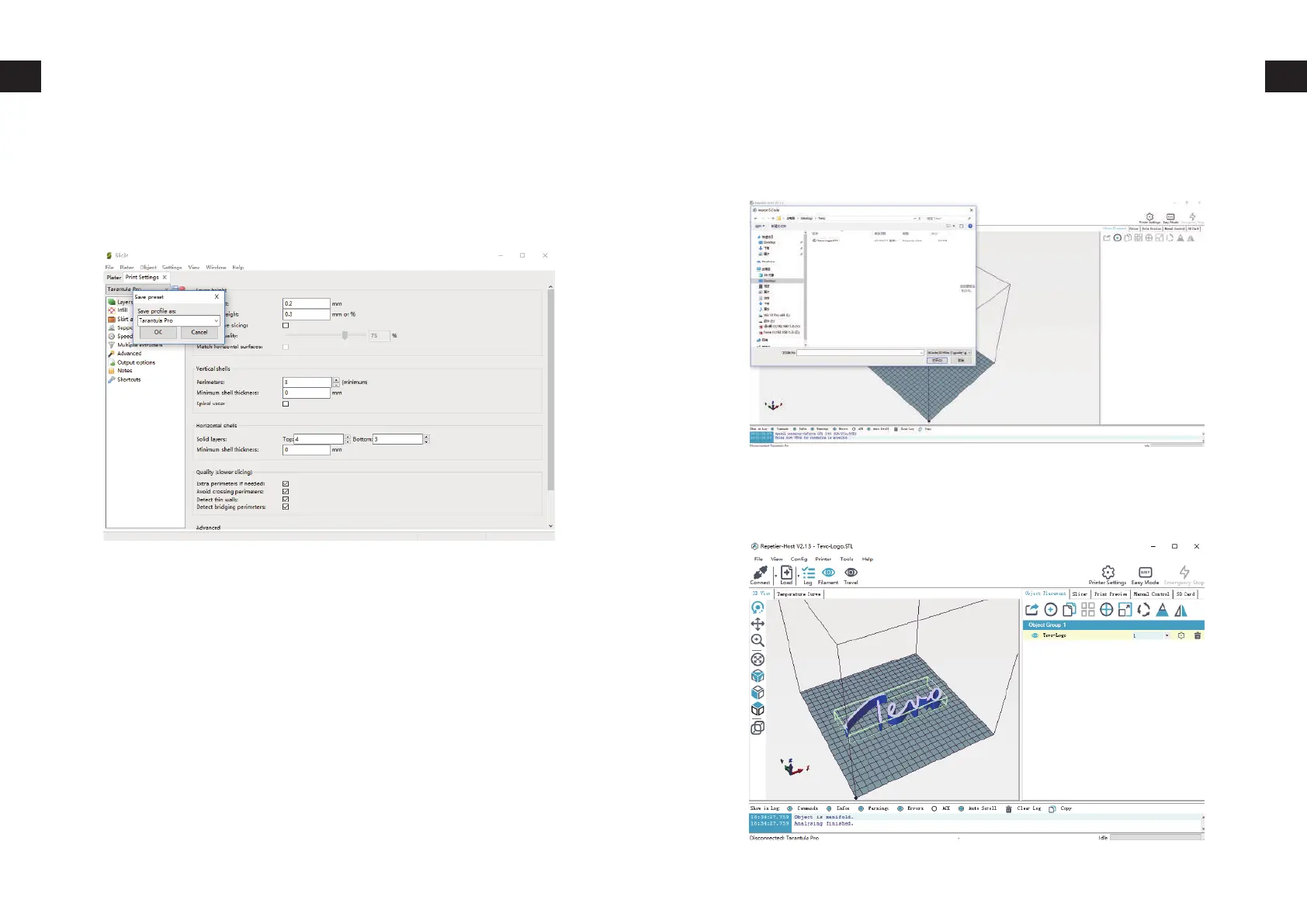
Prepare Slicing Software
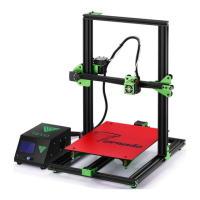
Click on Load, browse to location of the file to print, then choose
Open. (Or you can drop and drop the STL file to Repetier-Host soft-
ware.)
Click on Slicer tab on the right.
Click on Plater tab to go back to the main screen and do the same
for others.


 To Next Page