37 38
Prepare Slicing Software
Prepare Slicing Software
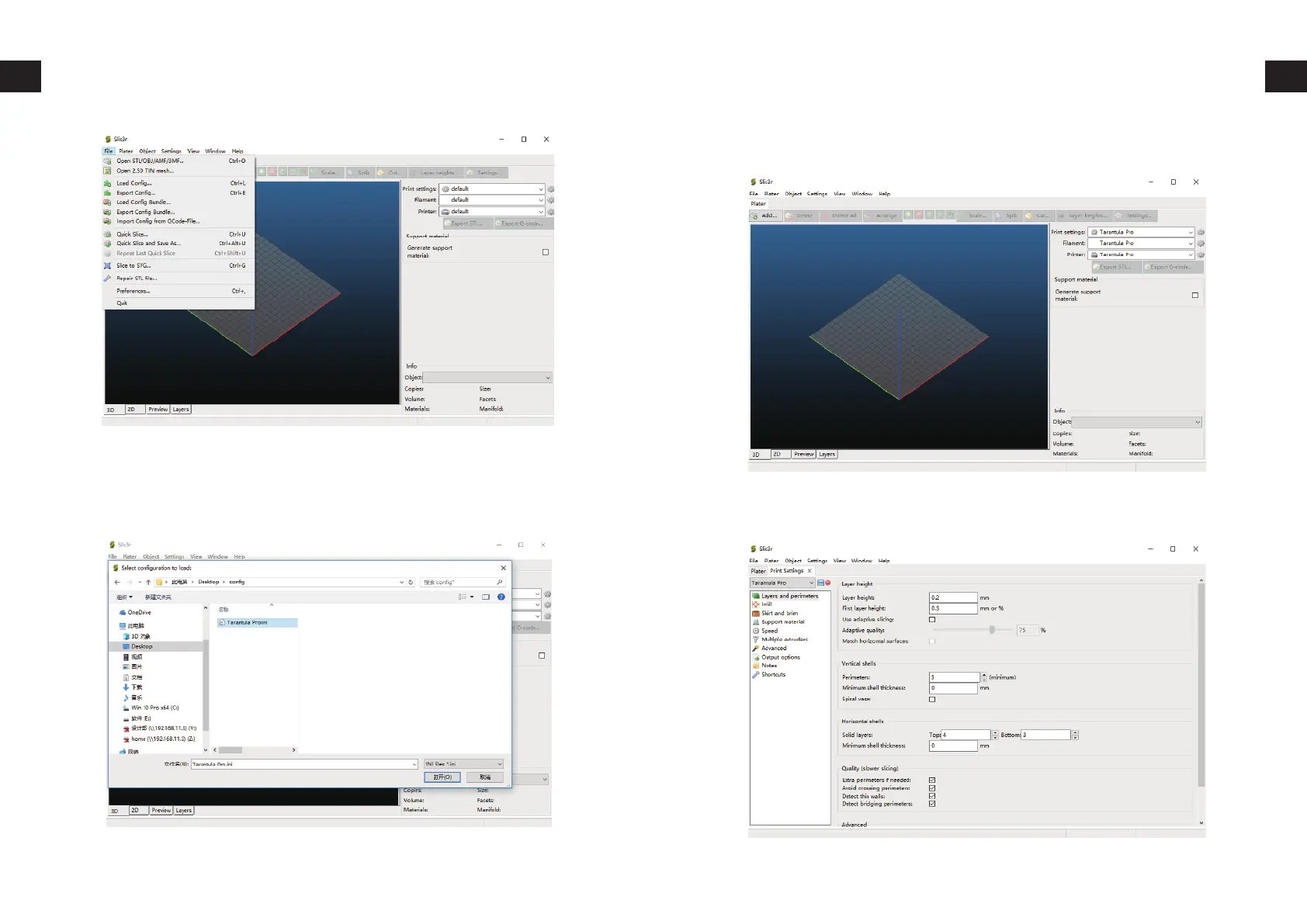
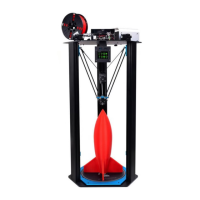
Browse to the SD card or the location you saved the config file. (You
can download the latest version of the config file from http://ww-
w.tevo.cn/software-download.php) Select the ini file and click on
Open.
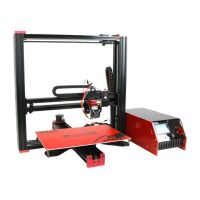
Click on the Gear icon next to Print settings, Filament, Printer respec-
tively.
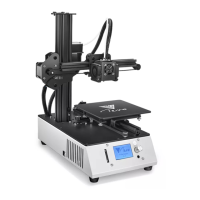
Click on the Save icon on the next page, rename it to tevo-Tarantula
pro or any name of your choice.



 To Next Page